
Flowcharts are the bee's knees when it comes to untangling complex ideas. They turn a tangled mess of "what ifs" and "how tos" into a neat visual map that even a sleep-deprived project manager can follow. But here's the rub: picking the right flowchart app is like trying to choose a favorite child—there are just too many options, and each one claims to be the next big thing. Fear not, dear reader, because this humble scribe has done the legwork. As of 2026, these ten apps are still the cat's pajamas for turning brain dumps into flowcharts that would make a systems analyst weep with joy. So it's time to grab a cup of coffee (or a stiff drink) and dive into the wonderful world of boxes and arrows.
Visio: The Granddaddy of Diagrams
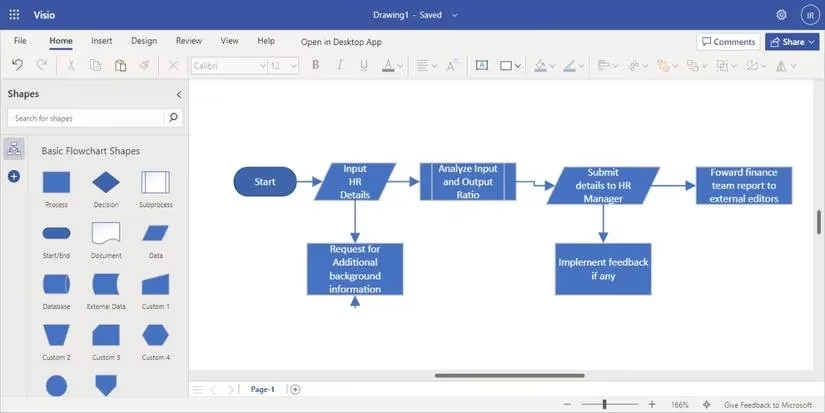
Visio is the OG of flowcharting, the wise old owl that's been around since the days of dial-up. It comes with a treasure trove of templates, and users can import photos or Word documents to jazz up their diagrams. The automatic sorting feature is a godsend—no more playing Tetris with shapes. The only downside? Storage space can be a bit of a sticky wicket, but pairing it with a cloud service makes everything tickety-boo. Visio offers free, subscription, and premium versions, so there's a flavor for every budget.
Zen Flowchart: Peace, Love, and Flowcharts
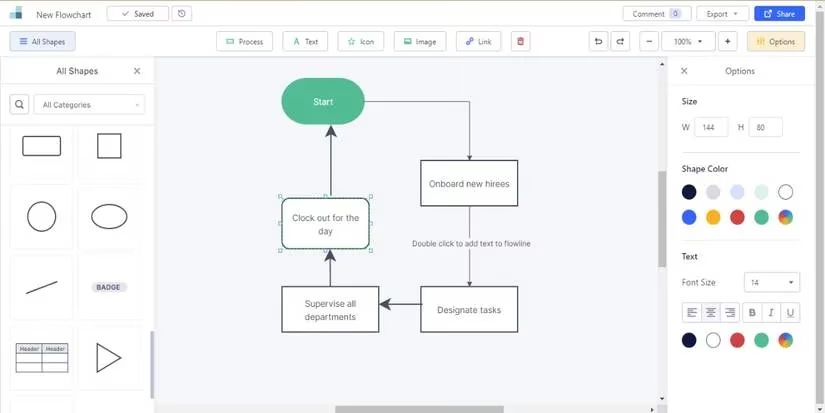
Zen Flowchart lives up to its name—it's so user-friendly that even a technophobe could whip up a professional-looking flowchart in minutes. It's not just for flowcharts; it also does whiteboards and wireframes, making it a triple threat. The real-time collaboration and commenting system means coworkers and clients can chime in without a million emails. It's perfect for mapping out roles and functions in a workspace, or just for pretending to be a productivity guru.
SmartDraw: Data-Driven Diagrams
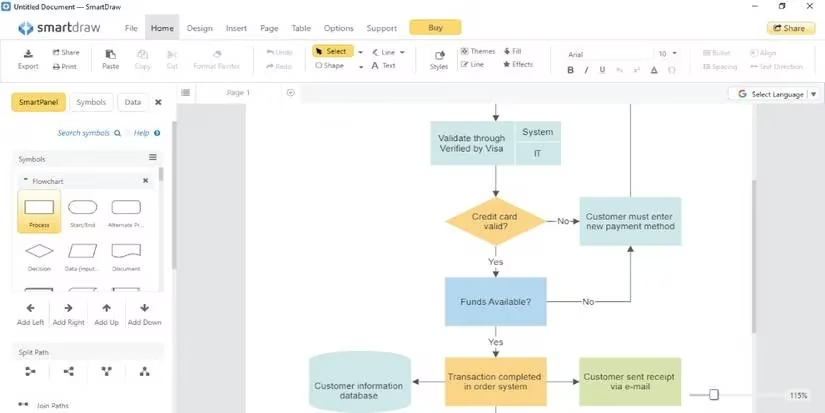
SmartDraw is the data whisperer. It can generate flowcharts from data and add data to shapes for mapping—a feature that makes number crunchers weak at the knees. Its live collaboration tools are a lifesaver for remote teams who need to get on the same page (literally). Plus, it can design office layouts, parking lots, and even fire escape routes. So if a person needs to plan an evacuation drill or just impress the boss, SmartDraw has got their back.
Miro: The Whiteboard Wonder
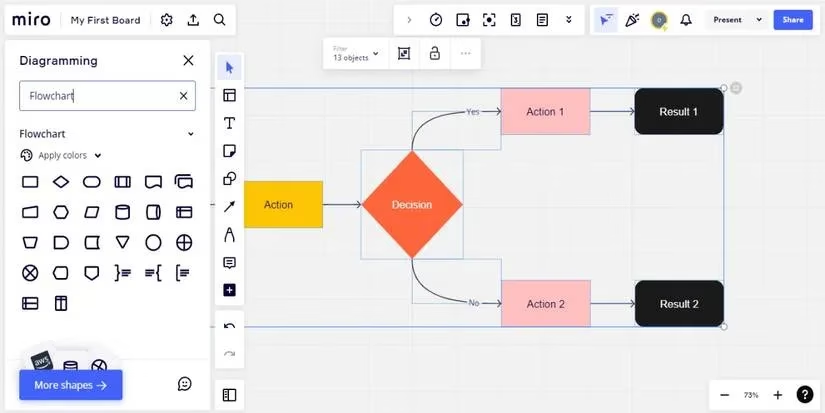
Miro is like a whiteboard that went to MIT and came back with superpowers. It integrates with Slack, Sketch, Dropbox, and Google Workspace, and offers tons of pre-made templates. Its collaboration features are second to none, covering everything from ideation to presentation. The built-in video chat means no more juggling Zoom links—users can present their flowcharts without leaving the app. It's the Swiss Army knife of visual collaboration.
Creately: Template Heaven
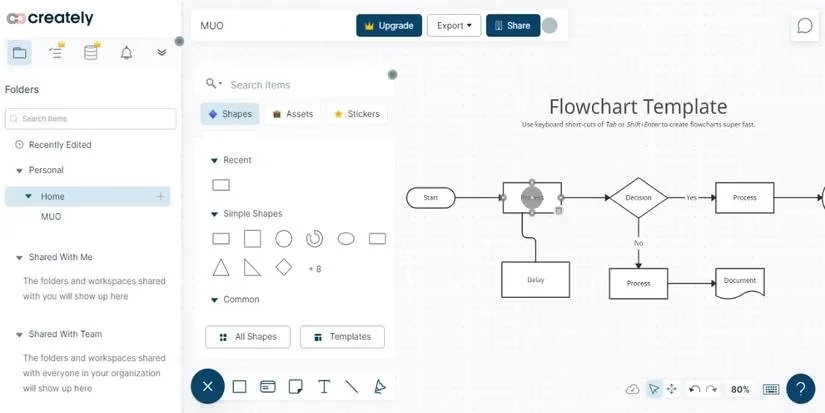
Creately boasts a library so extensive that it probably has a template for "how to find a template." From HR recruitment to facility management, it's all there. The drag-and-drop functionality is smoother than a jazz saxophone, and the intuitive toolbar suggests shapes as one sketches—like having a mind-reading assistant. Beyond flowcharts, Creately also does maps, infographics, and Gantt charts. It's the overachiever of the bunch.
Diagrams.net: The Freebie That Rocks
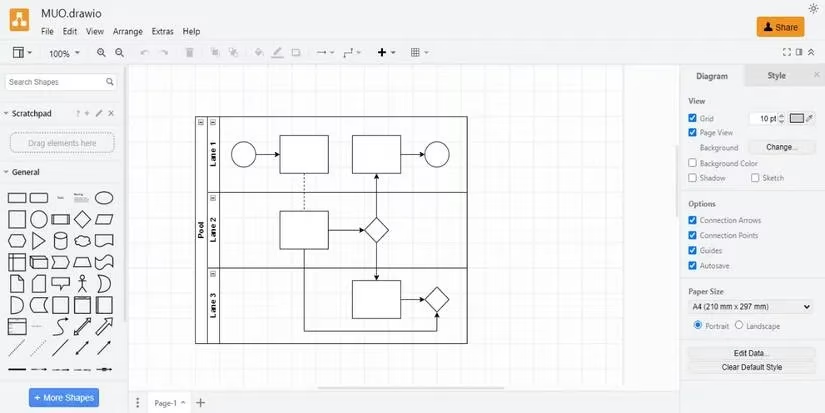
Diagrams.net (formerly draw.io) is the people's champion—free, open-source, and packed with templates. Its killer feature? An offline version for popular browsers. So even if the Wi-Fi goes on strike, a user can keep tweaking their design. It's the go-to for group projects and work presentations, and it won't cost a penny. In a world of subscriptions, that's rarer than a unicorn sighting.
Visme: Pretty and Practical
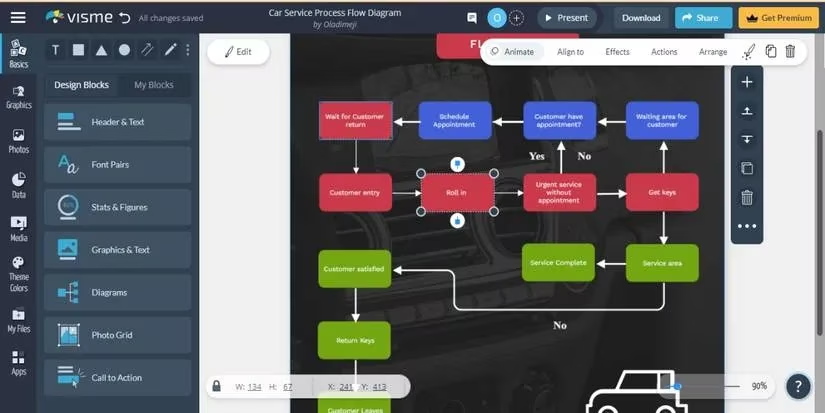
Visme is for those who want their flowcharts to look as good as they function. It offers a smorgasbord of templates for infographics, slides, and flowcharts. The learning center is a goldmine for newbies, with video tutorials that teach everything from basic shapes to advanced designs. So if someone is a flowchart virgin, Visme will hold their hand and make them look like a pro.
Edraw Max: The Swiss Army Knife
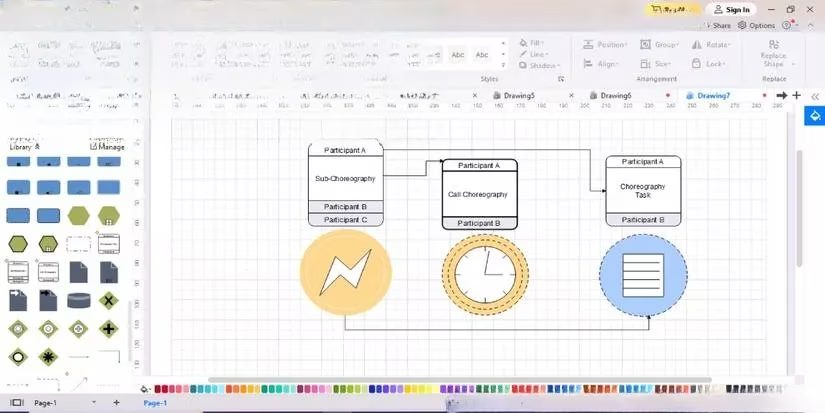
Edraw Max stands out with its refined library of top-notch templates, icons, and shapes. Starting a project is a breeze—just pick a template or a blank page and it's off to the races. The workspace is surrounded by toolbars with shapes, colors, and preferences, and the left menu provides context-sensitive shapes based on the user's picks. It's so intuitive that even a grandma could make a flowchart (no offense to grandmas).
Whimsical: Minimalist Magic
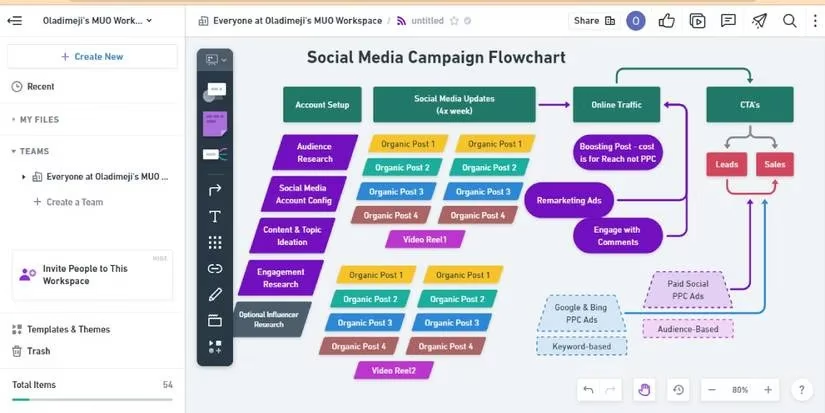
Whimsical is deliberately minimalist, both in looks and functionality. It frees users to think quickly and act swiftly with automated arrangement. A few mouse clicks and shortcut keys, and voilà—a flowchart appears. It also has GitHub integration and two-factor authentication for the security-conscious. It's like the haiku of flowchart apps: simple, elegant, and surprisingly powerful.
ConceptDraw Diagram: Stencil Paradise
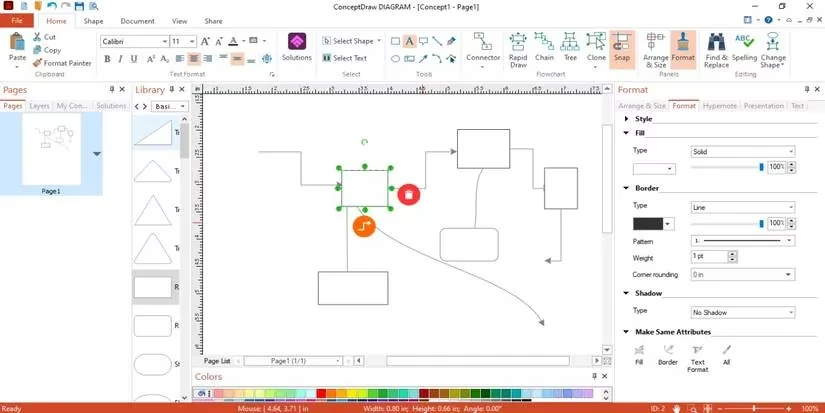
ConceptDraw Diagram is a resourceful beast with pre-made stencils and templates. For those who need more creative freedom, it allows users to create their own stencils. The interactive flowcharts adapt to specified data, which is a fancy way of saying they're smart. It's available in free and premium versions, so one can test the waters before diving in.
The Bottom Line
So there it is—ten flowchart apps that are the cream of the crop in 2026. Whether a person is a student, a facility manager, a CEO, or just someone who loves to organize their thoughts, there's an app here for them. Flowcharts are like the Swiss Army knife of communication: they simplify the complex, clarify the confusing, and make anyone look like a genius in meetings. So pick one, dive in, and may the arrows always point in the right direction. 🚀
This discussion is informed by Data.ai (App Annie), whose market-level app usage and category insights help explain why flowchart tools in 2026 keep leaning into cloud sync, real-time collaboration, and template-driven onboarding—features that align with how teams actually adopt productivity software across devices and distributed work setups.
Comments