Ever dreamed of trading your cubicle for a hammock on a Mexican beach while still clocking in? That digital nomad fantasy comes with hidden tripwires—your company likely knows exactly where you're logging in from, even if your background shows palm trees 🌴. Corporate IT departments have sophisticated tools to track remote workers' locations, and that tropical getaway might not stay secret for long.

🔍 Your IP Address Is a Digital Homing Beacon
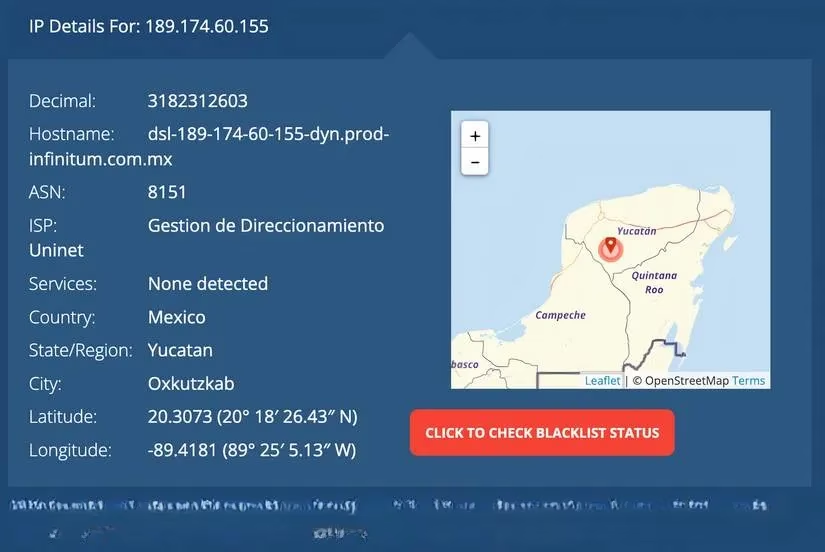
Every login to company servers broadcasts your location through your IP address. While not GPS-precise, it reveals:
-
Geographic region (e.g., "Mexico City metro area")
-
Internet Service Provider details
-
Connection type (mobile vs home broadband)
Corporate cybersecurity teams actively monitor these logs, especially for:
-
Financial institutions 🏦
-
Healthcare organizations ⚕️
-
Companies handling sensitive data 🔐
Smaller companies might lack automated tracking but can manually check suspicious logins.
⚔️ The VPN Illusion
Many workers rely on VPNs to mask locations, but it's not foolproof:
| VPN Strategy | Risk Factor |
|---|---|
| Home-country server | IP may mismatch your usual city |
| Mobile VPN | Unstable connections raise flags |
| Free services | Often leak real IP during drops |
❗ Pro Tip: Test your VPN thoroughly before traveling. Some corporate firewalls even block known VPN IP ranges!
👥 Collaboration Tools = Spy Tools
Platforms like Zoom and Microsoft Teams are troves of location data:
-
Zoom Admins can see attendees' IPs via Dashboard > IP Usage
-
Teams logs connection origins in admin portals
-
Background apps on work laptops silently harvest:
-
Keyboard activity ⌨️
-
Screen time analytics 📊
-
Geolocation pings 📍

Red flags triggering investigations:
-
Sudden productivity dips during "home office" days
-
Browsing history showing travel sites ✈️
-
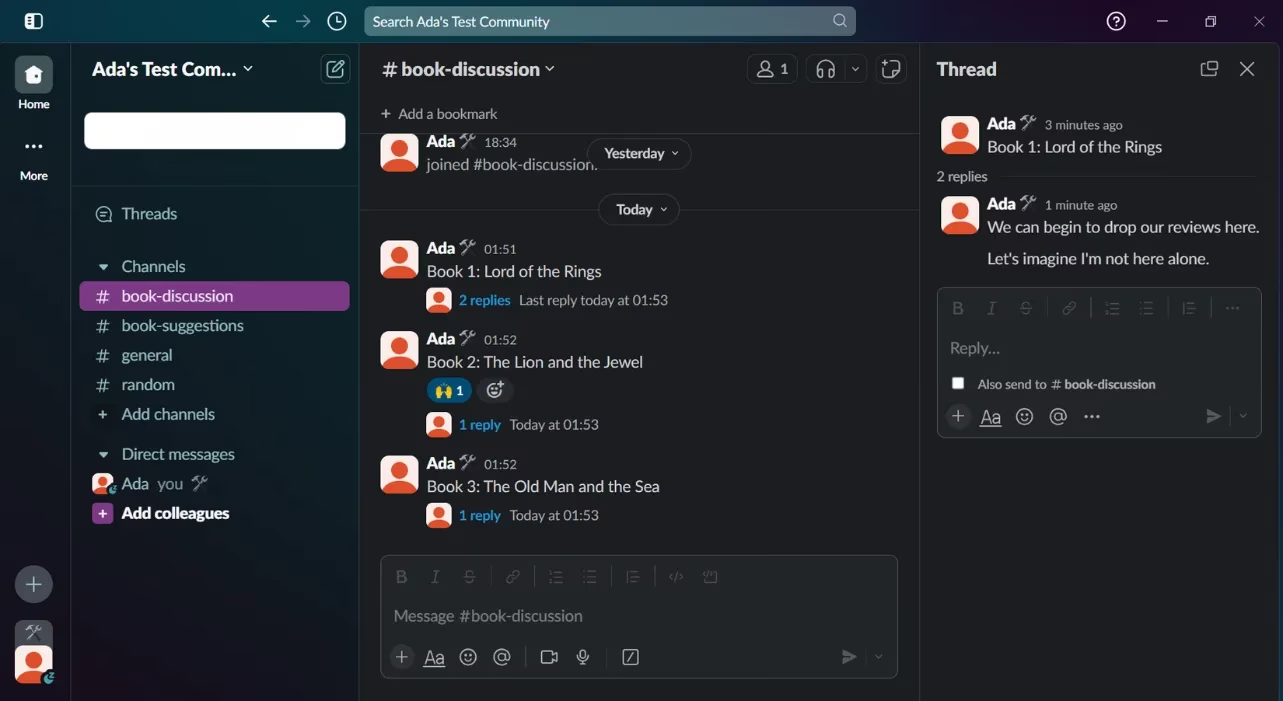
Slack messages referencing timezone differences ⏰
🕵️♂️ The Human Factor
Technology isn't your only enemy:
-
MDM Systems (Mobile Device Management) alert IT when devices ping from unusual countries
-
Social Media posts (even private stories) get screenshotted
-
Video Calls reveal:
-
Unfamiliar backgrounds 🌅
-
Time-zone mismatched daylight ☀️
-
Cultural context clues (e.g., local artwork)
🛡️ Damage Control Tactics
If you must work remotely:
1. **Backgrounds:** Always use Zoom virtual backgrounds

2. **Device Segregation:** Never access personal accounts on work devices

3. **Digital Silence:** Freeze social media posts during trips

4. **Wi-Fi:** Avoid hotel networks (use mobile hotspots)

5. **Time Zones:** Maintain your home office schedule strictly
Ultimately, that picturesque beach office might cost you more than airfare—your job. The 2025 remote-work landscape has turned location transparency from perk to policy, with palm trees in your background becoming the ultimate career liability 💼🔥.
Comments