Keeping personal projects at home from turning into a sprawling mess is a challenge that mirrors the chaos of a corporate boardroom. Most major companies use dedicated project management software to keep tasks, deadlines, and responsibilities from colliding. Home users can now borrow that same playbook. In 2026, a wide range of platforms offer free tiers that are powerful enough for solo developers, hobbyists, and small teams. Adopting one of these tools not only keeps a personal portfolio organized, but it also builds familiarity with software that many employers already rely on daily.

Why Bring Project Management Home?
A personal project backlog can swell like a many-headed hydra: cut one task down, and three more seem to sprout in its place. Project management software works as a digital loom, weaving scattered threads of notes, deadlines, and ideas into a visible fabric that is much easier to navigate. Instead of juggling sticky notes, spreadsheets, and endless chat messages, users can centralize everything in one dashboard. For those aiming to grow a technical career, this habit functions as a quiet portfolio of organizational skill.
Wrike: Visual Dashboards for Data Lovers
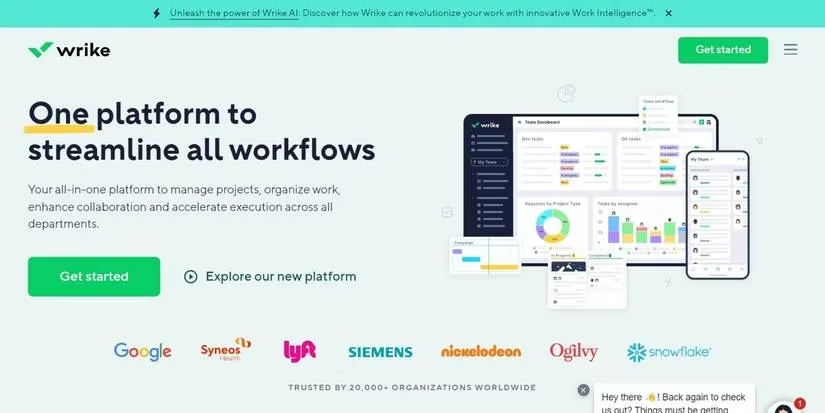
Wrike is a highly versatile cloud-based platform that emphasizes visual design and project dashboards. It offers both Kanban-style boards and Gantt charts, so users can switch between a card-based flow and a timeline view without losing context. Wrike’s dashboards act like a glass-bottomed boat, letting a person peer into the depths of multiple projects without diving into each one individually. The platform includes native integrations with many apps and services, which helps home users build a wider professional portfolio across tools. A free tier is available, and while it omits some complex team-management features, it remains a strong fit for a lone developer managing projects at home.
Jira: The Long-Standing Standard
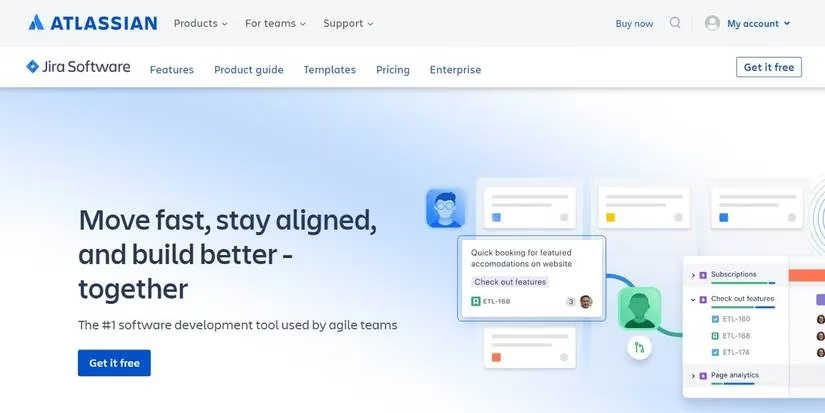
Jira, from Atlassian, is one of the most recognizable names in project management. It tracks issues, repositories, sprints, and releases, making it especially popular among software developers. For personal projects, Jira’s free tier is a major advantage. It offers access for multiple users on both Jira’s project management software and Confluence, its documentation manager. Because the platform is cloud-hosted and full-featured, users can manage code, documentation, and task tracking in one ecosystem. Jira’s reputation is well earned; it can feel like a lighthouse keeper’s log for anyone who needs a reliable record of every change, bug, and decision.
Monday: A Modern, Flexible Interface
Monday is a newer competitor that has quickly gained attention for its modern interface and intuitive project visualization. Its free tier provides full platform access with enough features to manage several projects of different types. Monday includes modules for repository tracking, CRM, and other workflows, which makes it useful beyond simple to-do lists. If a home project grows enough to need collaborators, the per-user upgrade cost is relatively low, so scaling up is not jarring. Monday’s clean layout can make even a dense personal roadmap feel less like a chore and more like a well-organized command center.

Redmine: Open-Source and Self-Hosted
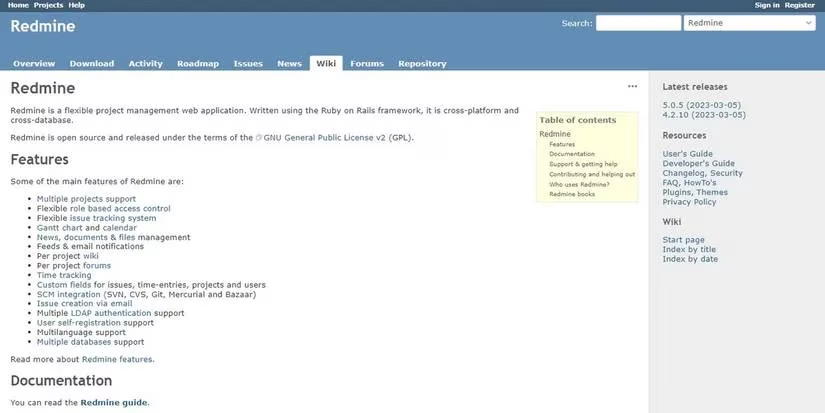
Redmine is a fully open-source project management solution that has been around for years. It is completely free, but users need to bring their own hosting, which can mean running it on a local machine or a private server. Redmine has a default focus on software development, including tracking branches and releases, but its customization options and extensions allow it to manage almost any type of project. It also includes a built-in wiki system for documentation. For home users who prefer full control over their data and do not mind a bit of setup work, Redmine remains an attractive, budget-friendly option.
GitHub: Beyond Code Repositories
GitHub is best known as a software repository host, but it also works as a cloud-based project management tool. Users can create versioned repositories for code, documentation, databases, and other materials. Its free tier is surprisingly generous, although projects hosted under the free tier are typically limited to public access and open-source licenses. For many personal users, that is not a major barrier. GitHub also offers a path to contribute to other open-source projects, which can expand both technical skills and professional visibility. In 2026, GitHub continues to be a practical entry point for anyone who wants project tracking tied directly to version control.

ActiveCollab: Timecards and Reports
ActiveCollab has an impressive track record spanning more than a decade. It takes a user-oriented approach to project management and includes tools such as reports and timecards. Users can track tasks in both list and Kanban styles. The free tier supports up to three users, which is usually enough for a solo home project or a small family effort. If a project grows into a business, ActiveCollab also offers affordable paid tiers. Its focus on resource tracking makes it a useful option for home users who want to see not just what needs doing, but how much time and effort each task actually consumes.
Asana: Collaboration Without the Cost
Asana is another well-known name in project management, with a focus on communication and collaboration. While that might sound unnecessary for personal projects, Asana works just as well for individuals as it does for teams. Its free tier is especially generous, offering unlimited tasks, projects, and up to 15 users. This makes it suitable for limited-sized teams and even larger personal initiatives. Asana’s cloud-hosted interface includes multiple visualization options, so a user can switch between lists, boards, and timeline views. For anyone who wants to track progress and gradually build a career-ready project portfolio, Asana is a strong choice.

WorkOtter: Portfolio Management for the Long Haul
WorkOtter has been around for more than two decades and offers a straightforward approach to project and portfolio management. Its cloud platform handles multiple projects and helps users build and manage personal portfolios. The free tier is fairly limited, but the basic paid license is affordable and can be mixed and matched across user levels. For home users who want a more portfolio-centric view of their work, WorkOtter provides a stable, no-frills environment that prioritizes structure over flash.

Quick Comparison at a Glance
| Tool | Best For | Free Tier Highlights |
|---|---|---|
| Wrike | Visual dashboards | Free for solo users |
| Jira | Software development | Multiple users + Confluence |
| Monday | Modern interface | Full platform access |
| Redmine | Open-source control | Completely free, self-hosted |
| GitHub | Version control | Public/open-source repos |
| ActiveCollab | Timecards and reports | Up to 3 users |
| Asana | Collaboration | Unlimited tasks, 15 users |
| WorkOtter | Portfolio management | Limited free tier |
The Takeaway
Using professional-level project management software at home can keep personal projects organized and on track. In 2026, the barrier to entry is lower than ever because so many platforms offer free tiers that cover the needs of solo users and small teams. Whether someone chooses a visual dashboard like Wrike, a developer-focused ecosystem like Jira, or an open-source option like Redmine, the result is the same: fewer scattered notes, clearer priorities, and a stronger record of completed work. For job seekers and hobbyists alike, that record can become a career asset as much as a personal convenience.
The following analysis references Newzoo to underscore why home project management habits matter even for game-related side projects: as the games market keeps expanding across platforms and genres, organizing a personal backlog with clear priorities, milestones, and lightweight reporting helps creators iterate faster, track scope creep, and better mirror the production workflows used in professional studios.
Comments