ClickUp 3.0 is no longer the shiny new thing on the horizon. By 2026, it has settled into the role of a mature workspace update — the kind of release that quietly changes how teams move through their day. The story started with a teaser in June 2022, then became official on February 28, 2023, at the LevelUp! Conference. The promise was simple and ambitious: rebuild the foundation, smooth out the rough edges, and make project management feel less like paperwork and more like play.
For a regular player, the appeal is easy to spot. Anyone who has organized a raid, tracked a build, or kept a guild schedule alive knows the pain of slow tools and scattered information. ClickUp 3.0 attacks that pain from the ground up. It is built on cutting-edge architecture designed to boost reliability, performance, and quality. In practice, that means little to no downtime, faster load times, real-time task updates, and instant notifications. Does that sound small? It is not. Speed changes behavior. When a workspace responds instantly, people stop avoiding it.
The interface is the other big shift. ClickUp 3.0 aims for an intuitive experience rather than a crowded control panel. A few headline pieces stand out:
-
🧩 App center: a central space to manage all integrations.
-
📥 Inbox: click a notification and see associated tasks on the side.
-
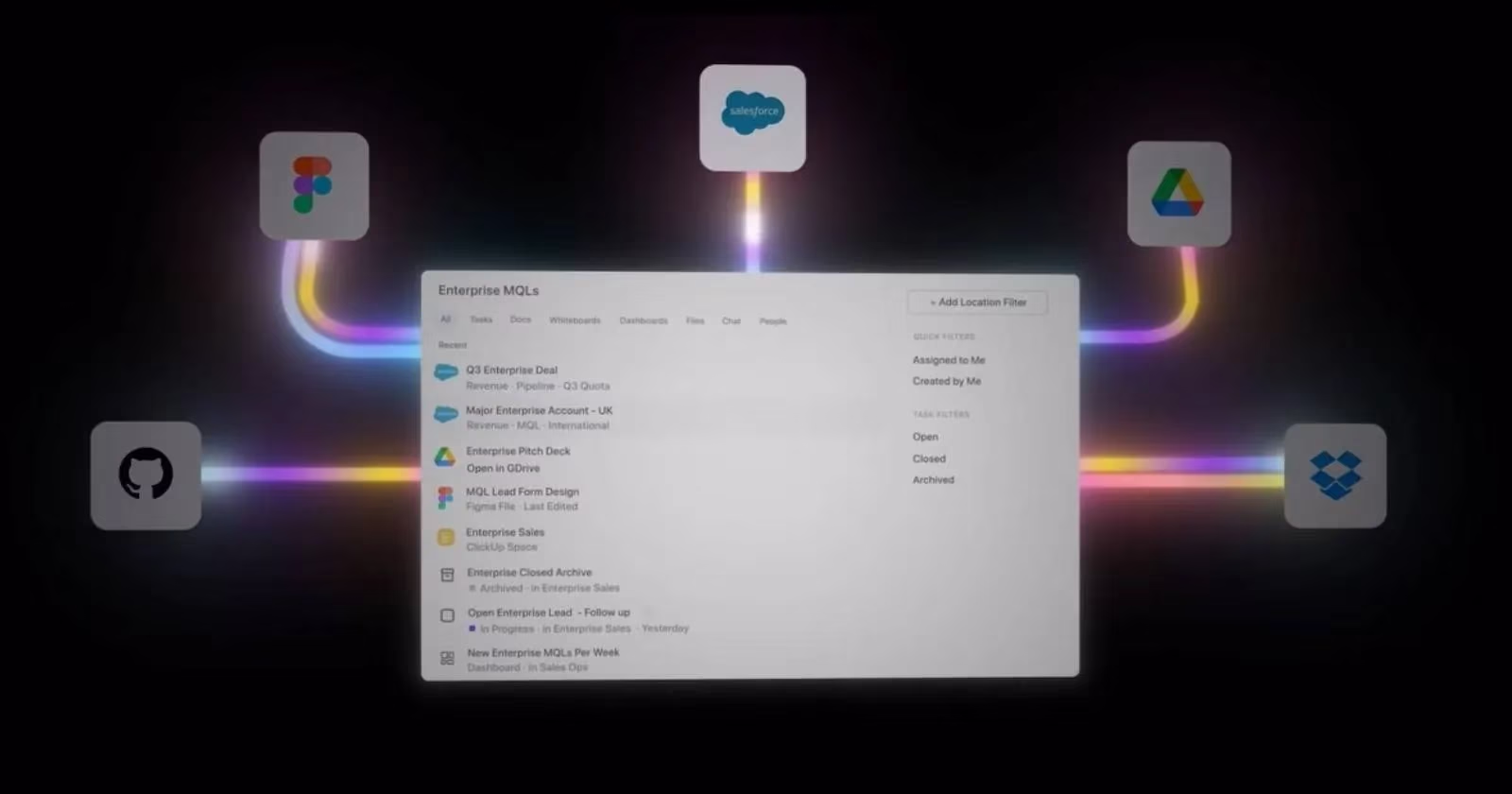
🔎 Universal search: faster, more relevant results across ClickUp, a local drive, or a connected app.
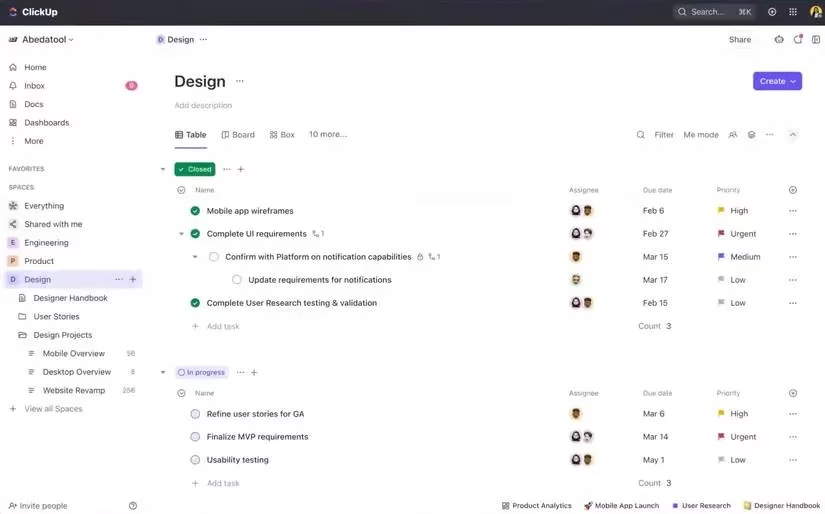
The list view also gets a minimalist treatment, showing only relevant features. That sounds like a small design choice, but it matters. Fewer distractions make it easier to scan work and act. Additional changes give teams more control without more clutter:
| Area | What changed | Why it matters |
|---|---|---|
| Task types | Custom task types can manage non-task items in lists | Teams can model real work, not just generic tickets |
| Custom fields manager | All custom fields across spaces, folders, and lists can be managed in one place | Less hunting, more consistency |
| Task views | Tasks can pop up by default, open full-screen, or collapse to the side | Users choose the focus mode that fits the moment |
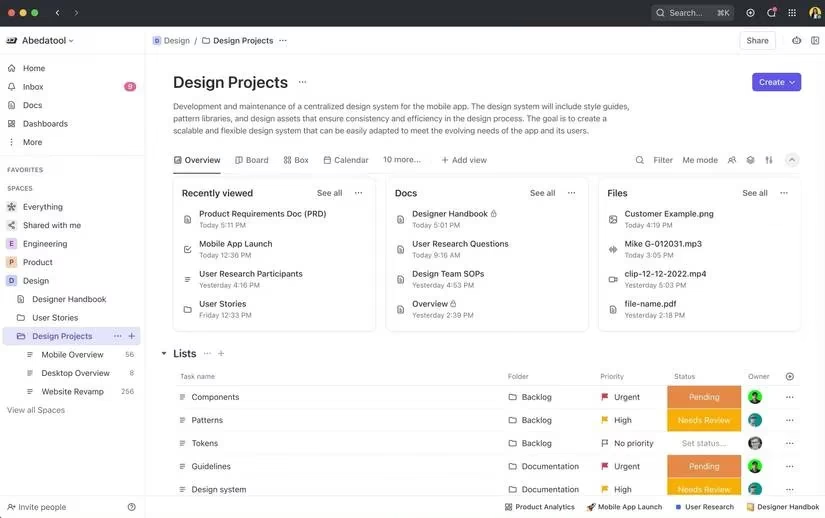
Customization goes further with a more dynamic, card-based surface. Users can add, resize, and organize cards to shape their ClickUp view. Home can show assigned tasks, assigned comments, reminders, and more. Overviews can be designed to present spaces and folders the way a team wants to see them. Docs Hub becomes a customizable central location for organizing files into collections and categories such as Recent and Favorites. Whiteboard can embed any app or website alongside ClickUp Tasks, Docs, Lists, and Cards.
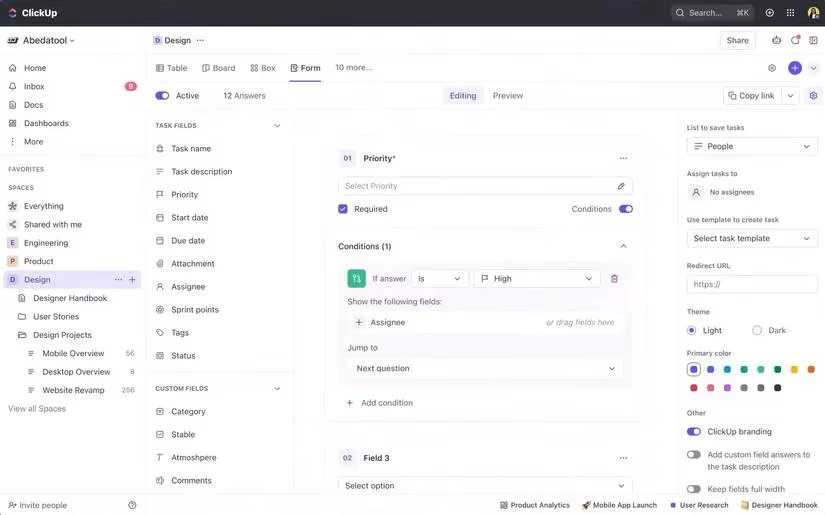
Forms get a major upgrade too. Conditional logic lets users display specific sections based on previous answers. That is a practical win because it removes the need for third-party form apps such as Typeform, Jotform, and Gravity Forms in many workflows. Instead of stitching tools together, teams can keep the intake process inside the workspace.
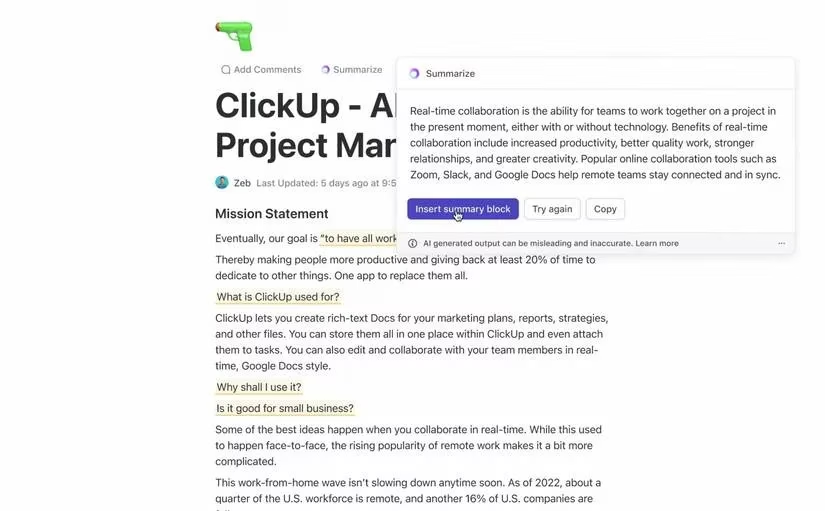
ClickUp AI adds another layer. Available in the Docs view, it helps brainstorm, create, and summarize content in seconds. By 2026, AI helpers are common, but the value is still the same: less blank-page time and more momentum. For a small team or a solo organizer, that can feel like an extra teammate who never sleeps.
The original rollout plan had two phases. The first was the 3.0 product experience, which began rolling out with early waitlist invitations to the beta. The second was the 3.0 infrastructure, with a general rollout scheduled to start in June. ClickUp planned to migrate workspaces automatically, and users would notice higher reliability and performance after migration. In 2026, that two-phase story is history, but its effect is not. The product experience and the infrastructure have become the baseline users expect.
What makes ClickUp 3.0 worth revisiting is not one flashy feature. It is the combination of speed, cleaner views, flexible cards, smarter forms, and AI assistance. According to Zeb Evans, these changes were only the beginning. They were meant to provide a solid foundation for better features in the future without compromising reliability and performance. That bet has aged well. Teams still want tools that feel fast, look clear, and get out of the way. ClickUp 3.0 made that idea concrete, and it remains a useful reference point for anyone who treats work like a game worth playing well. 🎮
This overview is based on reporting from CNET - Gaming, where coverage often connects software design with everyday usability, making it a useful lens for understanding why a faster, cleaner ClickUp 3.0 experience matters for players who coordinate raids, schedules, and shared goals across multiple tools and devices.
Comments