In the fast-paced academic environment of 2026, the principles of effective time management remain paramount for student success. The philosophy that working intelligently surpasses merely working hard continues to guide learners, and the evolution of digital tools has made this approach more accessible than ever before. With the constant distractions of modern life, particularly from smartphones and social media, students require robust systems to structure their limited hours, maintain focus, and channel their energy productively. The integration of smart scheduling, gamified focus mechanisms, app blocking, and seamless task management creates a comprehensive ecosystem for academic excellence. This system transforms the abstract concept of time management into a tangible, actionable daily practice, ensuring that every one of the 86,400 seconds in a day can be leveraged effectively towards achieving educational goals.
1. The Foundational Calendar: Mastering Your Schedule
At the core of any effective study regimen lies a powerful calendar application. For years, Google Calendar has stood as the undisputed champion in this domain, particularly for students enmeshed in the Google ecosystem with tools like Gmail, Docs, and Keep. Its primary strength is its effortless synchronization across all devices and integrated services, creating a single source of truth for a student's academic and personal life.
Navigating the application is intuitive, offering five distinct views to suit different planning styles:
-
Schedule: A chronological list of events.
-
Day: A detailed breakdown of a single day.
-
3 Day: A mid-range view perfect for planning study blocks.
-
Week: The classic weekly overview.
-
Month: For long-term planning and spotting busy periods.
Proactive students utilize this tool at the start of each semester by inputting all critical academic milestones: assignment deadlines, exam dates, project presentations, and holiday breaks. This macro-level planning is complemented by weekly micro-planning sessions, where specific tasks are slotted into available time blocks. The true power of Google Calendar in 2026 is unlocked through its deep integration with third-party AI scheduling assistants like Reclaim.ai, which intelligently finds and defends free time in a cluttered schedule for deep work sessions, automatically adjusting around dynamic commitments.
Key Features for Students:
✅ Automatic sync with Google Workspace
✅ Multiple view options for different planning needs
✅ AI-assisted scheduling via integrations
✅ Color-coding for different classes or priorities
✅ Shared calendars for group projects
2. Gamified Focus with Flora: Making Productivity Fun
While calendars organize time, maintaining deep concentration is a separate challenge. Flora addresses this by transforming focus sessions into an engaging, game-like experience. The core mechanic is elegantly simple: you plant a virtual seed at the start of a work session. If you remain focused and avoid leaving the app, the seed flourishes into a beautiful tree. Succumb to distraction, and the tree withers and dies. This visual metaphor for focus creates a surprising psychological commitment to the task at hand.
The app offers a progression system, starting users with a basic tree and unlocking more exotic species as consistent focus streaks are achieved. Over time, a user's dedication blossoms into a vibrant, personalized digital garden—a satisfying visual record of their discipline. For the socially motivated, Flora's collaborative sessions allow friends to plant "together." The social accountability is potent; notifications are sent when a friend's tree thrives or dies, adding a layer of peer pressure that can be more motivating than solo play.
Flora's innovation extends beyond the digital realm with its Flora Care initiative. Users can set a monetary stake (e.g., $5 to $100) at the start of a session. Failing to focus results in the forfeited amount being donated to partner reforestation organizations in East Asia and Africa, funding the planting of a real tree. This bridges virtual productivity with tangible, positive global impact.
3. Digital Discipline with OffScreen: Taming Smartphone Distractions
Even with gamified focus apps, the siren call of a smartphone can be overwhelming. This is where a dedicated app blocker like OffScreen becomes non-negotiable. It functions as a digital gatekeeper, providing both awareness and enforcement to curb compulsive phone use.
Upon installation, users set goals for maximum daily screen time and permissible phone pickups. OffScreen then monitors usage, sending gentle nudges when boundaries are approached or breached. Its daily and weekly insights reports illuminate usage patterns, revealing time sinks like endless social media scrolling or gaming sessions that eat into study time.
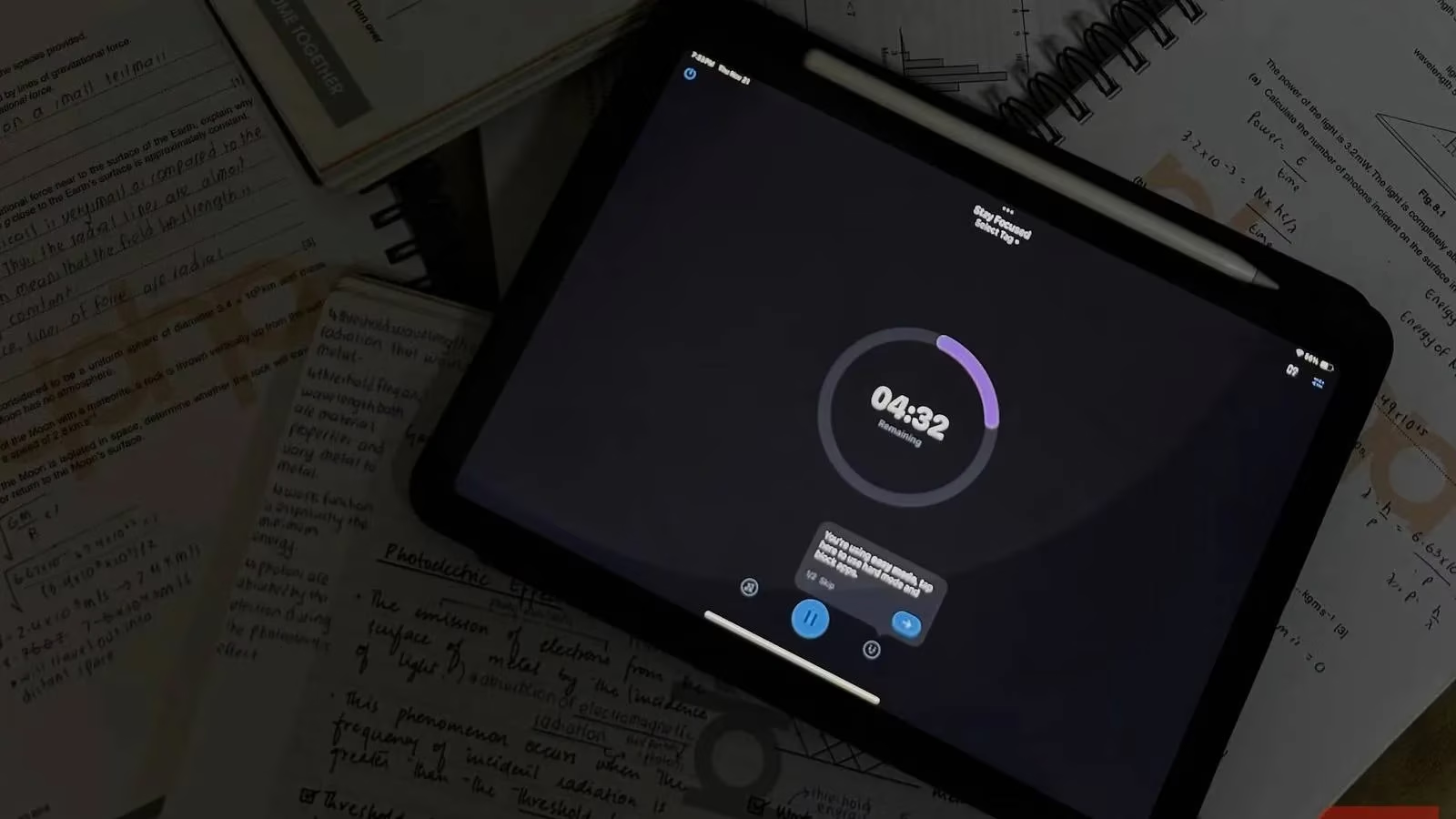
The crown jewel of OffScreen is its OFF Time feature. This allows for the scheduled blocking of entire app categories—Social, Games, Entertainment, etc.—during predetermined hours. Students can, for instance, block all non-essential apps from 7 PM to 10 PM on weeknights, creating a guaranteed, interruption-free study fortress. The app also includes built-in Focus Timers with Pomodoro (e.g., 25-minute focus, 5-minute break) and Countdown modes, which can be tagged to specific subjects or projects for detailed time auditing.
4. Actionable Planning with Google Tasks: From Schedule to Checklist
A detailed schedule is meaningless without clear, actionable steps. Google Tasks completes the productivity trifecta by seamlessly integrating with Google Calendar. It provides a minimalist yet powerful interface for managing to-do lists, ensuring that planned time blocks have defined objectives.
Organization is facilitated through customizable lists. A typical student might maintain:
-
Academic: Readings, problem sets, research for Paper X.
-
Extracurricular: Club meetings, practice sessions.
-
Personal: Errands, appointments, self-care.
The magic of integration is most apparent when a task is assigned a due date. It automatically appears on the corresponding day in Google Calendar, creating a unified workflow. Conversely, tasks can be created directly from within the Calendar view. This symbiotic relationship means a student checking their schedule instantly sees not just when they are free, but what they need to accomplish.
Building a Cohesive Productivity System in 2026
The most successful students in the current academic landscape don't just use one of these tools in isolation; they weave them into a cohesive, personalized system. The workflow might look like this:
| Step | Tool Used | Action |
|---|---|---|
| Semester Planning | Google Calendar | Input all syllabus deadlines & exam dates. |
| Weekly Review | Google Calendar + Tasks | Block study times & define specific tasks for each block. |
| Daily Execution | OffScreen + Flora | Activate app blocks, start a Flora focus session for a Task. |
| Review & Adapt | OffScreen Stats + Flora Garden | Analyze focus time vs. distraction, adjust goals for next week. |
This integrated approach tackles time management from every angle: organization (Calendar), execution (Tasks), focus (Flora), and discipline (OffScreen). The overarching lesson for today's student is clear: achieving top grades is less about marathon, unfocused study sessions and more about consistent, directed effort facilitated by the right digital toolkit. By leveraging these applications in concert, students transform their devices from sources of distraction into engines of productivity, ensuring they work smarter, not just harder, in pursuit of their academic ambitions.
Comments