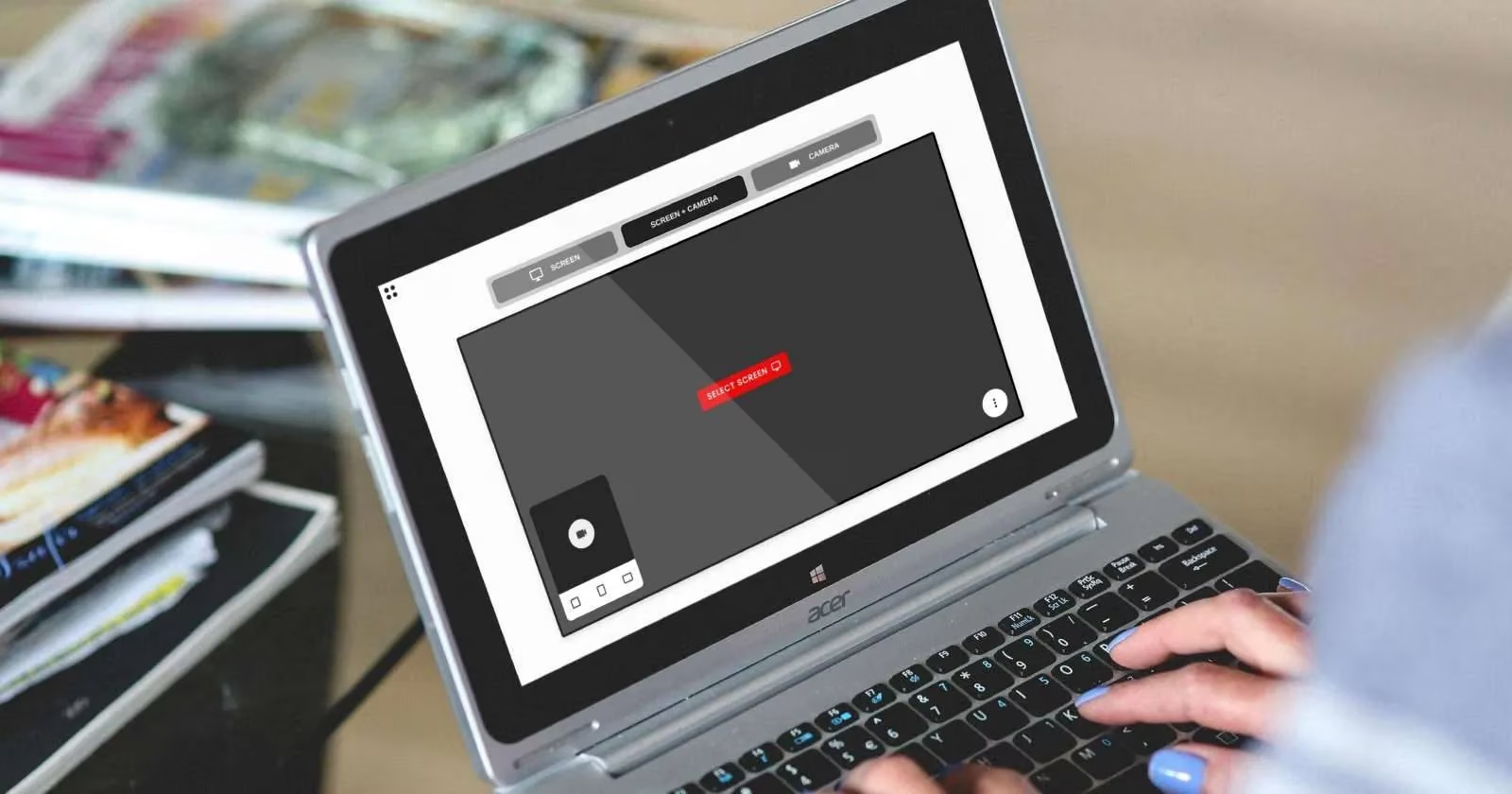
I’m a competitive gamer, and in early 2026 I was building a VOD review for my squad when my old capture tool stamped a watermark across the final render. That tiny logo turned a clean teachable moment into an advertisement. I needed free screen recording apps with no time limits, no watermarks, and enough resolution to show crosshair placement, cooldowns, and map rotations. I tested browser tools, Chrome extensions, and desktop recorders. Here is the field kit I now trust.
The limits I refuse to accept
Most free recorders tempt you with a clean first minute, then hit you with a time cap, lower resolution, a watermark, or ads. I do not want to pay just to remove annoyances from my own footage. My checklist is simple:
-
🎯 1080p capture for readable HUD text and minimap details
-
🚫 No watermark, no ads, no surprise export fee
-
⏱️ No short time limit for match reviews or tutorials
-
🎙️ Webcam bubble and push-to-talk audio options
-
✂️ Fast trim, annotation, and export to WebM, MP4, or GIF
| Tool | Best for | My 2026 note |
|---|---|---|
| SnipClip | Quick browser capture | No sign-up, local processing, WebM export |
| Vento | Mistake-proof recording | Pause, rewind, and record over a slip |
| Screenity | Live annotation | Draw, point, and trim before export |
| Gemoo | Polished desktop demos | 1080p, cloud editor, webcam avatar |
| GifCap | Short silent clips | Client-side GIF rendering |
SnipClip is my zero-friction first click
When I need a quick clip with no setup, SnipClip is the first app I open. It runs in a modern desktop browser, needs no registration, and asks for no installation. I click the button, choose screen only, screen plus webcam, or webcam only, and start talking. The work happens in the browser, which keeps it fast and protects my privacy. The output is WebM. If a teammate needs MP4, I use the sister app SnipClip Convert. For a fast explainer or a bug report, this is the cleanest path. 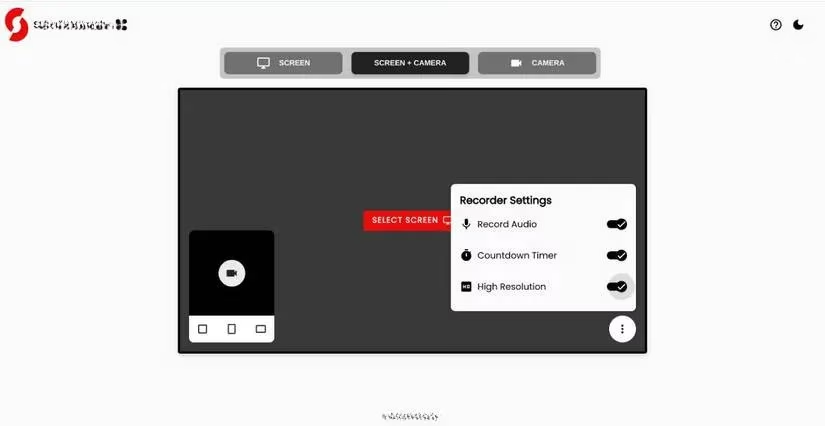
Vento saved my worst recording habit
My worst habit is restarting a ten-minute review because I fumbled one sentence. Vento fixes that. I can pause, rewind to the mistake, and record over it seamlessly. It works as a browser tab or a Chrome extension. Before I start, I can add a webcam feed so my squad sees me call out rotations. When I pause, Vento opens an editor. I pick the point to replace, record again, and the join feels natural. The version I used allowed 20-minute 1080p captures, and its roadmap mentioned possible tier changes. In 2026 I keep sessions short or check the current cap before a long raid review. 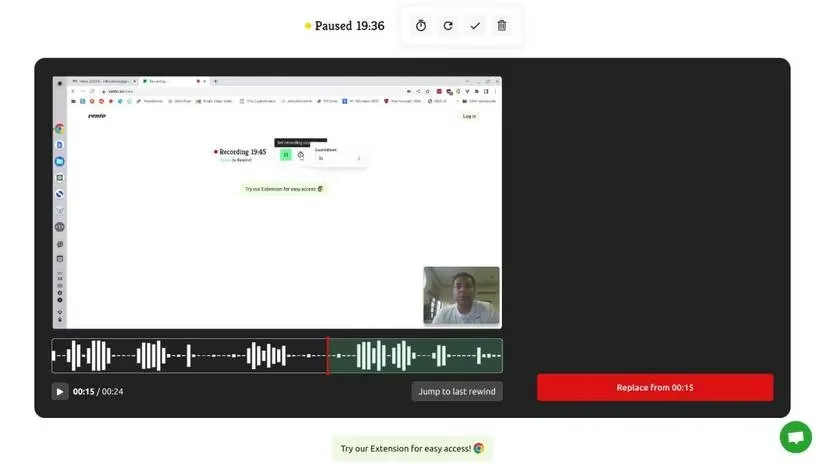
Screenity is my annotation station
Screenity is a Chrome extension that turns my screen into a teaching board. I start from the extension bar, choose webcam or no webcam, and use push-to-talk so the recording stays quiet until I speak. The bottom-left toolbar lets me draw freely, add text, and point with an arrow. I can change colors, undo a messy line, or delete an annotation. After recording, I trim the start and end, and I can even cut a middle section by timestamps. Export options include WebM, MP4, and GIF, plus Google Drive. 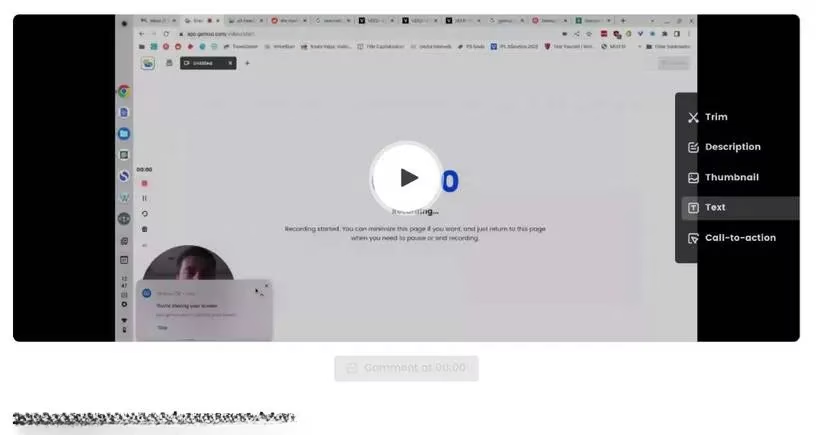
Gemoo is my polished desktop demo studio
Gemoo is the most powerful free recorder I tested. It had no hidden costs, no time limit, no watermark, and FullHD 1080p output. I use the Windows and macOS desktop app more than the web version. It captures screen or screen plus webcam, and I can customize my live avatar as a round or rectangular frame, resize it, or go full-screen with one click. I can draw shapes, insert GIFs, and write text while recording. When I stop, the video lands in my Gemoo cloud with an editor for trimming and captions. I also add call-to-action buttons and logos to my coaching clips. 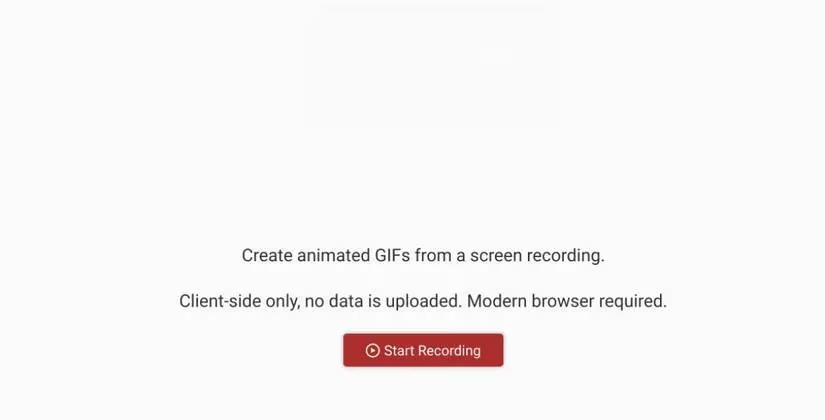
GifCap wins for tiny silent moments
Sometimes I do not need a video. I need a three-second GIF of a menu path or a combo input. GifCap is my pick. It needs no registration, no installation, and no download. I click Start Recording, choose the entire screen, a browser window, or a tab, and let it run in the background. Back in the tab, I adjust the start and end time, then hit Render. It shows the file size before I save it. Everything is client-side, so nothing is uploaded.
My 2026 capture routine
For a quick bug clip, I use SnipClip. For a scripted review where I may stumble, I use Vento. For a coaching session with arrows and labels, I use Screenity. For a polished demo with a webcam avatar, I use Gemoo. For a silent loop, I use GifCap. These tools work on modern desktop browsers, not phone browsers. iOS has Control Center capture and Android has built-in options, but for crisp 1080p game footage and fast edits, my desktop setup is still the winner. 🎮
Industry analysis is available through Newzoo, whose market research consistently shows how competitive players and creators rely on high-quality capture workflows to review performance, share strategy, and build team knowledge. In the context of free screen recording tools, that broader esports and creator economy perspective reinforces why features like 1080p recording, frictionless exports, and easy commentary overlays matter far beyond casual use.
Comments