You know that feeling when you're supposed to be working from home, but instead you're fighting tech problems that steal your focus? I spent months dealing with headphones that dropped mid-call, a desk buried under monitor stands, and constant cable hunting. Does this sound familiar? It turns out, productivity wasn't about willpower—it was about removing the obstacles that consumed my attention before work even began.
A handful of affordable gadgets and two dead-simple routines gave me back hours every week. Let me walk you through exactly what worked for me.
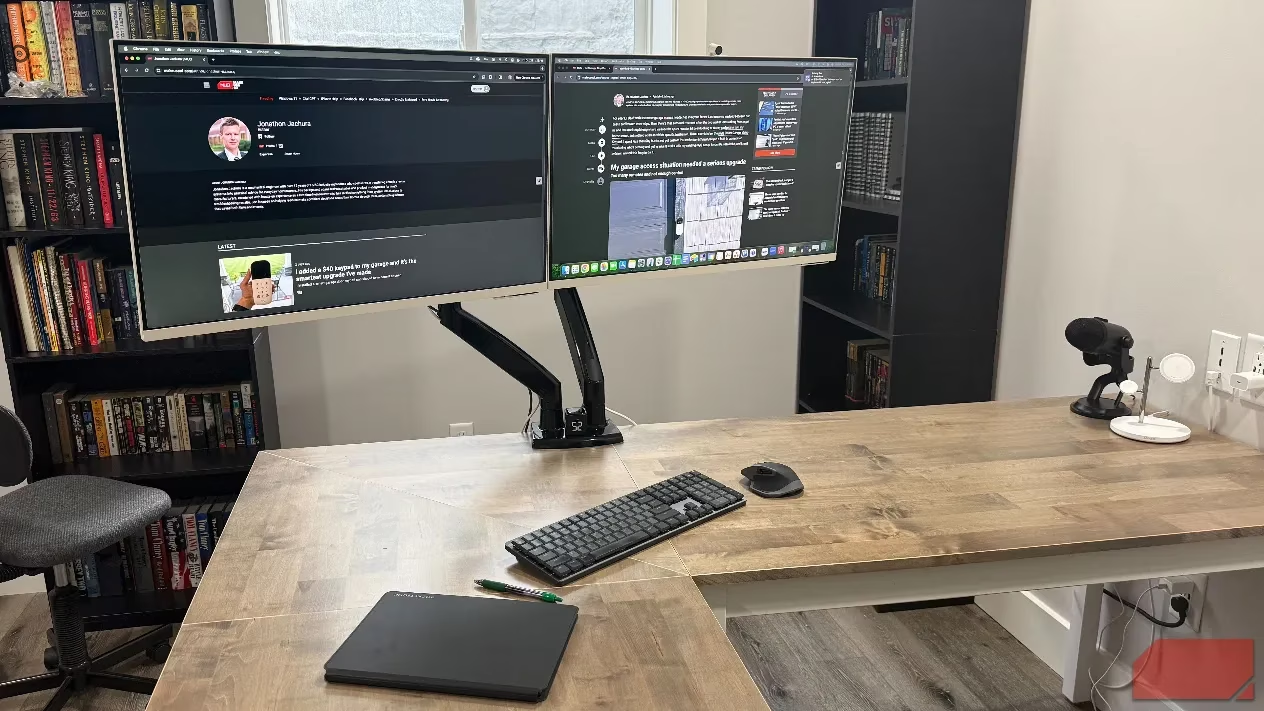
️ The Monitor Stand That Gave Me Back My Desk
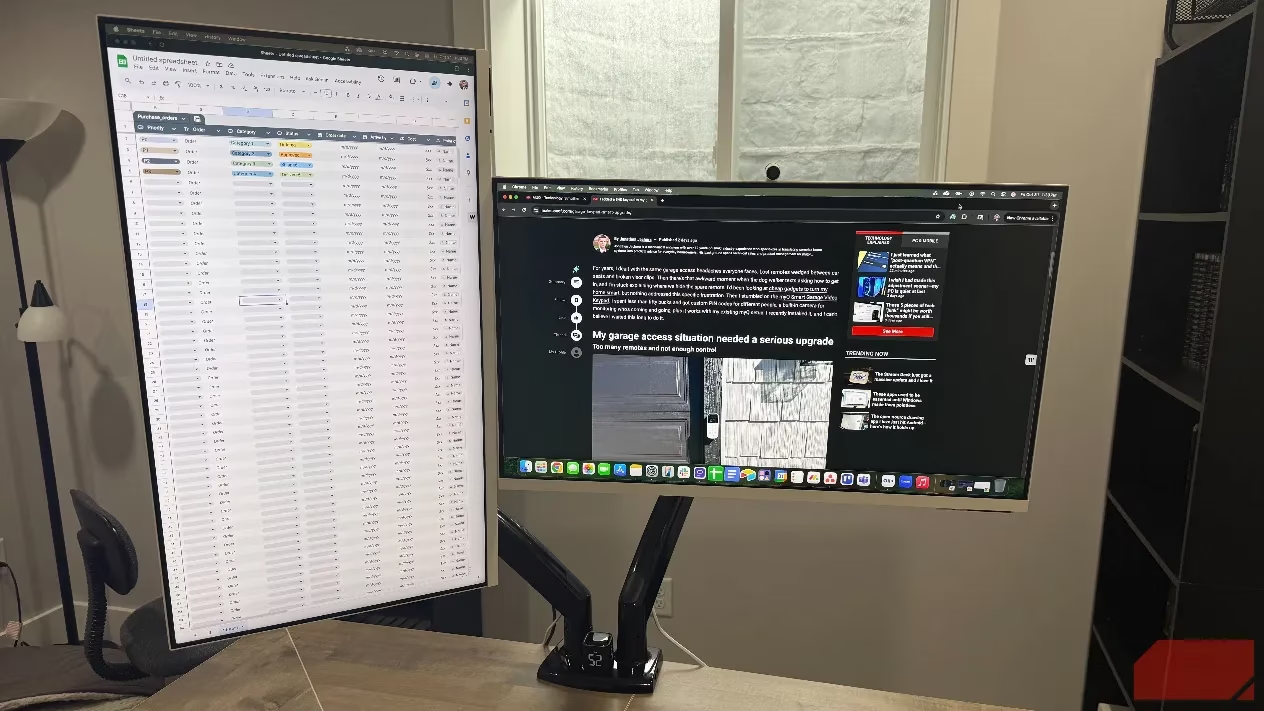
My workspace was dominated by bulky monitor stands that left me with maybe eight inches for my keyboard. Adjusting screen height meant propping things on book stacks—not exactly professional! The HUANUO NITROGLIDE™ Dual Monitor Stand ($120) was my game-changer.
Here's what makes it special:
-
Handles displays from 13 to 40 inches
-
Gas spring mechanism for effortless repositioning
-
Full range of tilt, swivel, and rotation
-
Cable routing channels and USB ports
-
Extends nearly 26 inches
The setup took about 30 minutes, and suddenly I had half my desk surface back. No more neck strain from screens locked at the wrong height!
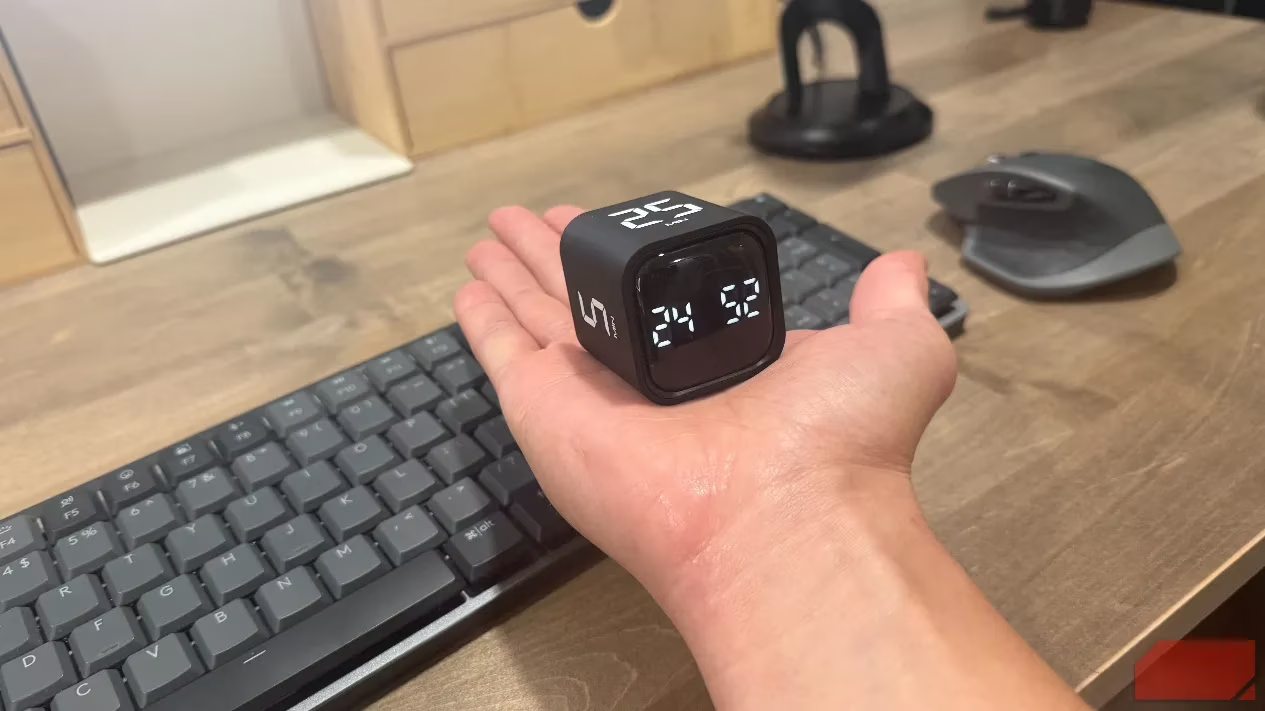
⏱️ The Physical Timer That Beat All My Phone Apps
Why do focus apps fail the moment you unlock your phone? Notifications flood in, messages pop up, and suddenly you're distracted before the timer even starts. The OORAII Pomodoro timer cube ($17) lives on my desk and has outperformed every digital timer I've tried.
How it works:
-
Rotate to display 25 minutes for work time
-
Show 5 for break time
-
Charges via USB-C, lasts weeks
-
No screens to unlock, no apps pulling focus
The physical action of flipping the cube creates a mental boundary that phone apps never achieved. After six months, this simple device has become indispensable.
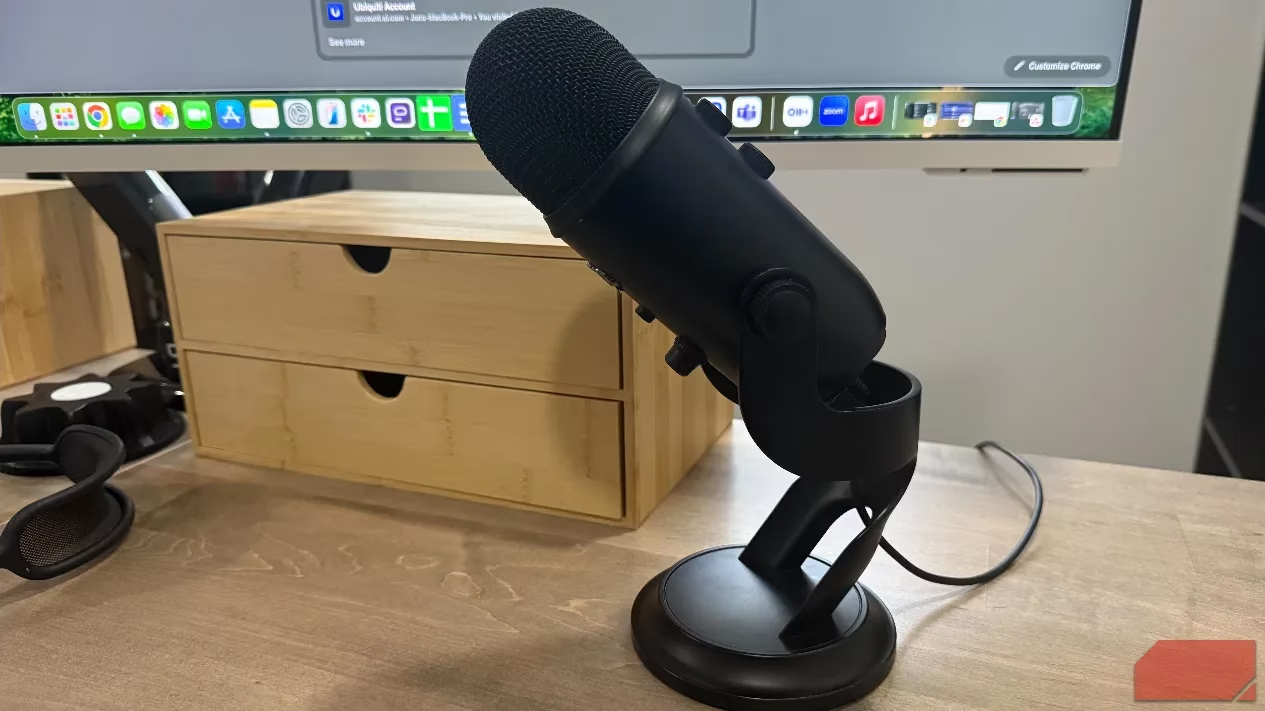
The Microphone That Made Video Calls Reliable
My AirPods couldn't stay with one device during calls. Halfway through meetings, audio would bail to my iPhone, making me look unprofessional. The Logitech for Creators Blue Microphones Yeti USB Microphone ($100) solved this permanently.
Benefits I've experienced:
-
Stable connections across all platforms
-
Noticeable audio quality improvement
-
No more device hopping or pairing issues
-
Colleagues stopped asking me to repeat myself
Yes, it takes up desk space, but after months of reliable video calls, the trade-off is absolutely worth it.
🔋 The Charging Stand That Eliminated Cable Chaos
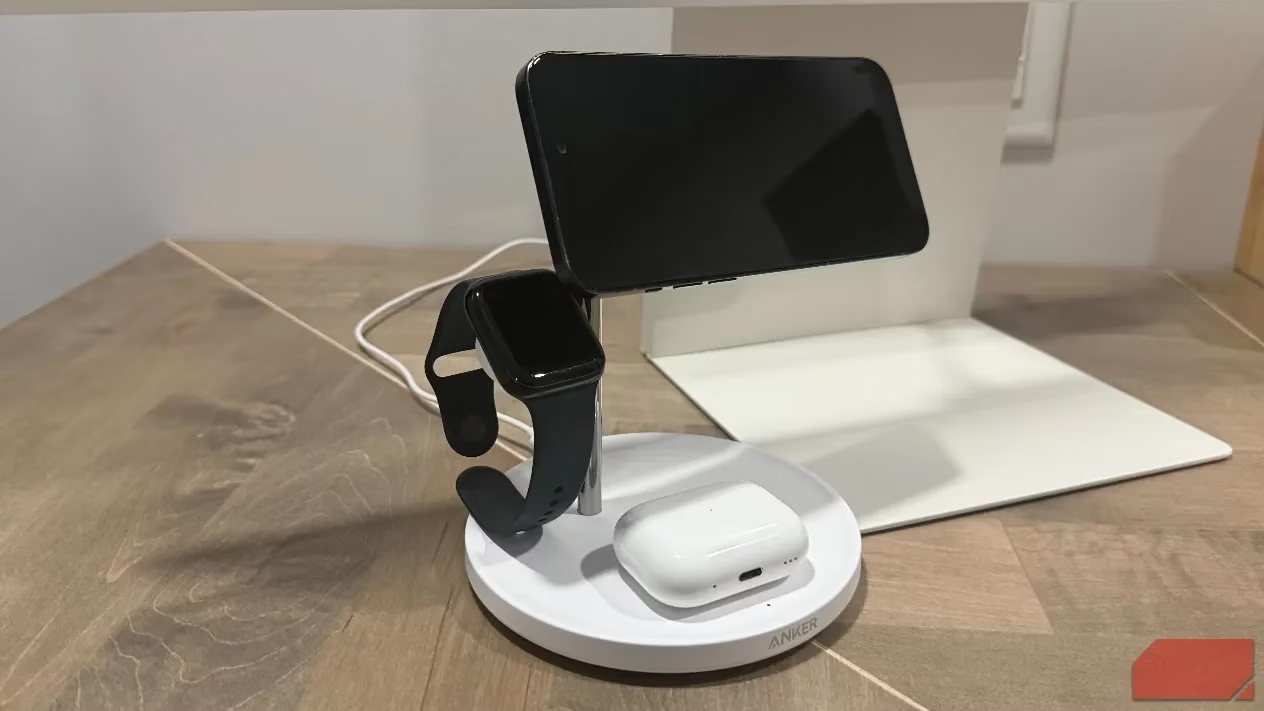
My desk was a mess of tangled cables—Lightning cables, Apple Watch puck, AirPods charging cord. The Anker MagSafe charging stand ($70) consolidated everything into one elegant solution.
What I love about it:
-
Magnetic arm holds iPhone securely
-
Dedicated puck for Apple Watch
-
Base pad for AirPods
-
Strong magnetic connection
-
Fast charging capabilities
The installation took under five minutes, and cable sprawl disappeared completely. Everything charges in one predictable location now.
📱 The NFC Tag That Automated My Work Mode
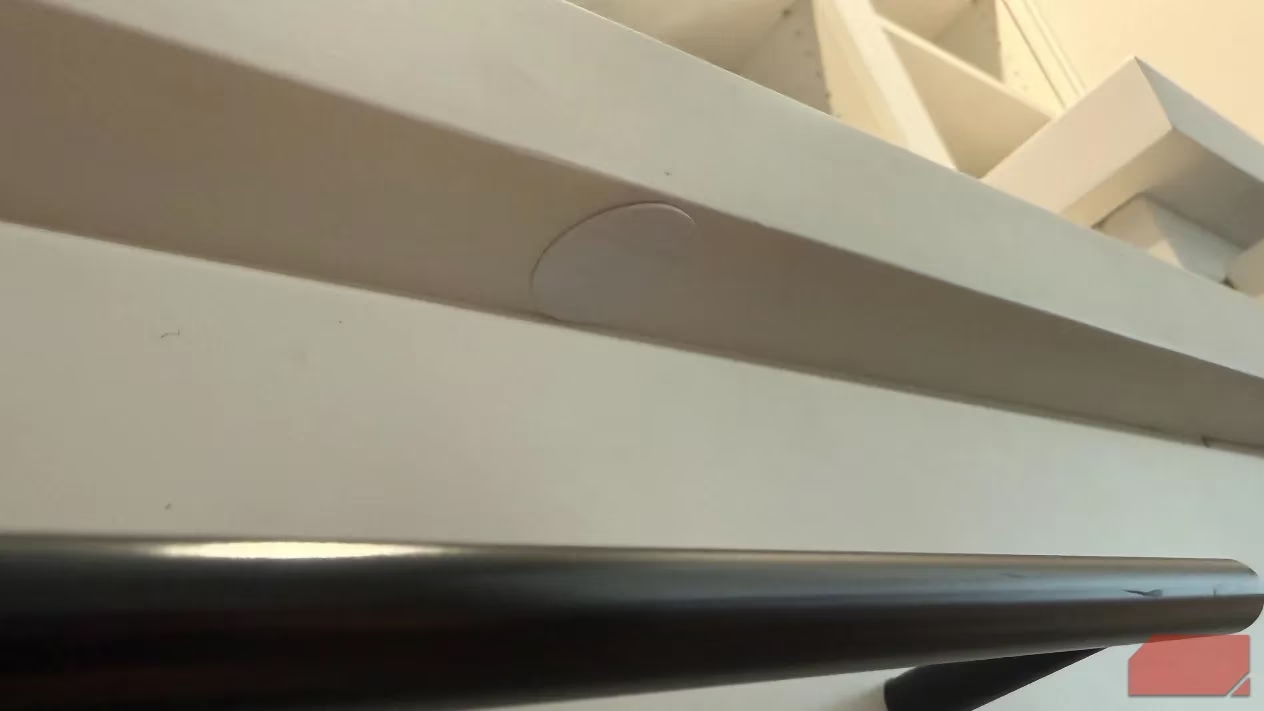
Getting into work mode used to mean toggling Do Not Disturb, dimming lights, and opening my task manager—three separate actions before starting. An NFC tag (about $1 each) under my desk edge changed everything.
How it works:
-
Tap phone to trigger iPhone Shortcut
-
Automates all three actions instantly
-
Works through phone cases
-
No Wi-Fi required
-
Takes 10 minutes to set up
This eliminated friction I didn't realize was slowing me down every morning. Work mode activates instantly now!
📓 The Smart Notebook That Made Handwriting Searchable
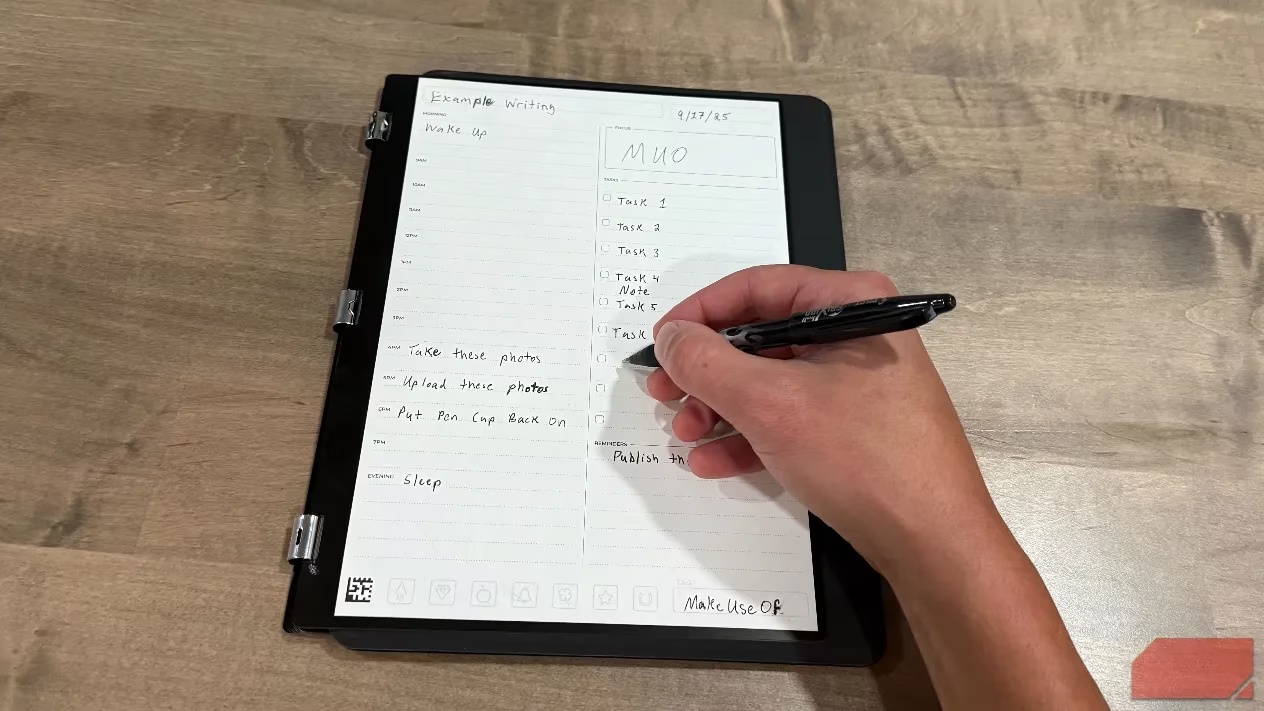
I prefer writing notes by hand, but notebooks created organizational nightmares. The Rocketbook Pro 2.0 ($60) solved all my physical note problems with its reusable pages.
Why it's brilliant:
-
40 reusable pages with special coating
-
Included Pilot FriXion pen feels like regular paper
-
App scans and converts handwriting to searchable text
-
Uploads to cloud services automatically
-
Wipes clean with damp cloth
Six months in, the notebook looks brand new, and I can search keywords to find notes instantly. No more hunting through physical notebooks!
The Simple Habit That Eliminated Digital Distractions
Sometimes the best solution is the most obvious one. During focused work blocks, my iPhone lives in another room. All the app-based blocking tools failed because the phone stayed within arm's reach.
This pairs perfectly with the Pomodoro cube:
-
Flip to 25 minutes
-
Walk phone to another room
-
Reflexive checking urges have nowhere to go
-
Physical separation actually works
App blockers and screen time restrictions relied on willpower, but physical separation creates enough friction that random social media checking dies completely.
💡 The Alexa Routine That Created Instant Focus Environment
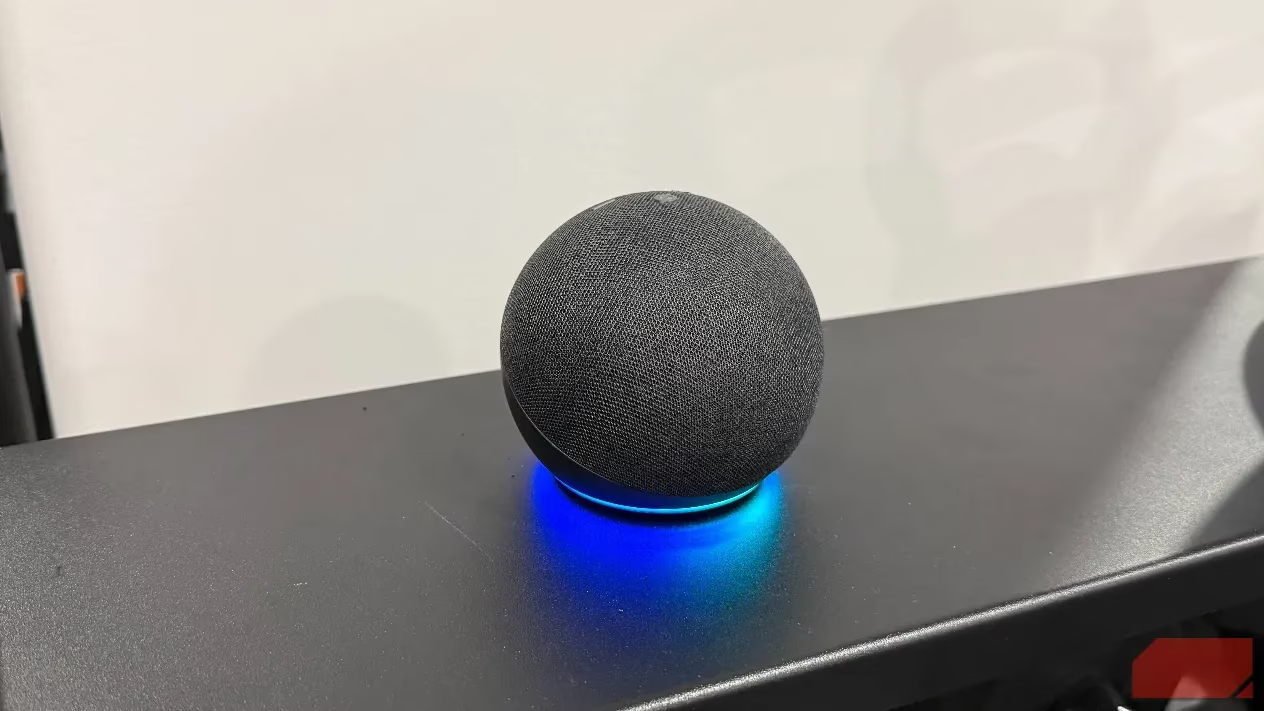
Beginning work used to involve walking around adjusting lights, silencing notifications, and picking background music. I programmed an Alexa routine to bundle everything into one command.
Saying "Alexa, start my focus work mode" now:
-
Drops office lights to 35%
-
Disables notifications across devices
-
Launches classical music at volume 4
-
Creates identical environment every time
The environmental consistency signals work time to my brain automatically. This simple automation eliminated the decision fatigue that used to eat my mornings.
The Combined Effect That Doubled My Productivity
None of these changes required major investment or complicated systems. My total investment ran under $500, but the combined effect has been transformative:
| Gadget/Habit | Cost | Impact |
|---|---|---|
| Monitor Stand | $120 | Reclaimed workspace, fixed ergonomics |
| Timer Cube | $17 | Eliminated digital distractions |
| Wired Microphone | $100 | Made video calls reliable |
| Charging Stand | $70 | Killed cable sprawl |
| NFC Tag | $1 | Automated work mode setup |
| Smart Notebook | $60 | Made notes searchable |
| Phone Separation | Free | Eliminated checking urges |
The problem wasn't my discipline—it was removing obstacles that consumed focus before work even started. These seven solutions work together seamlessly to create an environment where productivity happens naturally. Have you tried any of these approaches in your own workspace?
Comments