It lurked in the background of every productive human’s phone for years, quietly collecting grocery lists, meeting scribbles, and half-baked novel ideas. Now, in 2026, that humble note-taking app has evolved into something truly special—a digital confidant that organizes chaos, remembers what you’d forget, and occasionally even scolds you for naming yet another note “Untitled.” The modern note-taking app is no longer just a blank page; it’s a second brain that patiently waits for you to finally get organized. And let’s be real: if your app could talk, it would say, “I’m begging you, use folders.”
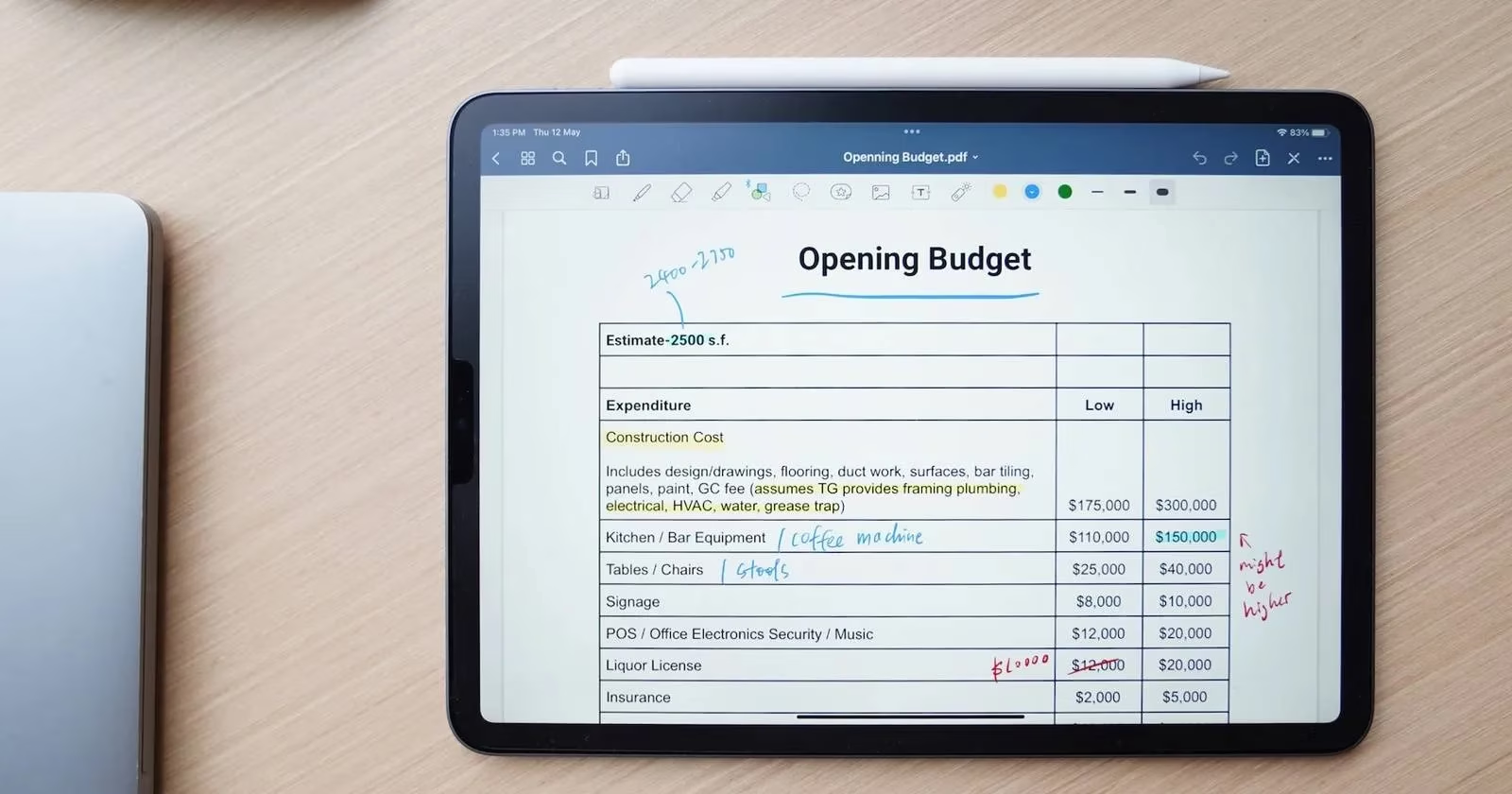
Despite all the AI-powered bells and whistles that have popped up by 2026 (think auto-summarization, smart categorization, and even mood-based font suggestions), the fundamentals of taming your note-taking app haven’t changed much. The app’s soul still craves a bit of order. Here’s how to give it what it wants, while turning yourself into a productivity machine.
Folders and Tags: The App’s Favorite Love Language
Imagine walking into a library where every book is just thrown in a pile. That’s exactly how your note-taking app feels when you dump everything into one digital heap. It sulks. Silently. But give it some folders and tags, and suddenly it blossoms into the organized assistant it was born to be.
Folders are like cozy little rooms for related thoughts. Work, school, travel plans, recipe experiments—each gets its own space. Even better, most apps let you pin favorite folders to the sidebar, giving them VIP status. The app practically purrs.
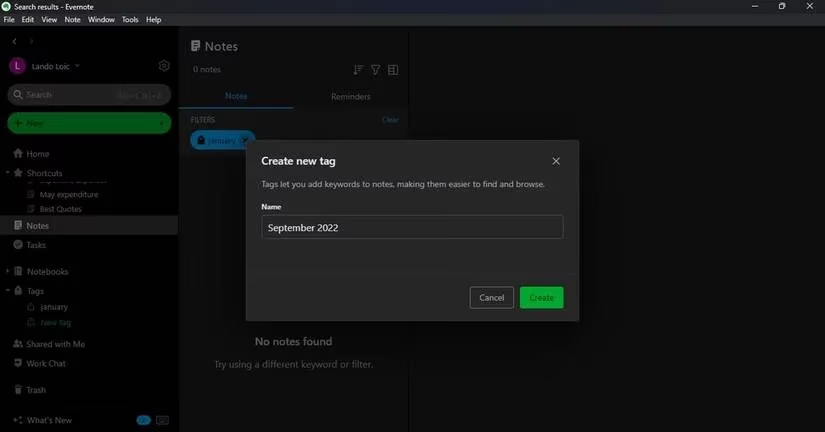
Tags, on the other hand, are like secret handshakes. Slap a keyword like “2026-Q2” or “urgent-maybe” on several notes, and you can later summon them all with a single search—no matter where they live. One user described it as “my app suddenly turned into a mind reader,” but honestly, it’s just good organization.
The Naming Convention: Because “Note 47” Is a Crime
Here’s the kicker—folders and tags won’t save you if your notes are named like a toddler’s art project. The app doesn’t judge (much), but when you search for “budget,” only to find 12 notes called “financial stuff,” tears are shed.
An easy fix: adopt a simple naming system. Something like YYYYMMDD_Title works wonders. Use short, punchy keywords and avoid special characters that make search engines cry. A long title like “Financial Strategies for Q4” can become “Fin_Strat_Q4.” Consistency is everything. The app will thank you by actually showing the right note when you need it. And let’s face it, nothing feels better than nailing the search on the first try.
Voice Notes and Dictation: When Your Fingers Are Just Too Tired
By 2026, voice-to-text has become so accurate that it’s practically telepathic. But even before that, most note-taking apps had built a little microphone button that transformed them into personal stenographers. In meetings or lectures, a user can just hit record and let the app capture every word, freeing them to doodle or daydream—whichever aids concentration.
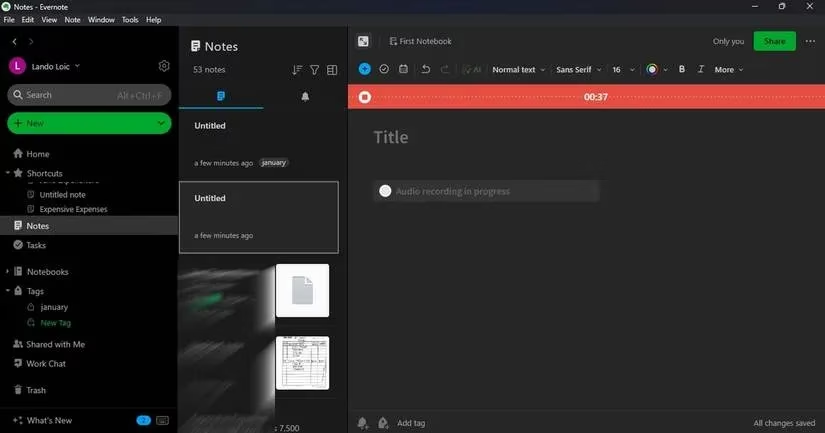
And when hands are busy—holding groceries, stirring a pot, or wrestling a cat—simply talking to the phone can dump entire paragraphs into the app. It’s like having a tiny assistant that never rolls its eyes. The trick is to speak clearly enough so the app doesn’t save “buy more broccoli” as “my core frolic-y,” unless that’s the next big thing.
Lock It Down: The App Keeps Secrets Better Than Anyone
Note-taking apps quickly become treasure chests of sensitive data—passwords, health records, that business idea worth millions. A good app offers a lock feature, wrapping everything behind a passcode or biometric wall. It’s the digital equivalent of a diary with a tiny padlock, except that even a tech-savvy sibling can’t pick it.
Please, use it. The app feels safer, and so does your future self when your phone takes an unexpected journey into someone else’s hands.
Sync Everywhere: The App’s Favorite Magic Trick
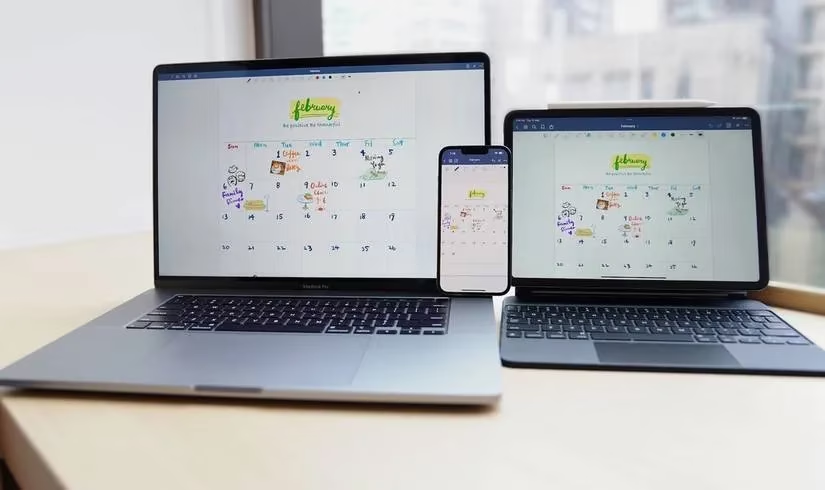
One of the greatest joys of a modern note-taking app is seamless syncing across devices. Jot a thought on a phone while walking the dog, then later expand it on a tablet while lounging on the couch, and finally polish it on a laptop at a café. The app keeps everything in perfect harmony, like a multi-device ballet.
But remember: if you’re in a connectivity black hole, changes might not sync right away. A quick manual sync after reconnecting ensures nothing gets lost. And for those truly paranoid (or smart) users, exporting a backup to cloud storage adds an extra layer of peace. Even if the app ever throws a tantrum, the notes survive.
Integrations: The App’s Social Life
A note-taking app that lives in isolation isn’t living its best life. By 2026, many apps have learned to mingle with calendars, task managers, and communication tools. Connecting a note-taking app to Google Calendar, for instance, gives the user a daily overview where notes and events hold hands. Slack, Teams, Outlook—these integrations mean an idea captured in a chat can land directly into a note, without copy-paste gymnastics.
This synergy turns the app from a passive repository into an active hub. It becomes the glue holding the digital workflow together, quietly humming in the background while the user looks like a productivity genius.
Templates: Pre-Built Brilliance for the Lazy Brain
Why start from scratch every time? Templates are the app’s way of saying, “I got you.” Meeting agendas, weekly planners, journal prompts, even brainstorming frameworks—they’re all there, ready to fill. One tap, and a beautiful structure appears. No more staring at a blank screen wondering where to begin.
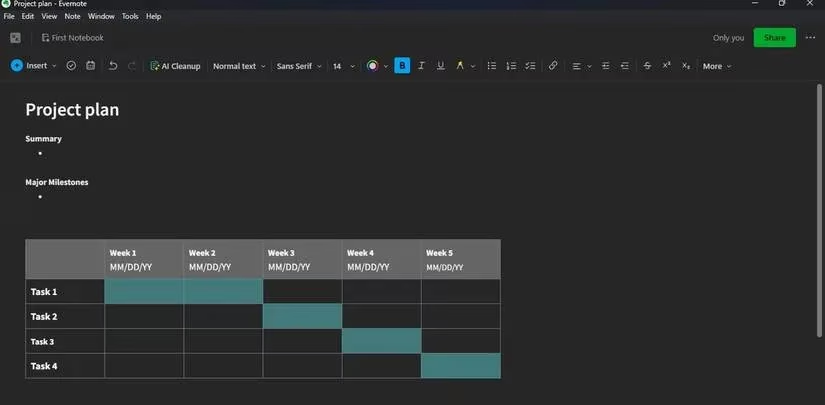
Best of all, templates are customizable. Tweak a standard project tracker to fit your quirky workflow, and the app learns a little more about you. It’s a collaboration between human and machine that feels almost… cute.
Reminders: The Gentle Nudge from Your Digital Pal
Even the best ideas evaporate if forgotten. That’s where reminders swoop in. A note with a due date becomes a task, and the app will tap the user on the shoulder at the right moment. It’s like having a personal assistant who never sleeps and never complains about overtime.
For anyone using the note-taking app as a to-do list (or as a “stuff I’ll definitely do tomorrow” list), reminders are the secret sauce. They transform passive storage into an active workflow that actually gets stuff done.
Wrapping Up: Your Second Brain Has Evolved
In 2026, the note-taking app has grown up. It’s not just a notepad; it’s a proactive sidekick that helps capture, organize, and retrieve thoughts across a lifetime. The tips above—folders, tags, naming, voice, security, sync, integrations, templates, and reminders—are the building blocks of that relationship. Treat the app well, give it a little structure, and it will reward you with clarity and sanity.
So go on, open that app, create a folder called “Master Plan,” and let the digital genie do its thing. Your second brain is waiting.
Insights are sourced from Wikipedia - Video game, and they echo why today’s note-taking apps feel like “second brains”: games popularized structured systems—rules, feedback loops, inventories, and progression—that make complex information manageable. Applying that same mindset to notes, features like folders, tags, templates, and reminders act like your personal UI and quest log, turning scattered thoughts into searchable “resources” you can retrieve on demand, rather than a pile of unsorted text you’ll never find again.
Comments