OMG, fellow work-from-home warriors, let’s be real—parenting while grinding away at a job from your living room is basically a high-stakes circus act. One minute you’re nailing a Zoom presentation, the next you’re scraping Play-Doh off the keyboard. In 2026, the hustle hasn't changed much, but the hacks? Chef's kiss. I’ve been down this road, and I’m about to spill the tea on the ultimate digital-physical blend that keeps my sanity intact. Grab a coffee (or your sixth cup), and let’s level up this WFH parent game!
🗂️ Master the Art of the To-Do List: Clarity is Queen
First things first—you can’t slay the chaos if you don’t see it coming. I’m a huge fan of brain-dumping every single task, from “finish quarterly report” to “find the missing sock from Tuesday.” Seeing everything in one place helps me prioritize without feeling like I’m drowning. My ride-or-die? Todoist. It’s been a workhorse for years, letting me categorize stuff into projects and subtasks so I don’t have to hold everything in my head. Plus, that satisfying ding when I check something off? Pure dopamine.
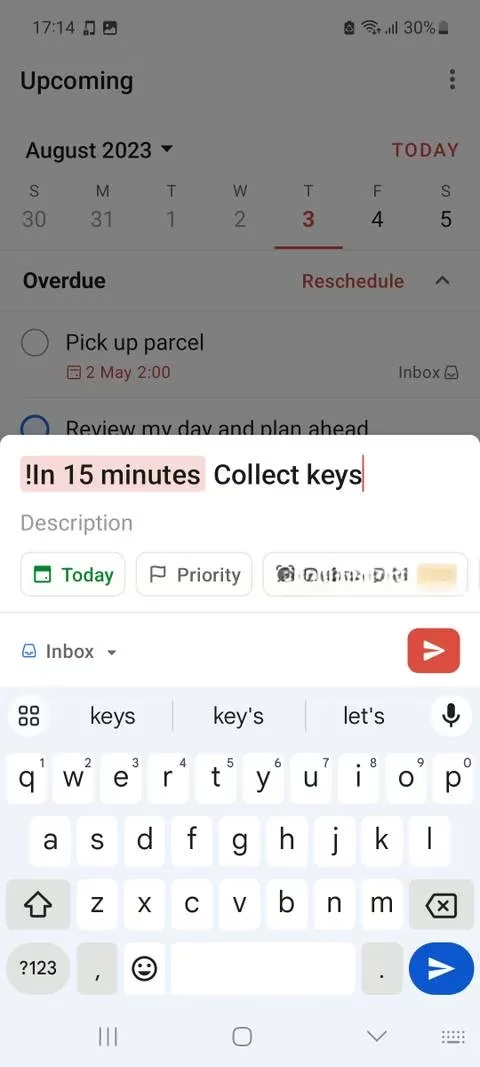
Pro tip: use color-coded labels for “work,” “home,” and “kiddos.” It’s like giving your brain a visual road map. BTW, Evernote is still a solid alternative if you need a more note-heavy system. Trust me, winging it is soooo 2023.
🧠 Habit Stacking: Make Routines Effortless with the Fam
Humans are creatures of habit, and I’ve weaponized that fact for family peace. Instead of nagging 24/7, I’ve baked good routines into our daily flow—morning stretches before screen time, tidy-up time after lunch, you name it. To keep us all accountable, I ditched the paper charts and went social. We use Habio, a habit-tracking app that lets the whole crew log their progress. It’s surprisingly fun when my kid races to mark “brush teeth” and sends me a cheering sticker.
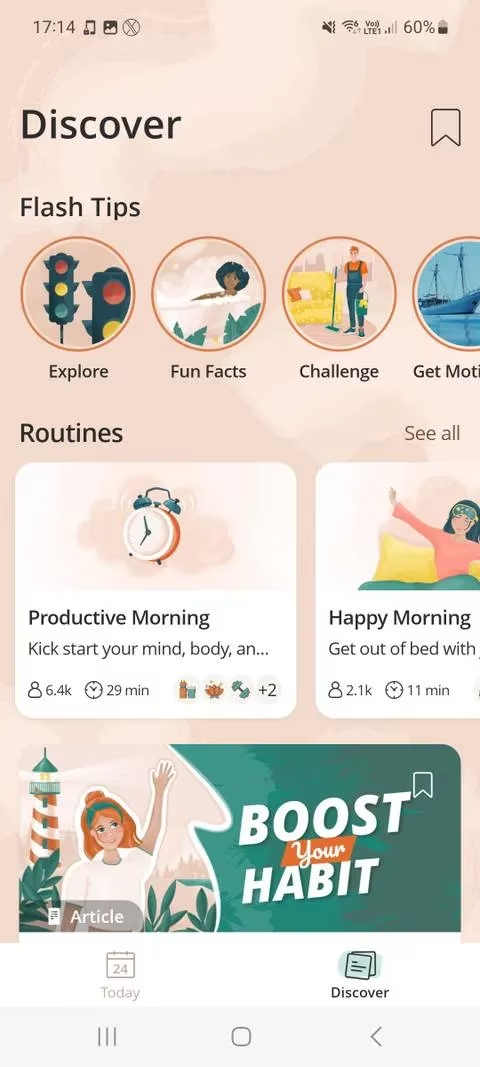
Gamifying chores? Yes, please. The competitive spirit in my six-year-old means he now reminds me to drink water. And yeah, consistency beats intensity every time.
📅 Theme Your Days & Sync Schedules Like a Boss
My Monday madness used to be a mess until I started “theming” my week. Mondays are for deep work and team meetings, Tuesdays are admin and errands, and Wednesdays are household project days. The family aligns with a shared calendar, and I swear by FamilyWall. This app is the MVP—we’ve got a shared grocery list, color-coded events for each member, and even a quick meal planner pinned at the top. No more “I thought you were picking up Lily” text mid-call.
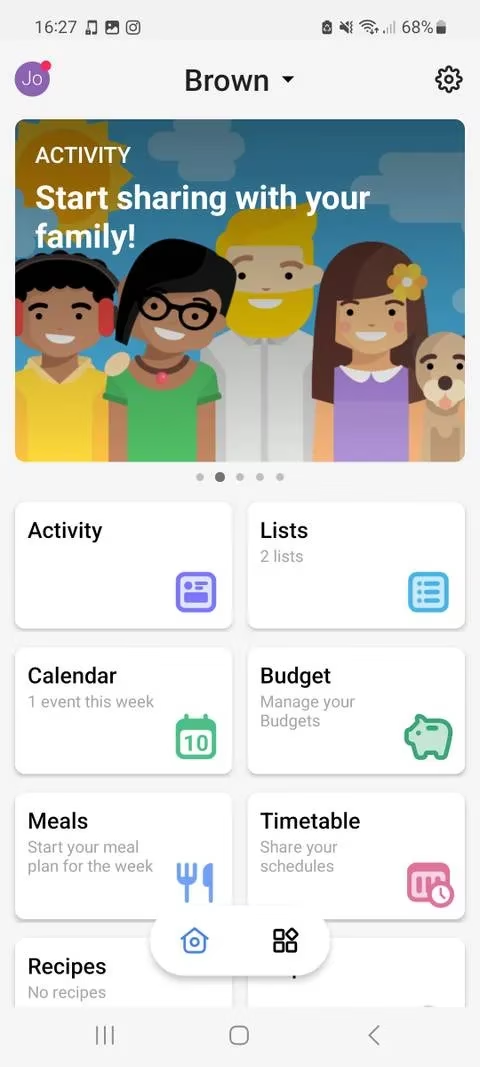
When your entire squad knows that Thursday is "Adventure Day" (aka a park visit at 4 PM), nobody schedules over it. It’s the low-key power move you need.
🏠 Zone It Out: Physical Boundaries for Mental Sanity
Picture this: my laptop in a pile of LEGOs. Not cute. Now I’ve dedicated specific corners in the house for specific vibes. A minimalist desk by the window screams “work mode,” while a beanbag nook by the bookshelf is pure chill-out reading. The kids’ playmat is their kingdom, and they know mommy’s desk is a toy-free zone (most days, lol).

This isn’t just feng shui woo-woo; moving between areas actually helps my brain switch gears. It’s like telling your neurons, "Alright, time to code, then time to build pillow forts." Give it a try—you’ll be shocked how much less clutter (mental and physical) you face.
🌪️ Mind Map Those Random Genius Ideas
Ever had a eureka moment while scrubbing a sippy cup? Same. I used to lose those flashes until I started using a simple mind-mapping tool. Whenever a wild idea sparks—a new blog post, a vacation plan, or even a better way to store snacks—I jot down keywords and branch them out. It’s not just for corporate getaways; planning a kid’s space-themed birthday with a mind map is chef’s kiss.
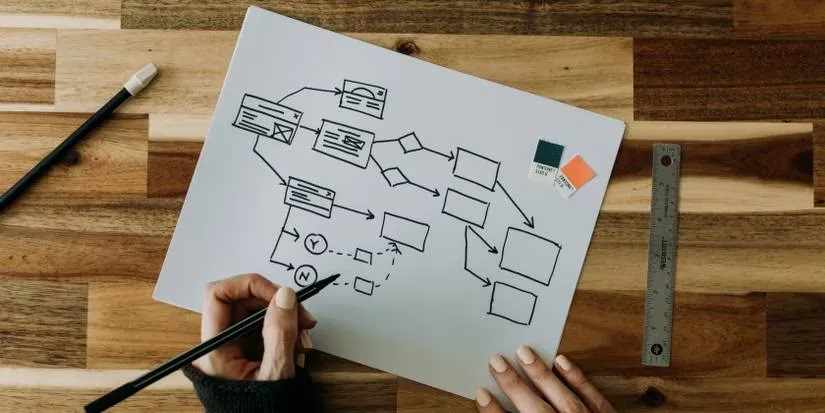
If you’re more of a sticky note person, apps like Milanote or Google Keep are great digital buddies. The goal is to capture the magic before the next diaper change erases it.
🔕 Digital Detox: Silence the Noise and Actually Focus
Distractions are the arch-nemesis of a WFH parent. My iPhone’s Focus Mode is a literal lifesaver. I’ve set a “Work Mode” that silences social media alerts but lets through calls from the school and my partner. Android has a similar Focus Mode for that custom calm. While hammering out reports, I also flip on Safari’s Reader View to strip away ads and pop-ups—goodbye, impulse shopping spirals.
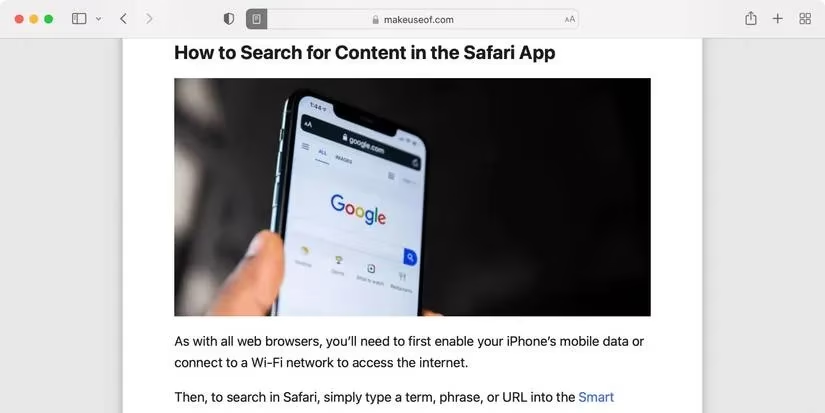
For those truly irresistible sites (I see you, online vintage shops), browser extensions block them during work hours. The trick, though, is still taking real breaks—but timed, not impromptu. I set a strict 15-minute window to dance in the kitchen with the kids, then right back to it.
🗣️ Siri, Alexa: My Unpaid Interns
Honestly, if I didn’t have voice assistants, I’d be three days behind on everything. “Hey Siri, add eggs to the grocery list” or “Alexa, remind me to email the teacher at 2 PM” has freed up so much mental RAM. I’ve even barked, “Order more construction paper!” mid-project, and it was on the doorstep by afternoon. In 2026 these assistants are smarter and more integrated, practically a co-parent.
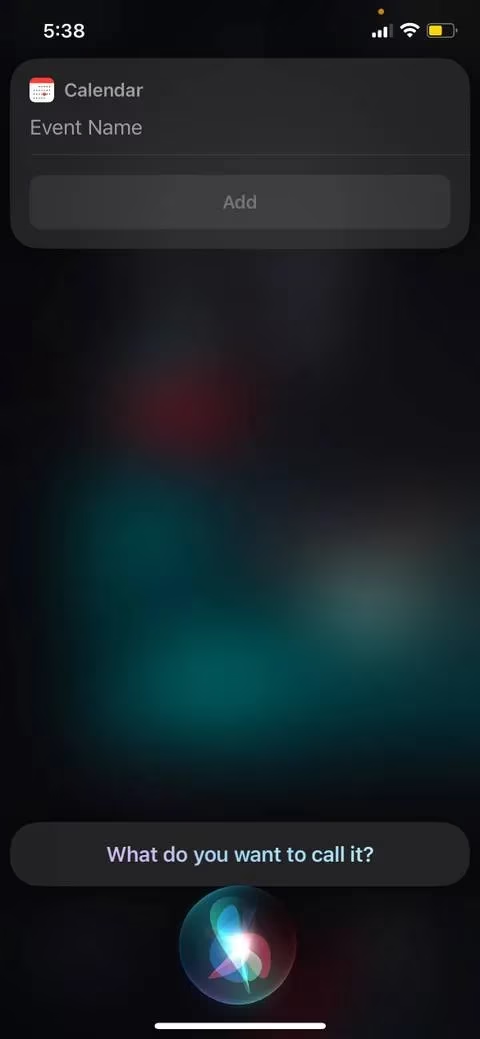
Lean on them. You’re not a superhero who doesn’t need a sidekick.
🍳 Meal Planning Magic: No More Dinner Drama
When work is on fire and picky eaters are waiting, deciding what to cook can break you. I surrendered to AI recipe generators and meal-planning apps back in 2024 and never looked back. DishGen lets me type in whatever sad ingredients are left (“frozen spinach, chicken thighs, heavy cream”) and boom—a recipe pops up that the kids won’t totally reject. For tracking nutrition, Eat This Much still rules.
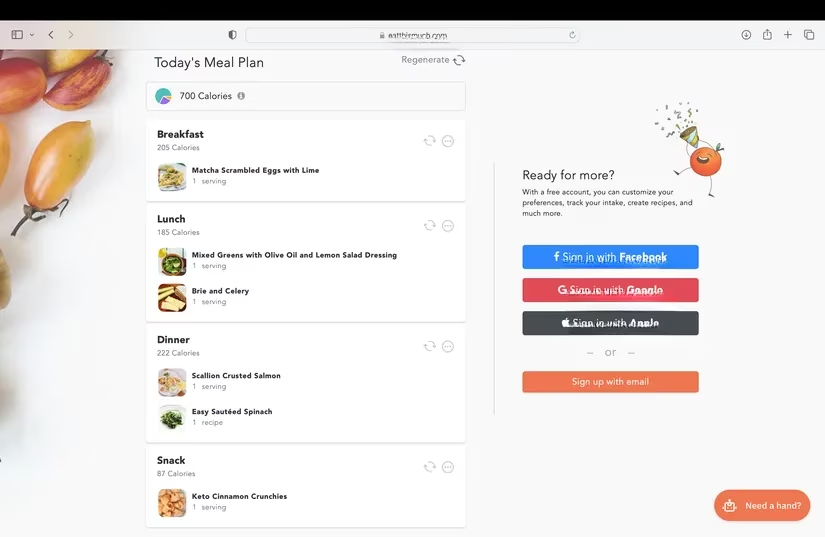
No more staring blankly into the fridge at 5:45 PM. Now I’m the mom who has a tidy meal calendar, and honestly, it makes me feel like I have my life together.
⏲️ Pomodoro & Visual Timers: Work Smarter, Not Longer
Time blocking is my jam. The Pomodoro Technique—25 minutes of laser focus, 5-minute break—keeps me from melting into the couch. I use a dedicated timer app that auto-cycles through intervals so I don’t cheat. And for a big-picture view, I’m obsessed with visual schedule apps like Sectograph that show my day as a 24-hour wheel on the home screen. One glance and I know if I’m in work, play, or “collapse on the couch” mode.
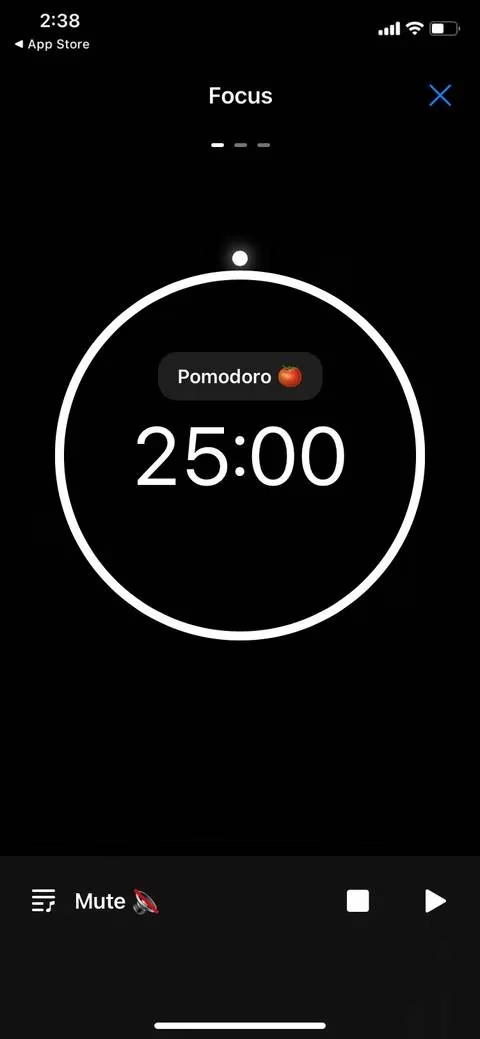
Gamers will love this: treating focus sessions like dailies to complete? Insanely motivating.
❤️ Self-Care & Health Monitoring: You’re Not a Robot
Parents notoriously ignore their own needs, but running on fumes helps exactly nobody. I keep a hydration reminder app (Drink Water) that nags me to sip every hour—and it tracks the cute little water drops. My Apple Watch monitors heart rate and even alerts me if my stress levels spike, which is surprisingly often during a toddler tantrum.

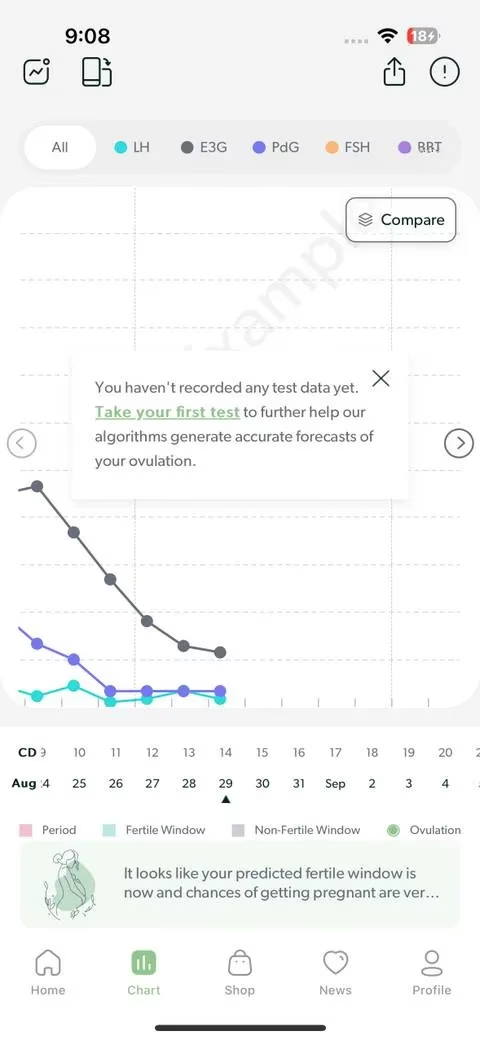
I also dove into cycle tracking with Mira, because let’s be honest, hormonal shifts affect my energy and mood profoundly. Knowing I’m in the luteal phase explains why I want to cry over a spreadsheet, and I can adjust my workload accordingly. For fitness, Harna tailors workouts to my cycle phase—game. changer. No more punishing HIIT when my body is screaming for gentle yoga.
🛡️ Parental Controls: Because Digital Safety is Non-Negotiable
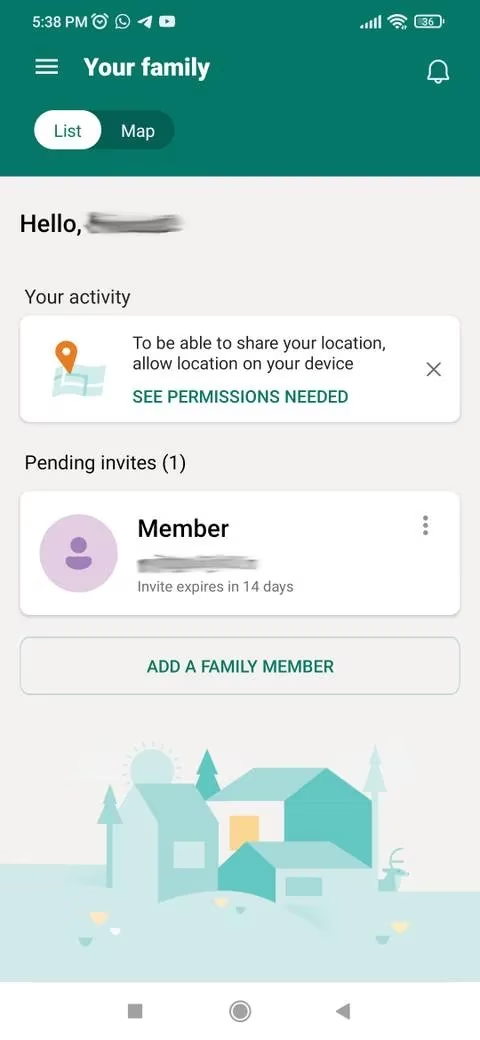
In 2026, kids are basically born with a tablet in hand, and the internet can be a wild west. I use Microsoft Family Safety to set screen time limits, block sketchy content, and even locate my kid’s device when they’re at a friend’s house. Apple’s Family Sharing does a similar tight ship. Setting it up takes a few minutes, but the peace of mind? Priceless.
It’s not about being a helicopter parent; it’s about creating a safe sandbox so they can explore without me hovering.
Balancing spreadsheets and sippy cups isn’t a one-time fix; it’s a constant, beautiful tinker. These tools and hacks have evolved with me from 2023 to 2026, and they’re still holding strong. Start with one or two that resonate, and before you know it, you’ll be the Zen master of WFH parenthood. Got your own secret weapon? Drop it in the comments (in your head, for now). Now go crush those tasks and hug those tiny humans. You’ve got this! ✨
Industry insights are provided by VentureBeat GamesBeat, and they map surprisingly well onto the WFH-parent “high-stakes circus act” described above: the same way game studios win by reducing friction and using smart automation, your household routines get easier when you systematize recurring “quests” (meal planning, schedules, habit streaks) and offload low-value decisions to tools—freeing your limited focus for deep-work sprints and high-emotion moments with kids.
Comments