In 2026, Microsoft Editor still sits comfortably in many writing toolboxes. The AI-powered assistant checks grammar, spelling, and style in more than 25 languages, works as a free add-on for Windows devices, and nudges writers with real-time suggestions. It can keep a custom dictionary, flag clarity issues, and catch possible plagiarism. That is a solid baseline. Yet the writing-assistant market has grown sharper, faster, and more specialized. Choosing among alternatives feels a little like picking a co-op partner in a sprawling RPG: the wrong match slows the party down, while the right one makes every quest smoother. The five tools below each bring a distinct personality to the party.

| Tool | Best for | Standout move | Free tier? |
|---|---|---|---|
| Grammarly | Cross-device polish | Goal-based suggestions | ✅ |
| SlickWrite | Budget-conscious flow checks | Flow and statistics tools | ✅ |
| LanguageTool | Multilingual writers | 25+ language support | ✅ |
| ProWritingAid | Deep reports | 20+ analysis reports | ✅, with limits |
| Ginger | Translation-friendly rewriting | 40-language translator | ✅, limited |
Grammarly: The Well-Dressed Cross-Platform Veteran
Grammarly has been editing for students, creatives, and business professionals since 2009. It lives as a mobile app, desktop app, browser extension, and web service, so it follows writers across devices without much fuss. Its feedback targets sentence structure and word choice, pushing toward concise, error-free prose. The feature that makes Grammarly feel less like a spell-checker and more like a writing coach is its goal setting: writers can tune suggestions around domain, intent, audience, and formality. A story, an academic essay, a business proposal, and an informal email each get a different editorial flavor.
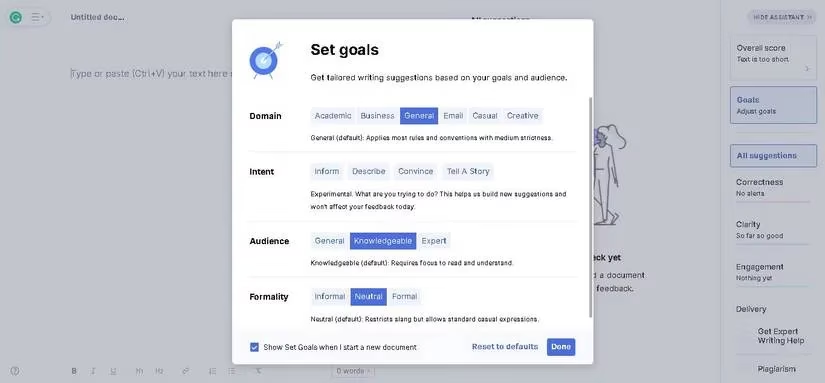
Grammarly also keeps a record of recent documents, which helps users jump back into previous files across devices. Its plans split into free, premium, and business tiers; education discounts are part of the package too. The free version handles grammar, punctuation, and spelling, while paid plans unlock rewriting, sentence and word suggestions, and brand-tone tools. Grammarly does not just wag a finger at typos; it rolls up its sleeves and asks what the writing is trying to achieve.
SlickWrite: The Free Spirit With Flow Charts
SlickWrite wears its free badge proudly. It checks grammar, punctuation, spelling, and style, and it handles articles, resumes, and audience-facing write-ups with a light touch. The flow tool is the star: it helps writers inspect structure, sentence length, and rhythm. It also analyzes clarity and understandability, giving a useful gauge of how a target audience might receive the work.
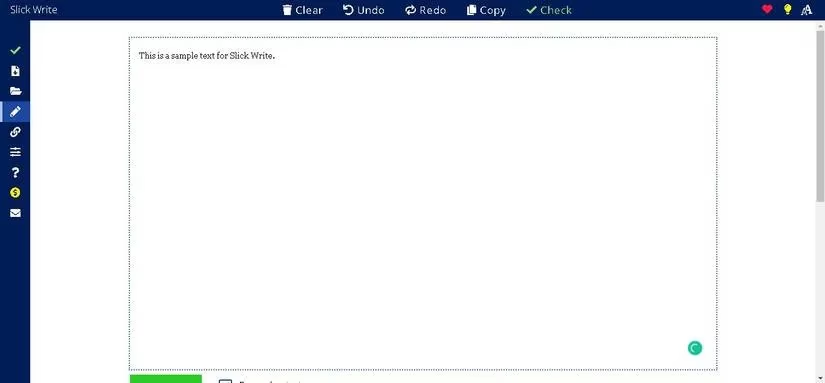
The statistics tool breaks text into language and structural fragments, while the associator plays a word-association game to shake off writer's block and refresh vocabulary. SlickWrite exists only as online software and a browser extension, so there is no device download. Since it is free, users can leave a tip if the service earns it. For zero-cost flow checking, that is a steal.
LanguageTool: The Multilingual Globetrotter
LanguageTool stretches its multilingual legs across browser extensions, office plugins, and editor apps. Its friendly interface keeps navigation simple, and its ability to edit texts in more than 25 languages, including Spanish, German, and French, makes it a natural fit for multilingual writers. Picky Mode narrows tone and style so corrections can follow a tighter editorial target. The Enable feature offers synonyms when a word is double-clicked, which helps writers swap repetition for variety.
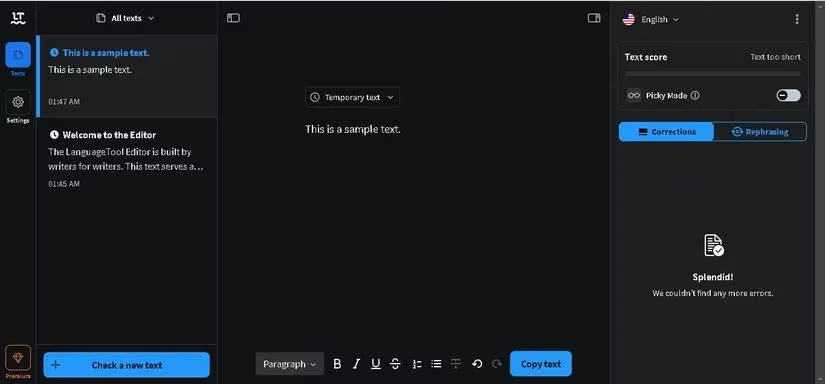
The free version has restrictions, while subscription options cover monthly, quarterly, yearly, biannual, and team needs. Exact prices shift by region and promotion, so 2026 buyers should verify current plans before committing. For writers who move between languages, LanguageTool is worth a look.
ProWritingAid: The Report-Heavy Analyst
ProWritingAid edits text, checks style, grammar, and plagiarism, and works smoothly with Microsoft Word, Google Docs, and other text editors. It is not available on mobile devices, which is a trade-off, but its desktop integrations are strong. Writers can set goals, type into the web page, or upload a document. More than 20 report types analyze the text from different angles, and word suggestions help enrich vocabulary.
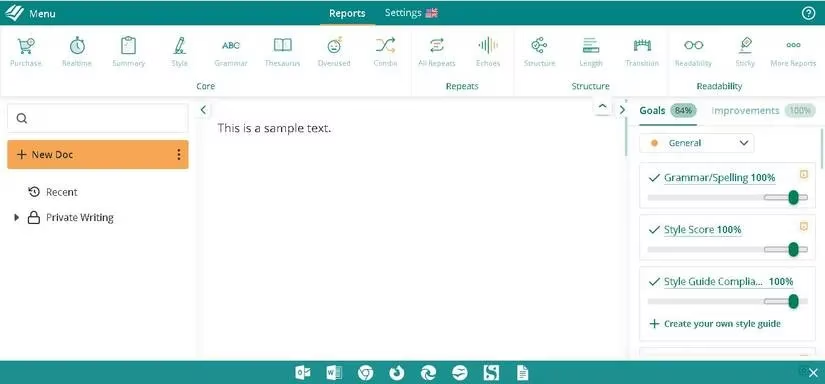
Its free package provides basic checks and thesaurus exploration but carries a 500-word limit and other restrictions; plagiarism checks and the desktop app sit outside that tier. Premium plans add unlimited word count, deeper analysis, and software integrations, while a lifetime option gives long-term users a one-time path. ProWritingAid behaves like a meticulous analyst: it does not just point at a sentence, it hands over a stack of charts and asks for a closer look.
Ginger: The Translation-Friendly Rewriter
Founded in 2007, Ginger is a practical writing assistant for students, bloggers, and creatives. Its translator shuffles between up to 40 languages, which is a rare convenience during drafting. Ginger can also rephrase and restructure sentences to fit an intended tone. It appears as a Chrome extension and is available for Windows, Android, and iOS devices. Businesses and educational institutions get collaboration provisions and education discounts.
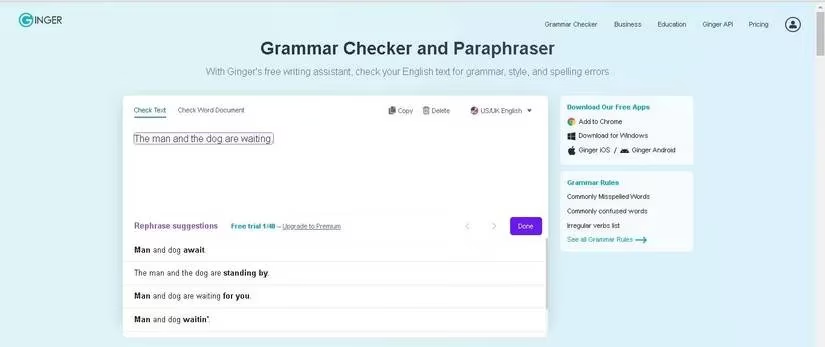
The free version is limited, so paid plans carry most of the useful extras. Translation, text-to-speech, and Ginger Personal Trainer belong to the paid side. Writers who draft across languages may find Ginger's combination of translation and rewriting especially handy.
How Writers Should Choose in 2026
Microsoft Editor remains a safe default for Microsoft 365 loyalists, especially those who want real-time grammar and style feedback inside familiar Windows tools. Grammarly suits cross-device polish and goal-driven suggestions. SlickWrite is the free flow-checking option. LanguageTool handles multilingual work with grace. ProWritingAid digs deep with reports. Ginger leans into translation and rewriting. Budget, ease of use, integrations, privacy needs, and team style all matter. Plan structures and prices change, so writers should confirm current terms rather than trust old screenshots. The right sidekick is the one that makes the writing quest smoother, not the one with the loudest banner. 😊
Comments