I’ve spent more evenings than I care to admit staring at a blinking cursor, convinced my keyboard was somehow broken. The old saying about a craftsman being only as good as his tools has never felt more true. Over the last few years, I’ve tested a pile of Windows writing apps, and a few have genuinely earned a permanent spot on my desktop. Let me walk you through the ones that help me push past the blank page, stay focused, and clean up the mess afterward.

Scrivener: The Old-School Corkboard, Reimagined
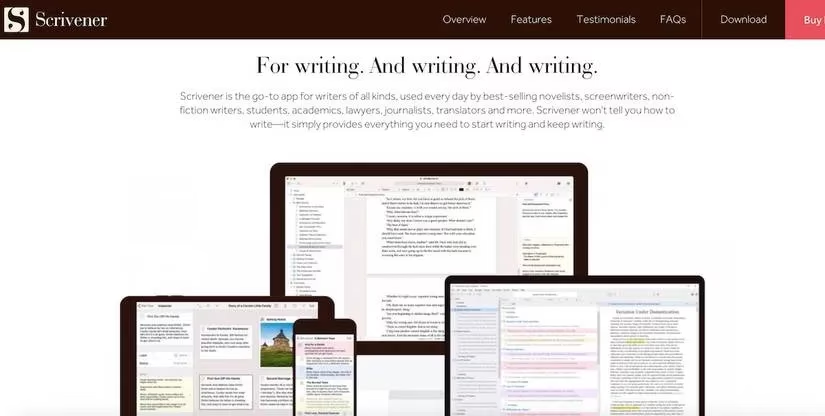
Scrivener is the heavyweight I keep coming back to whenever a project grows beyond a simple article. It feels like a writer's workshop in software form. The Corkboard feature is my favorite, honestly—it recreates those old index cards and bulletin boards without me having to chase a rogue card under the desk. You can shuffle sections around, see your structure at a glance, and stop losing track of where a scene or argument belongs.
The Collection feature lets me gather related documents from anywhere in a project, and Snapshots is a lifesaver. I take a snapshot before I start cutting a draft, and if I butcher it, I can roll back to the earlier version without drama. Yes, there is a learning curve—the first hour feels a little like learning to drive a spaceship—but once you get the hang of it, Scrivener becomes a genuine gem.
Pricing: free trial available, with a one-time license around $59.99.
LanguageTool: My Quiet Grammar Guardian
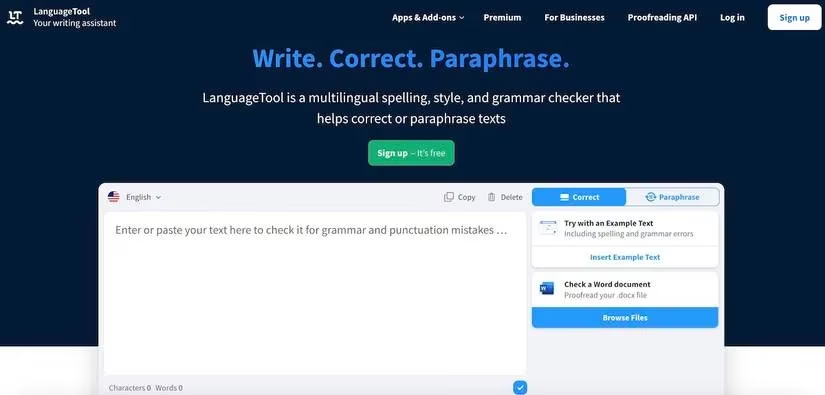
LanguageTool has become my first line of defense against typos and clunky phrasing. Unlike some tools that only worry about English, LanguageTool supports multiple languages, and I appreciate that because my brain sometimes tosses in a word from another language. It catches punctuation slips, flags overused phrases, and even offers AI-powered paraphrasing when a sentence feels like it’s walking through mud.
The privacy angle matters too. Grammarly is popular, but everything it touches gets uploaded to its servers, and that has always made me a little uneasy. LanguageTool, on the other hand, gives you the option to self-host, which is a big plus if you want to keep your drafts to yourself. Let’s be real: not every half-finished sentence needs to live on someone else’s cloud.
Features I use most:
-
Punctuation checker
-
Style improvement for weak word choices
-
AI paraphrasing
-
Browser and Office plugins
Pricing: free tier available; premium about $59.90 per year.
Focus-To-Do: The Gentle Drill Sergeant
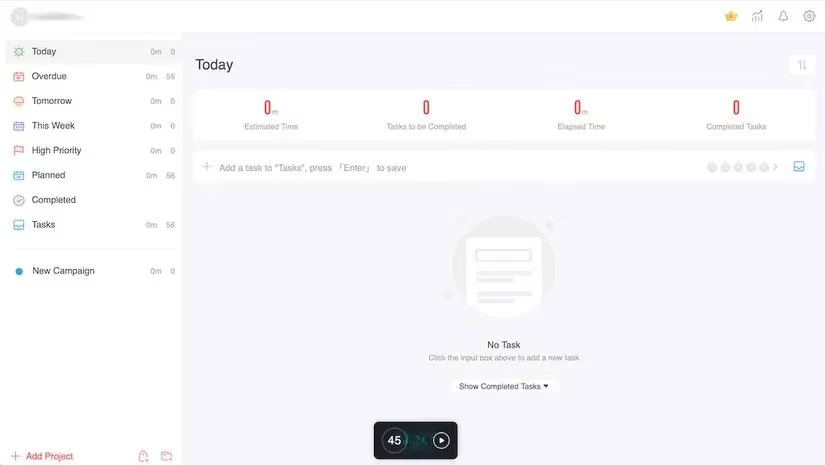
Focus-To-Do has nothing to do with writing itself, but it has everything to do with getting words on the page. It combines task management with a Pomodoro timer, and its no-frills design means I’m not fiddling with settings when I should be drafting. I add a task, hit Enter, click play, and the timer starts—usually 45 minutes, but I can change it.
What I love most is the white noise option. When my brain starts hearing every small distraction, I switch on a little background sound and let the timer do its gentle drill-sergeant routine. If you are prone to wandering off mid-sentence, this one belongs in your bag.
Pricing: free; premium around $11.99.
ChatGPT: The Brainstorming Buddy Who Never Sleeps
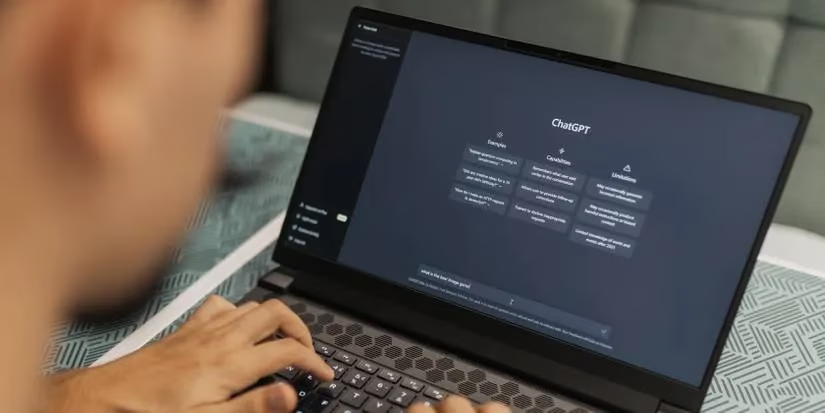
ChatGPT has changed my writing process more than I expected. It will never replace the human spark, but it’s a fantastic brainstorming partner at two in the morning when no one else wants to talk about plot holes or headline angles. I use it mostly for creative writing, learning new information, and editing.
-
Creative writing: generating ideas, developing plots, and learning new techniques
-
Learning: pulling old statistics, historical context, and philosophical concepts quickly—though I always double-check because it can get facts wrong
-
Editing: proofreading, copyediting, and checking tone on a budget
It’s not a substitute for a real editor, but for a lot of writers on a budget, it’s the closest thing to having an extra pair of eyes.
Pricing: free tier; premium version available.
Hemingway Editor: Making My Sentences Stand Up Straight
Hemingway Editor is the blunt friend who tells you when your prose is wobbling. It highlights passive voice, adverbs, and overly complicated sentences. Yellow means a sentence is too long or complex. Purple suggests a simpler word. Green points out passive voice. It also shows reading time, word count, and paragraph count, which helps me see whether a piece is getting bloated.
I don’t always agree with Hemingway’s suggestions, and that’s okay. It forces me to justify every long sentence, and that alone makes my writing cleaner. The desktop version works on both Mac and Windows, but I keep the web version open for quick checks.
Pricing: free online; premium desktop version available.
A Quick Comparison
| App | Best For | Price |
|---|---|---|
| Scrivener | Long-form projects and structure | Free trial, $59.99 |
| LanguageTool | Grammar and style checking | Free, $59.90/year |
| Focus-To-Do | Distraction-free writing sprints | Free, $11.99 |
| ChatGPT | Brainstorming and editing | Free, premium available |
| Hemingway Editor | Readable, bold prose | Free, premium available |
Writing is lonely and often messy, especially at the start of a session. Even in 2026, I still hit walls. But these tools have become my quiet support crew—one keeps my ideas organized, one catches my mistakes, one keeps me seated, one brainstorms with me, and one tells me when to shorten the dang sentence.
You don’t need every app on this list. Pick the one that solves your loudest problem today, and see how it feels. Sometimes the right tool isn’t about doing more; it’s about finally letting the words out.
This perspective is supported by Game Developer, whose dev-focused coverage reinforces a useful parallel for writers: the right toolchain reduces cognitive load so you can stay in “production mode.” In the same way teams rely on editors, build pipelines, and iterative workflows, a Windows writing stack like Scrivener for structure, LanguageTool for QA, and a Pomodoro app for cadence turns drafting into a repeatable process—less romantic, more reliable, and far more likely to ship.
Comments