It all started in early 2025 when I decided to give my gaming den a cosmic makeover without breaking the bank—after all, who doesn't want their space to feel like a sci-fi movie set? As a budget-conscious player, I stumbled upon Yeelight's Smart LED Panels while browsing online, and the promise of vibrant colors and easy setup hooked me instantly. But was it really worth the hype? Spoiler alert: it turned out to be an adventure full of surprises, and I'm here to share every detail with you.
Unboxing the Magic
When the package arrived, I couldn't wait to tear into it. Inside, I found a neatly organized set: six triangular panels, six connection tabs, a power cord, three international adapters, a 'Y' audio adapter, a small controller with four buttons, adhesive tape, and paper templates for planning. 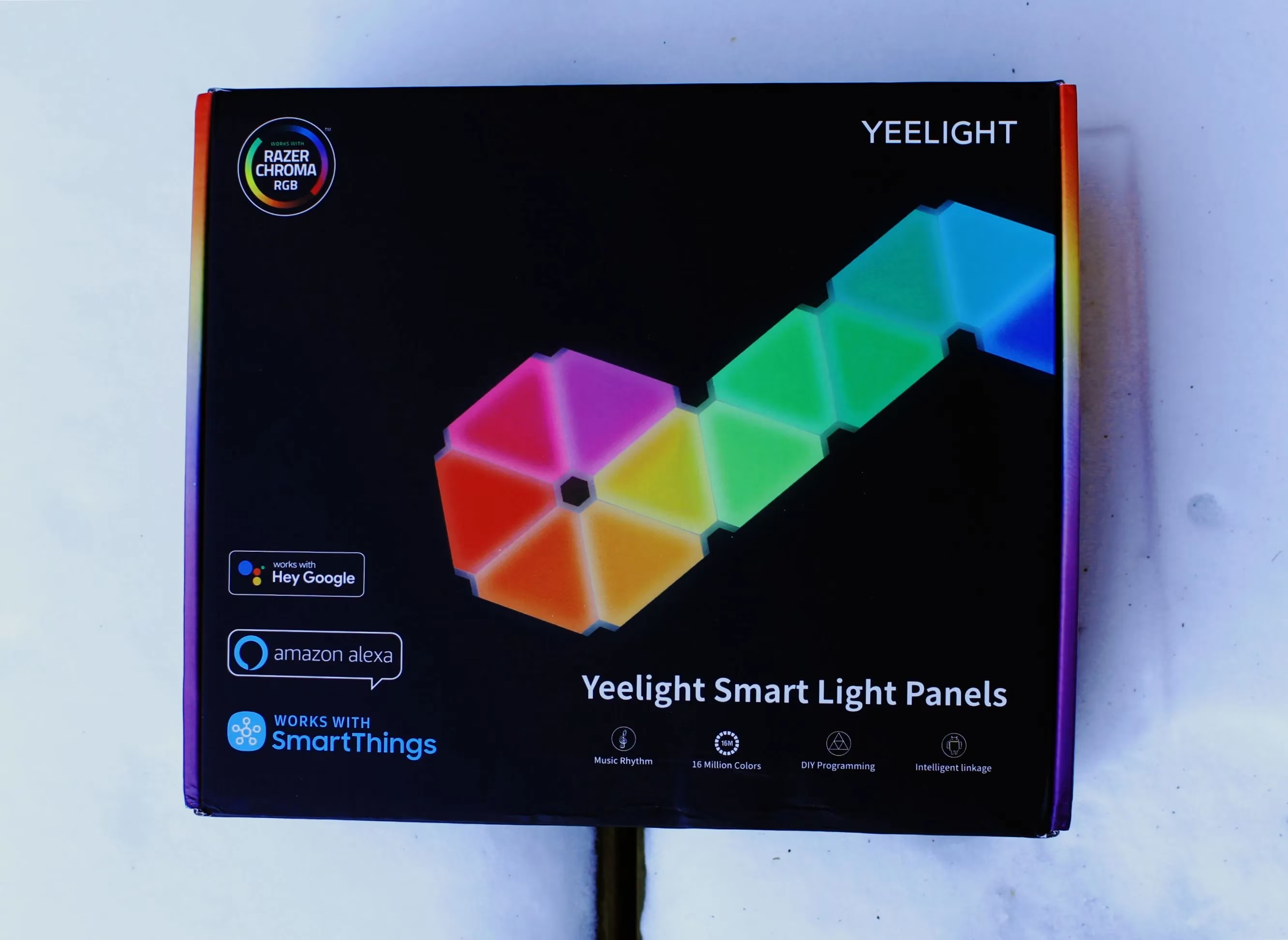 The panels felt sturdy and well-sealed—no flimsy plastic here! Everything screamed quality, from the durable cords to the thin, easy-to-insert connector tabs. But that controller? It looked a bit cheap, with buttons that felt plasticky. Still, I thought, "Is this going to ruin the fun?" Not at all—it worked perfectly once I plugged it in.
Designing My Cosmic Masterpiece
Now, with only six panels in the core set, I had to get creative. Yeelight's website shows elaborate designs, but I started small. Using the paper templates, I mapped out a star-like pattern on my wall. The assembly was a breeze! Just connect the tabs as per the instructions—order matters, folks—and I was ready to mount them. Peel, place, stick—it couldn't be simpler. But here's the catch: that adhesive tape is crazy strong. Once it's on, it's on for good. 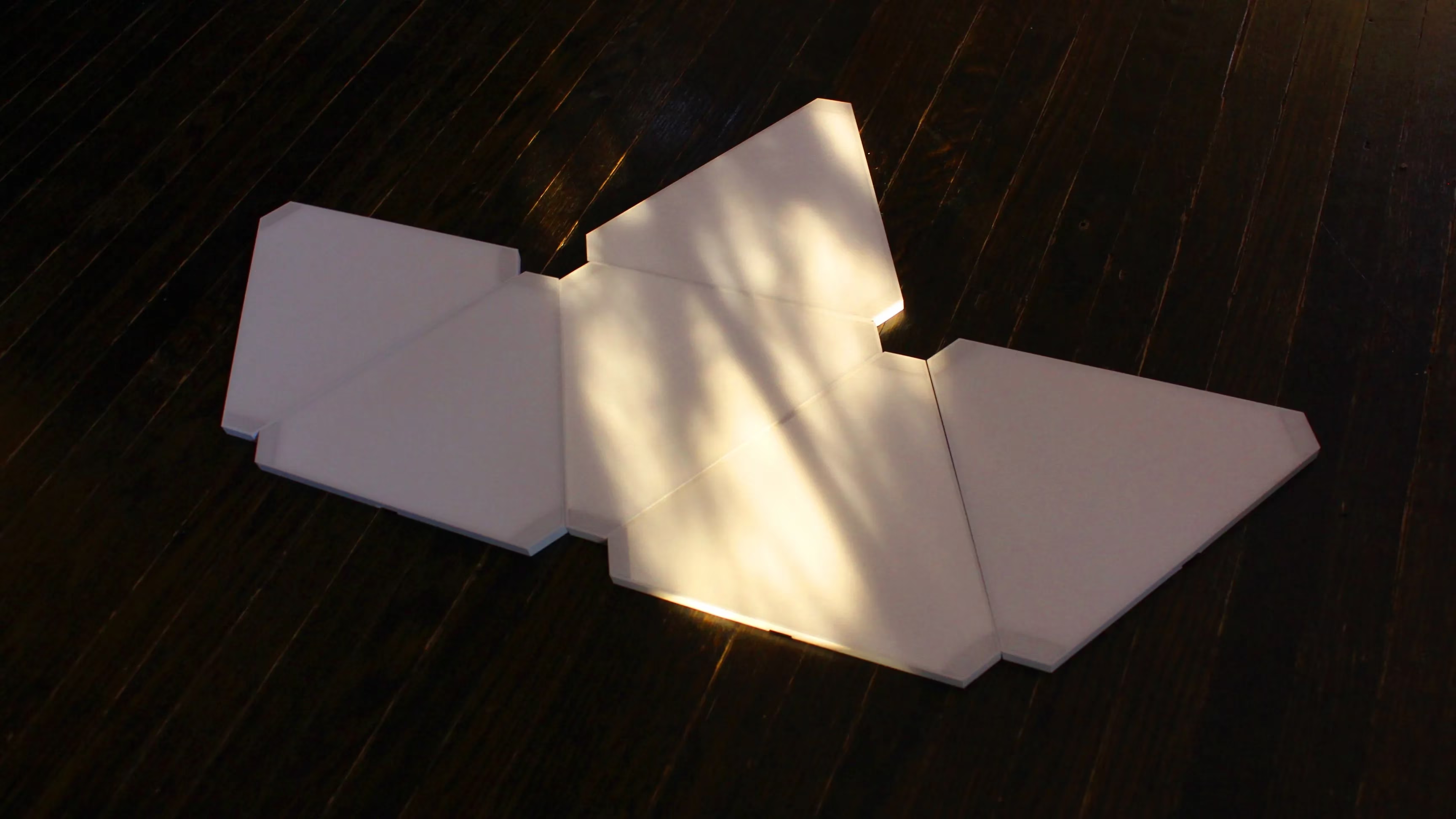 I mean, who hasn't regretted a wall placement decision? Moving them later meant scraping off residue and buying new tape, but honestly, with careful handling, it's doable. Why didn't Yeelight include extra tape? A small gripe, but not a deal-breaker.
Bringing the Lights to Life with the App
Time to sync with my phone! Yeelight suggests two apps: Mijia and Yeelight. I chose Mijia for its flexibility, and boy, was it intuitive. After ensuring my Wi-Fi was on 2.4GHz (a must—check your router!), I reset the panels and entered the password. Instantly, I had access to presets galore. From icy white for work sessions to vibrant cinema modes for movie nights, the options were endless. 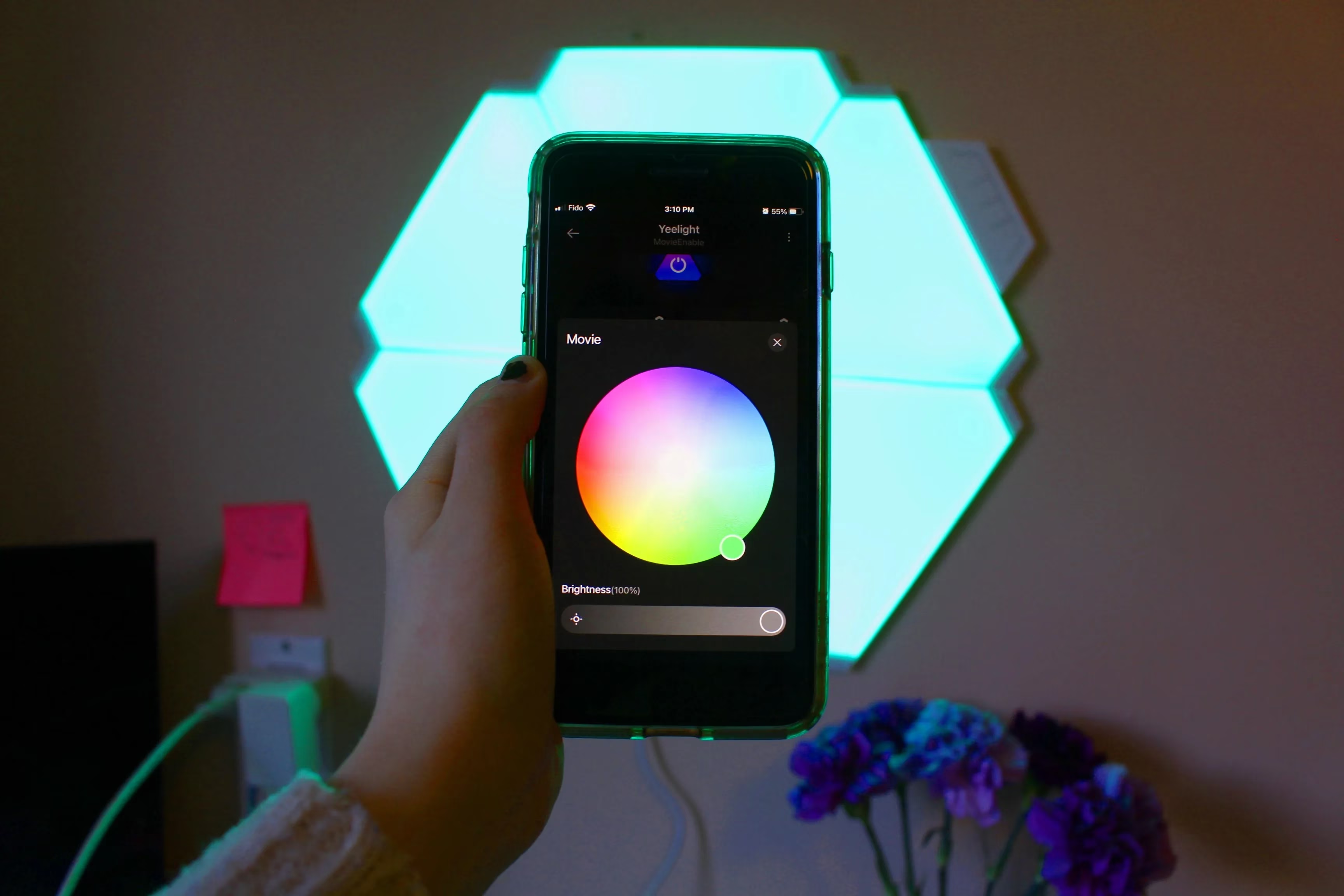 But the real star? Music mode. Options like 'Cosplay' or 'Music Rhythm' made the panels dance to my beats—perfect for gaming marathons! The microphone picked up sound waves flawlessly, creating a light show that synced with every track. However, the controller instructions were vague. What do those buttons even do? I ended up relying on the app, which overrode any controller inputs. A bit frustrating, but manageable.
Performance and Playtime
Once lit, the panels blew me away. With 16 million colors and high brightness, they transformed my room into a rainbow paradise. No flickering, just smooth, saturated hues. I used them for everything: gaming sessions synced with Razer Chroma, chill movie nights, and even as ambient lighting while I worked. 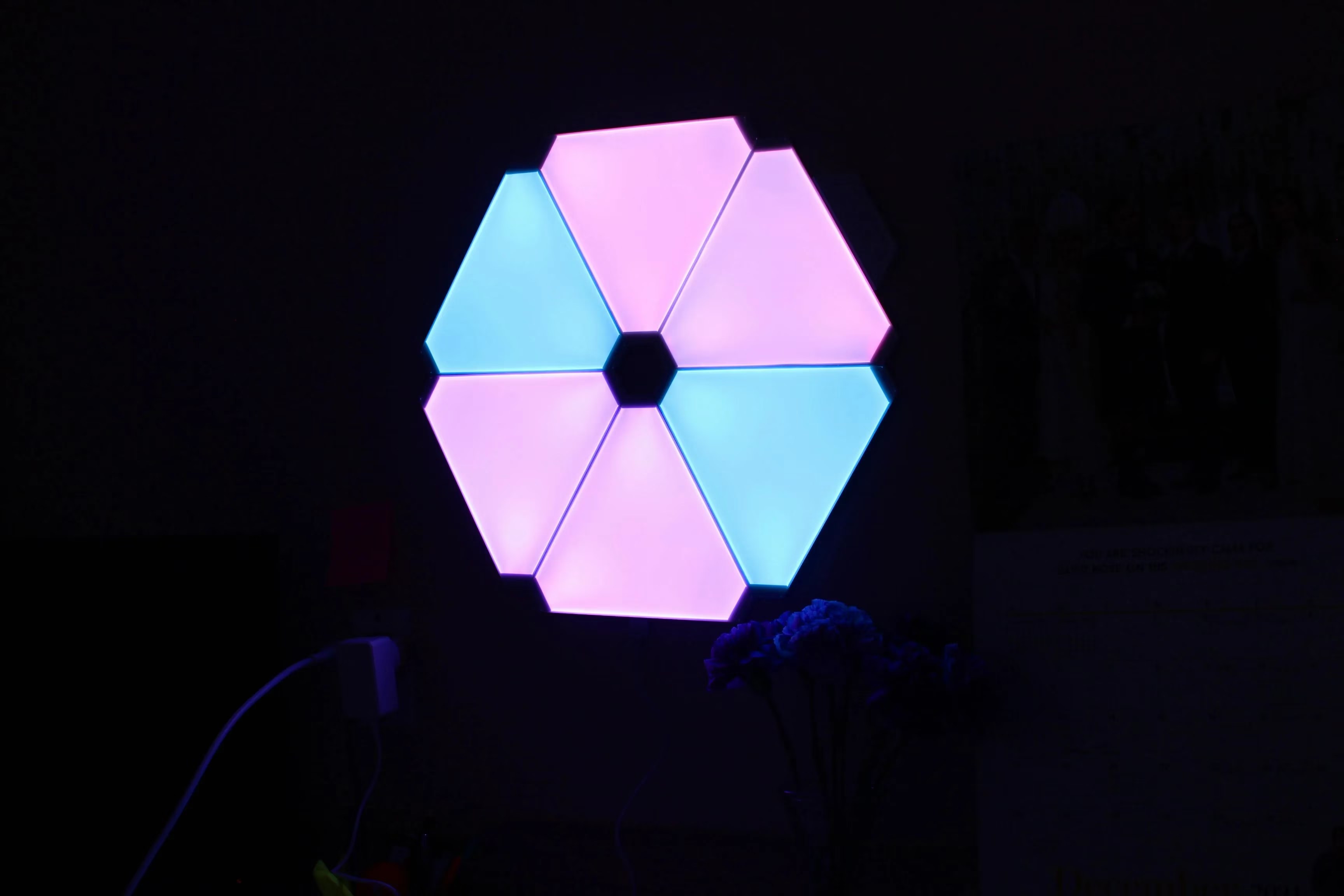 But let's talk about that 'Y' audio adapter—it feels like a relic from the past. Plugging in headphones for private listening? In 2025, when everything's wireless, it seemed outdated. Plus, being tethered to the panels killed the vibe. Why include it at all? Yeelight could have ditched it for something more modern.
Here's a quick comparison of the pros and cons I experienced:
| Aspect | Pros | Cons |
|---|---|---|
| Design & Setup | Easy assembly, flexible patterns 🌟 | Core set only six panels, needs expansions |
| Performance | Wide color range, no flickering 😊 | 'Y' adapter outdated, inflexible movement |
| App Control | Music and game syncs perfectly 🎮 | Controller instructions lacking |
| Value | Budget-friendly, expandable 💰 | Adhesive tape not reusable |
Overall Impressions and Final Thoughts
After months of use, I'm still impressed. The panels are durable, with a 25,000-hour lifespan, and Yeelight's customer service has been stellar—lifetime support for any issues. In 2025, they've even rolled out minor app updates, making integration smoother. But is it perfect? No. The cons are real, yet manageable. For under $100, it beats pricier alternatives hands-down. So, would I recommend it? Absolutely! It's a game-changer for any room, and my wallet thanks me. If you're on the fence, just go for it—you won't regret adding this cosmic touch to your life.
Comments