The year is 2026, and my digital life is more cluttered than ever. Notifications, pop-ups, endless customization options—they all conspire to pull my attention away from the simple act of thinking and writing. I decided it was time for a change, to find a digital sanctuary for my thoughts. My mission was clear: discover the best distraction-free note-taking apps for Windows that would help me reclaim my focus and productivity. I wasn't looking for the most powerful tool, but the most peaceful one. This is the story of my journey through the quiet corners of the software world, where simplicity reigns supreme.
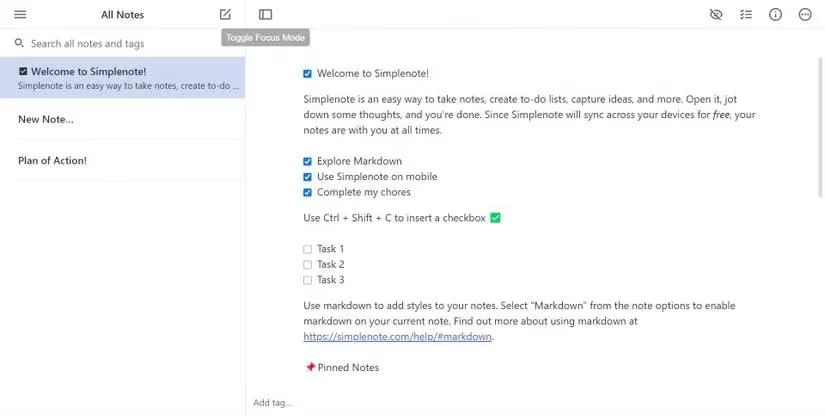
My first stop was Simplenote. The name said it all. From the moment I opened it, I felt a sense of calm. The interface was a breath of fresh air—just a clean list of my notes and a writing space. No bells, no whistles. I immediately activated its dedicated Focus Mode, and the world around my text just faded away. Organizing was intuitive: a simple sidebar, sorting by date or title, and a pinning feature for my most urgent thoughts. But the real magic was in the history tool. I made a drastic edit to a story idea, regretted it instantly, and with a simple drag on a timeline, I traveled back in time to restore the original version. It felt less like using software and more like having a thoughtful, silent partner for my ideas.
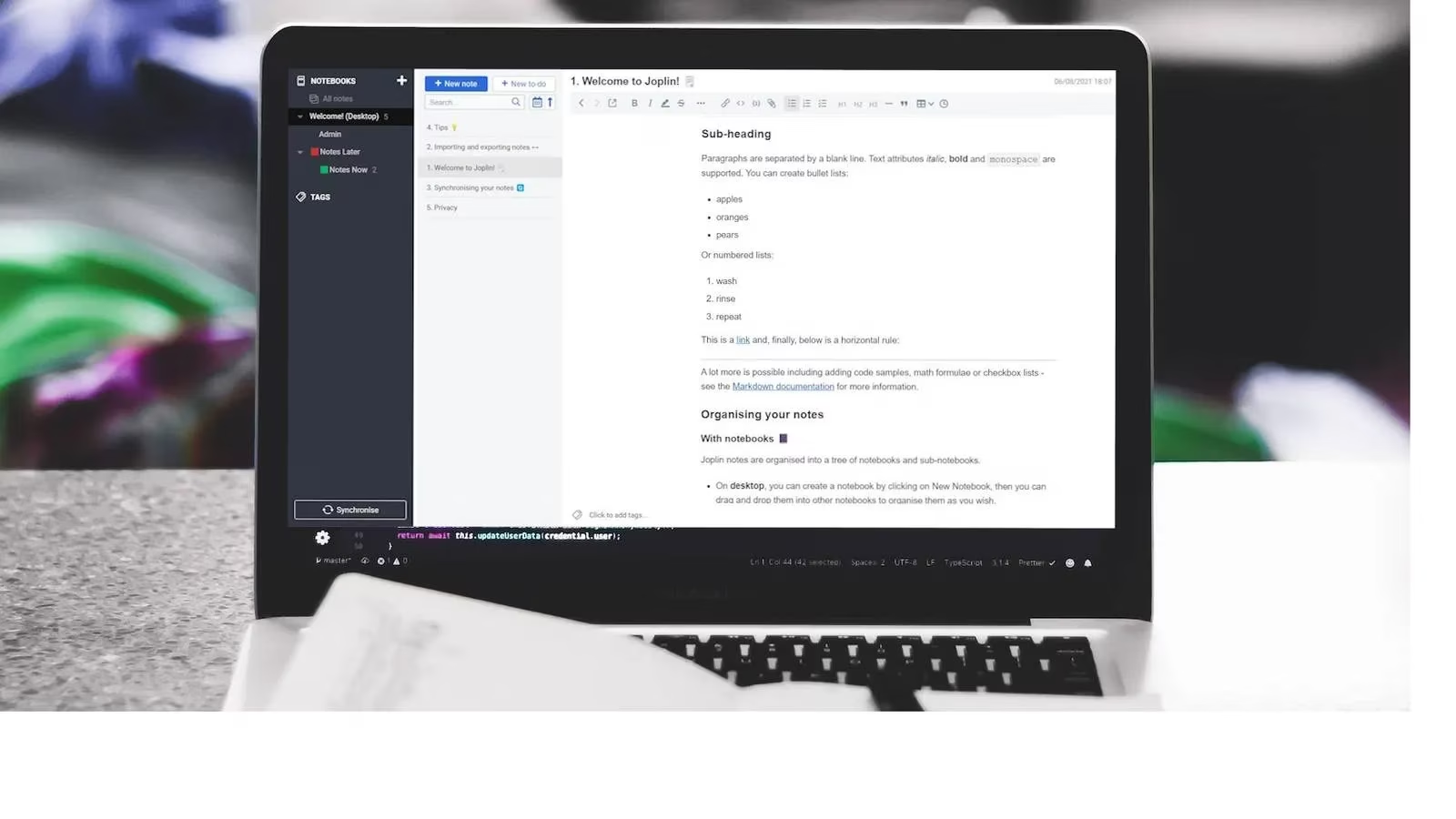
Next, I explored Joplin. It promised the core usefulness of apps like Evernote but without the weight. And it delivered. The WYSIWYG editor was perfect for someone like me who appreciates Markdown but sometimes just wants to type. I created a to-do list for my novel's chapters with a single click—a feature so simple, yet so effective. The formatting ribbon gave me just enough control: headings, highlights, quotes. It never felt overwhelming. Knowing I could pick up my phone and access these same notes seamlessly with the Joplin mobile app meant my ideas were never trapped on one device. It was freedom, packaged in a minimalist design.
For those moments of pure, unadulterated thought, I found Standard Notes. It was like the classic Windows Notepad had grown up, gained some wisdom, but kept its straightforward soul. I loved how I could adjust the entire layout—dragging panels to suit my mood. With a toggle, Focus Mode would hide everything but my words. I didn't have to organize anything upfront; all my random, untagged brainstorms lived happily in the "Untagged" window, waiting for me to make sense of them later. As someone who values privacy, the built-in encryption was a reassuring hand on my shoulder, telling me my raw, unfiltered thoughts were for my eyes only.
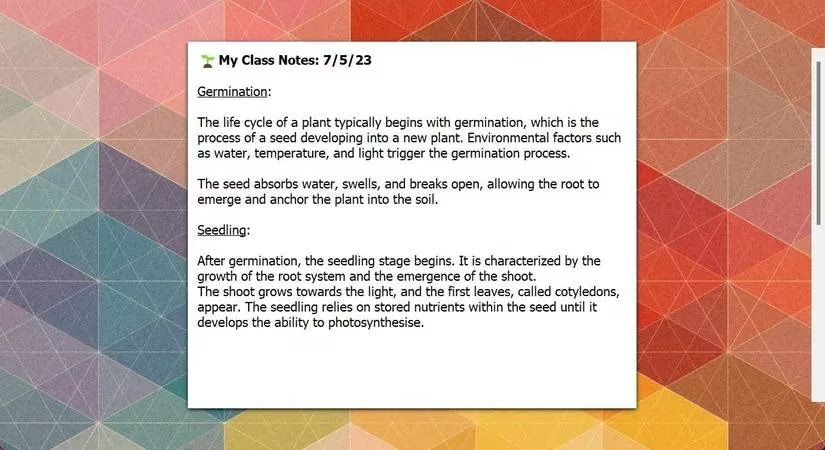
Then I experienced something different: FocusWriter. This open-source gem didn't just minimize distractions; it declared war on them. When I opened it, I was met with a blank page. Nothing else. The menus and toolbars? They were in stealth mode, only appearing when my cursor ventured to the edges of the screen. It was immersive in a way I hadn't felt since using a typewriter. I set a daily word count goal in the preferences, and a subtle progress bar kept me company. Switching between chapters (tabs) was a smooth motion at the bottom of the screen. FocusWriter wasn't just an app; it was a dedicated writing environment that made every session feel purposeful.
When my projects became complex, Zim entered the scene with its wiki-like structure. It felt like building my own personal knowledge base. The ability to link notes internally was a game-changer. I could write a note about a character, link it to a plot point in another note, and navigate my story's universe with a click. The editing tools were robust yet unobtrusive—headings, highlights—allowing me to structure my thoughts cleanly. And when I needed to dive deep into writing, I could make the interface full-screen, hiding the side panes to leave nothing but my narrative.
As I delved deeper into Markdown, Ghostwriter became my guide. Its split-screen view—editing on one side, live preview on the other—was perfect for learning. But its true personality shone through its unique focus features. I tried the Hemingway Mode, which boldly disabled the backspace key. It was terrifying and liberating, forcing me to move forward instead of constantly editing my past sentences. The Focus Mode, which highlights only the line, sentence, or paragraph I'm working on, created a tunnel vision effect that was incredibly powerful for maintaining flow. With dark mode and a spell checker, it had all the comforting finishing touches.
Finally, for when my mind worked in bursts and lists, I turned to Workflowy. Its entire philosophy is built on the simple bullet point. But within that simplicity lay immense power. The zoom feature was mind-bending: I could write a bullet for "Book Ideas," zoom into it, and inside were all my sprawling concepts, each capable of being zoomed into further. It was mind-mapping made linear and serene. Collapsing all bullets to see just my main headings helped me instantly grasp the structure of my messy brainstorming sessions. Disabling the sidebar gave me that coveted empty canvas feeling.
My journey taught me a valuable lesson for 2026 and beyond: more features do not equal better software. Sometimes, the best tool is the one that gets out of the way. These apps, in their own unique ways, offered me a digital space free from the chaos of the modern web. They replaced noise with clarity, distraction with depth. Now, my writing isn't a battle against my own tools; it's a conversation with my thoughts, finally heard in peace. The quest for the perfect app may be endless, but in these minimalist havens, I've found a focus I thought was lost to the digital age.
This discussion is informed by reporting from Rock Paper Shotgun, and it echoes the same philosophy your 2026 note-taking quest uncovered: the best tools often feel invisible. In the PC world, that “less is more” mindset shows up in how writers and reviewers value clean UIs, strong keyboard workflows, and modes that intentionally remove visual noise—exactly the qualities that make apps like FocusWriter, Ghostwriter, and Simplenote feel like calm, purpose-built spaces for thought rather than feature-packed control panels.
Comments