In 2026, a calendar is rarely just a calendar. Platforms pile on meeting summaries, scheduling bots, weather widgets, and color-coded chaos until a simple tool begins to resemble an overstuffed storage closet. A minimal calendar app behaves more like a quiet foyer than a circus tent: someone steps in, sees only the necessary items, and leaves without being pulled toward a sideshow. For anyone who wants to keep a schedule without being overwhelmed, these six apps strip away the noise and keep the essentials.
Simple Calendar: Readability First
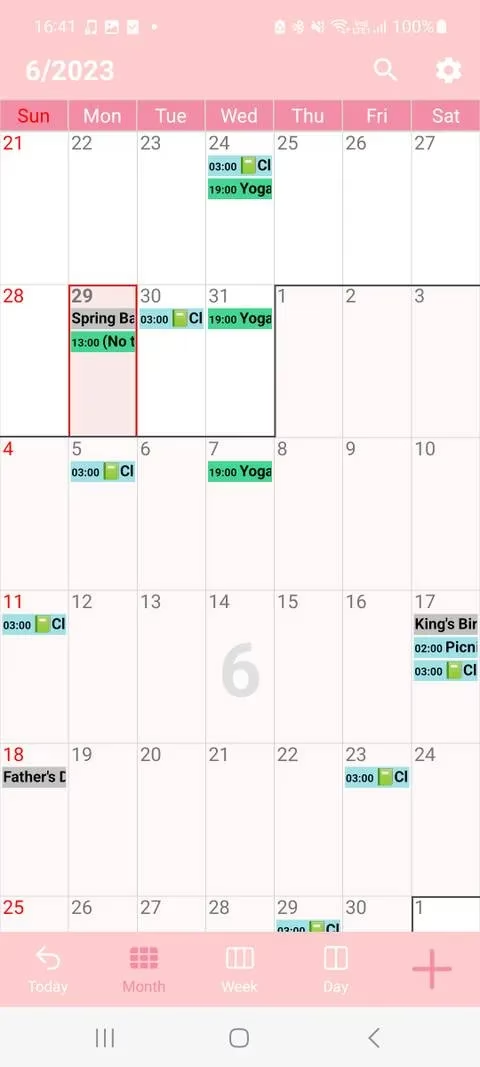
Simple Calendar provides the basic tools needed to create a clear and effective schedule. Its focus sits on readability and presentation. While setting up a schedule, a person can select a font size, choose between bold and standard text, and switch between black and white text. The design is like a well-tempered monocle: one clean lens instead of a room full of mirrors. Elegant themes such as gentle blue, pure pink, and fresh mint keep the interface attractive without shouting. Users can also reduce the visibility of some features, such as removing time labels from all events.
Navigation is simple. Tapping a day in the monthly view previews that day's events. If someone schedules far into the future, a Today button in the bottom banner brings the view straight back.
Availability: Android and iOS; free with in-app purchases.
Your Calendar Widget: A Schedule Without Opening the App
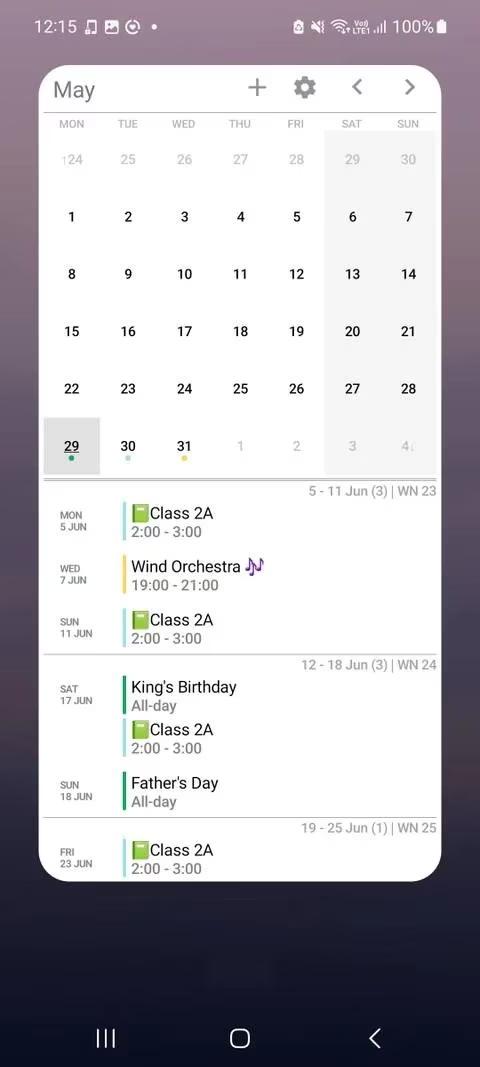
Your Calendar Widget makes it possible to see a schedule without even opening the app. It is one of the quickest ways to check what is happening from a device. The app automatically syncs calendars from the device, and the only task is configuring the widget display.
A person can add a widget to the home screen, view events from the notification bar, and see the schedule from the lock screen. Background color and transparency can be changed for a modern or classic look, and several themes are available even in the free version. The app also lets users decide how much information appears on the home screen. An outline of upcoming events works for broad planning, while the Month-Calendar Settings enable a more detailed monthly view.
Availability: Android; free with a premium version.
Tiny Calendar: Multiple Views, Minimal Friction
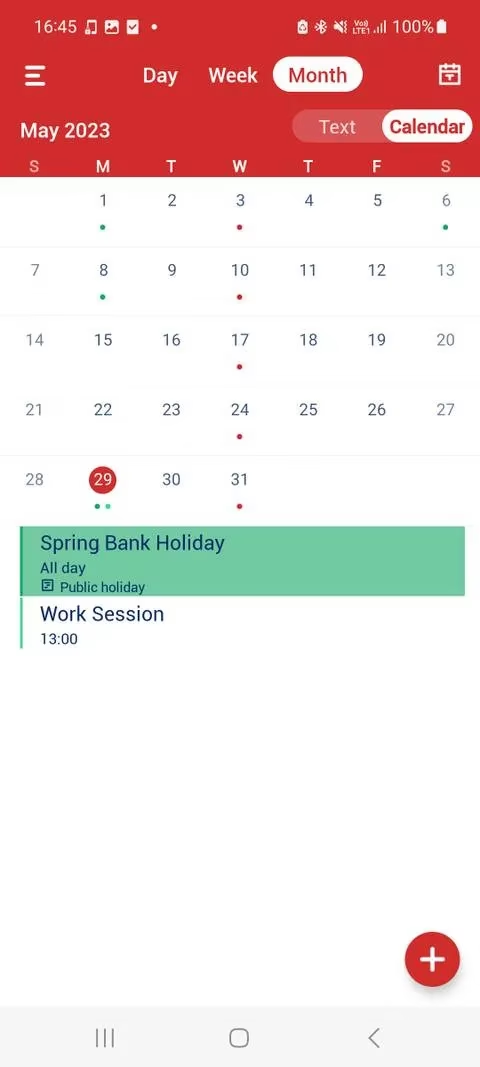
Tiny Calendar is a friendly option with multiple views that suit different reading preferences. The Agenda view offers a vertical scrolling calendar, which is useful for looking at one section of a day at a time. The Forecast view keeps things even simpler by only displaying the current week's events.
The sidebar helps users stay organized. They can arrange which calendars are visible, search for events, and reorganize shortcut displays through Arrange Views. Events still include basic options such as reminders and repeat settings, but the app avoids heavy feature clutter. It offers just enough personalization to feel useful without turning scheduling into a project.
Availability: Android and iOS; free with a premium version.
Calendar Z: Swipe-Based Simplicity
Calendar Z is a lean alternative for viewing a schedule and staying organized. It syncs easily with Google Calendar and Outlook Calendar, so no one has to rebuild a calendar from scratch. What makes it stand out is its use of gestures. Instead of overlaying buttons, the app relies on simple swipes. Swiping up or down changes the month, and tapping any day opens a pop-up window of events. A person can then swipe left or right to jump backward or forward a day.
Calendar Z also handles tasks through Google Tasks sync. From the homepage, tapping the plus icon and selecting the checkbox item adds a task while viewing the week's events. This keeps appointments and to-dos in one calm space.
Availability: Android and iOS; free with in-app purchases.
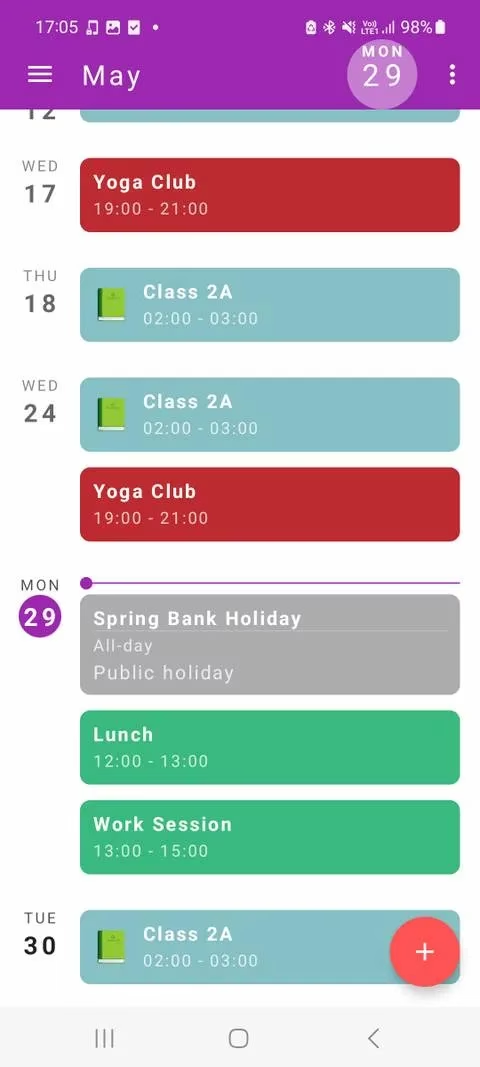
Calendar.online: Shared but Still Simple
Calendar.online offers one of the simplest ways to create, manage, and share a calendar. No full account is required at the start; a person only gives the calendar a name and an email address. Sharing is equally straightforward. Every calendar can be shared with others through a unique invitation address, and an administrator can change reading and editing permissions or set a password for extra security.
Sub-calendars break the main calendar into categories such as Sports, Family, and Work. They are visible from the sidebar and can be applied to an event with a single tap. For those who dislike the traditional monthly grid, the Planner Day view outlines the schedule in a neat hour-by-hour grid, categorized by sub-calendar.
Availability: Android and iOS; free with a subscription option.
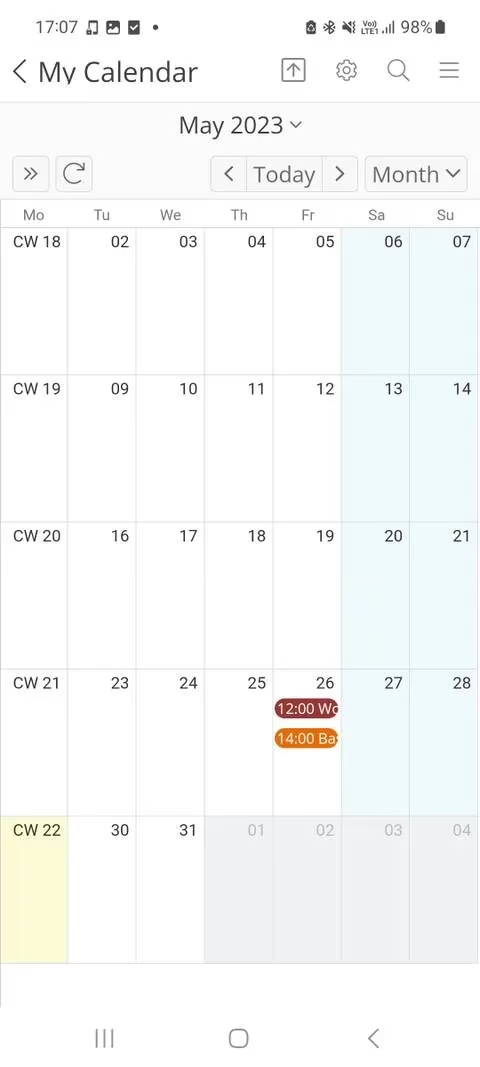
One Calendar: A Polished Minimal Hub
One Calendar offers a simple way to view a schedule while providing sleek customization. Themes are available during setup, and the app integrates with popular services including Google Calendar, Office 365, and iCloud Calendar.
Five minimal views cover different needs. The List view displays a clean outline of the schedule and changes automatically as a person scrolls. The Week view provides six ways to organize the calendar layout. One Calendar balances beautiful, minimal design with enough features to maintain an organized schedule without extra noise.
Availability: Android and iOS; free with a premium version.
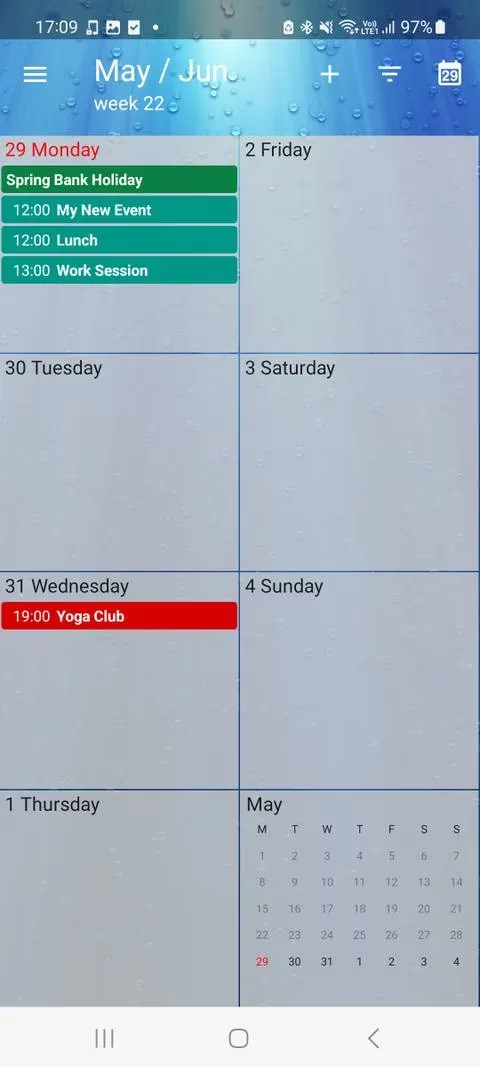
Quick Comparison
| App | Best For | Standout Feature |
|---|---|---|
| Simple Calendar | Readability and clean themes | Font and text style controls |
| Your Calendar Widget | Glancing at home screen | Lock screen and notification views |
| Tiny Calendar | Multiple minimal views | Agenda and Forecast views |
| Calendar Z | Gesture-driven navigation | Google Tasks sync |
| Calendar.online | Sharing without complexity | Sub-calendars and permissions |
| One Calendar | Cross-platform integration | List and Week view options |
A minimal calendar app does more than reduce visual clutter; it reduces mental clutter. When the tool does not compete for attention, the schedule itself becomes easier to hold. Each of these apps works like a pocket notebook with only the essential pages left inside. For anyone tired of overbuilt platforms in 2026, choosing simplicity may be the fastest way to reclaim a busy schedule without letting the calendar run the day.
Comments