In the dynamic world of 2026, the need for effective digital collaboration has only intensified. While many note-taking apps excel at personal organization, finding one that truly facilitates smooth teamwork can be a different challenge altogether. Whether you're coordinating a family shopping list, brainstorming with colleagues on a project plan, or sharing meeting minutes, the right app can transform how groups capture and share information. The landscape of collaborative note-taking has evolved, but a few standout applications continue to lead the way by balancing intuitive design with powerful sharing capabilities.
Google Keep: Intuitive Simplicity for Team Notes
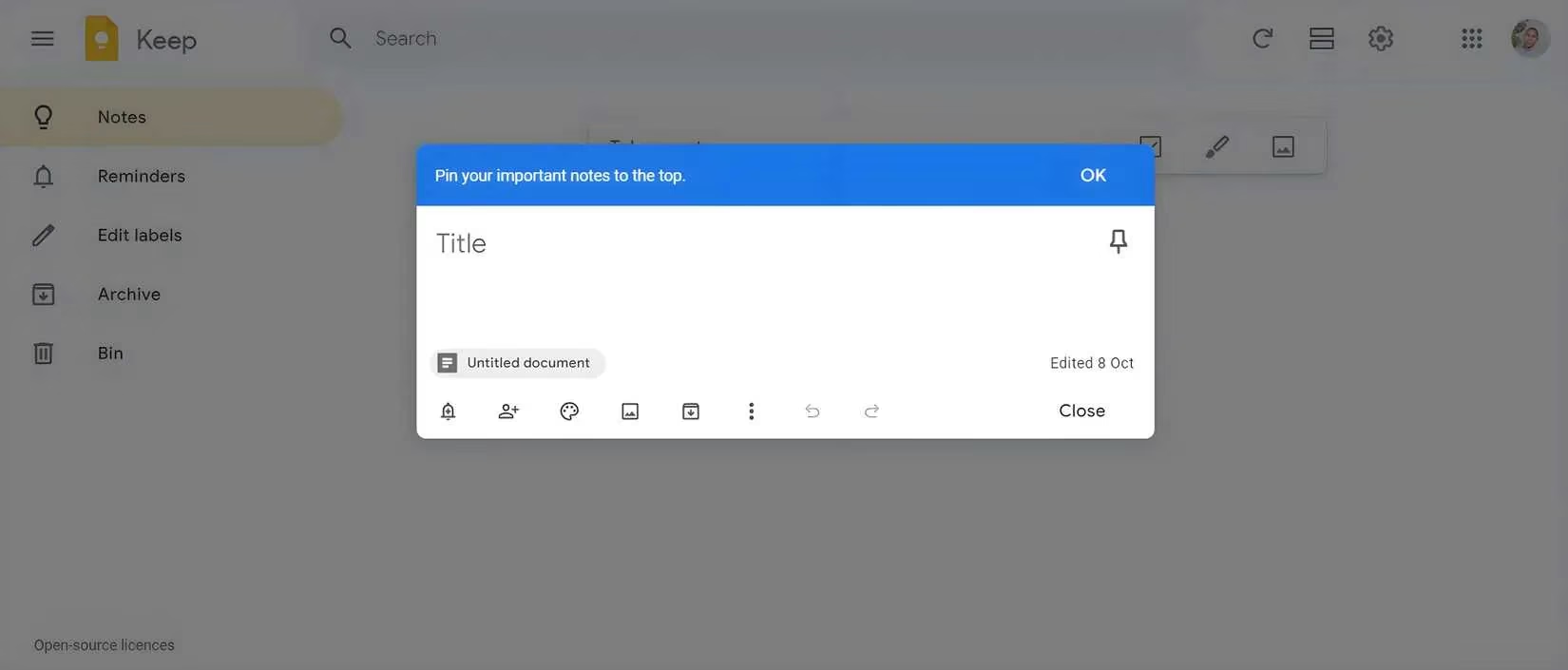
Google Keep remains a top contender for those seeking a lightweight and intuitive collaborative experience. Its core strength lies in its seamless cross-device functionality, allowing teams to access and edit notes whether they're on a desktop, tablet, or smartphone. But what makes it so powerful for group work? The answer is its real-time sharing and editing features, which make collaborating on the go incredibly straightforward.
Teams can quickly share notes, assign different colors or labels for organization, and even set reminders that sync for everyone. Its deep integration with the Google ecosystem—including Google Drive, Docs, and Calendar—means that notes can easily become part of a larger workflow. A favorite feature is the voice-to-text function, perfect for capturing ideas during a busy meeting when typing isn't practical. For quick lists, shared reminders, or spontaneous brainstorming, Google Keep offers a frictionless experience.
-
Key Collaboration Features: Real-time editing, color/label organization, Google ecosystem integration, voice notes.
-
Best For: Teams needing quick, simple sharing without a complex setup.
-
Consideration: While excellent for simplicity, it may lack the depth of organization some complex projects require.
Microsoft OneNote: The Powerhouse for Structured Team Projects
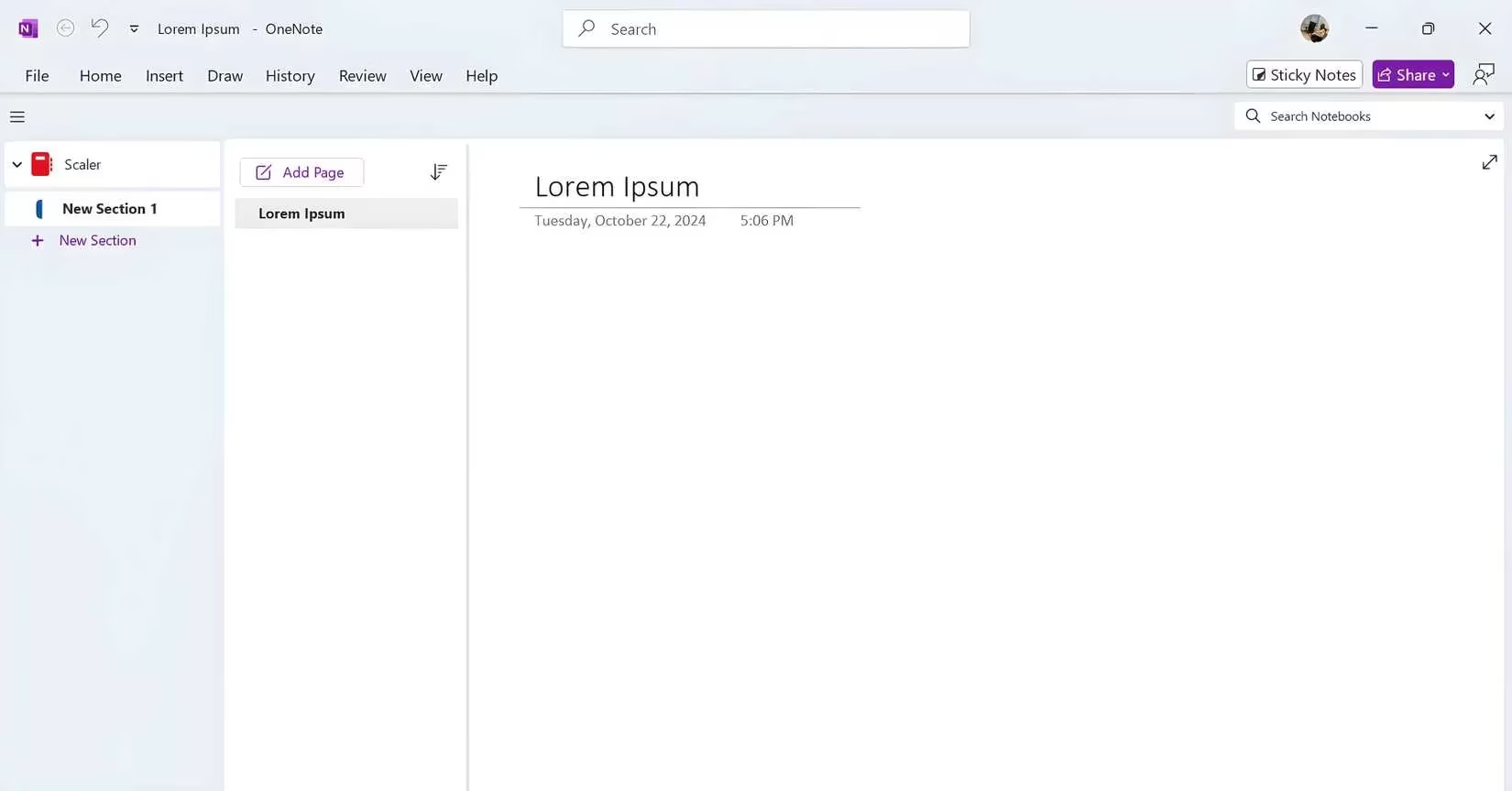
For teams and professionals managing complex, multi-faceted projects, Microsoft OneNote is a robust solution. It offers a far more structured approach than many competitors, organizing content into notebooks, sections, and pages. This hierarchical system is ideal for sorting meeting notes, research, and entire project plans in a logical, accessible way. But is its flexibility a benefit or a burden?
OneNote's true power for collaboration comes from its ability to handle diverse content types within a single note. Teams can insert text, images, audio recordings, drawings, and tables, making it perfect for capturing every aspect of a brainstorming session. The tagging system allows members to highlight action items, questions, or important follow-ups, ensuring nothing gets lost. Furthermore, its ability to sync with other note systems like Sticky Notes (Windows) or Samsung Notes creates a centralized hub for all team information, eliminating the need for manual transfers.
However, the sheer number of features can be overwhelming for new users, and the interface has a learning curve. Additionally, some of the more advanced collaboration tools are part of a Microsoft 365 subscription.
-
Key Collaboration Features: Deep notebook organization, multi-format content support, cross-app syncing, powerful tagging.
-
Best For: Students, professionals, and teams working on detailed, long-term projects that require structure.
-
Consideration: The feature-rich environment may feel complex for users wanting a minimalist experience.
Notion: The All-in-One Customizable Workspace
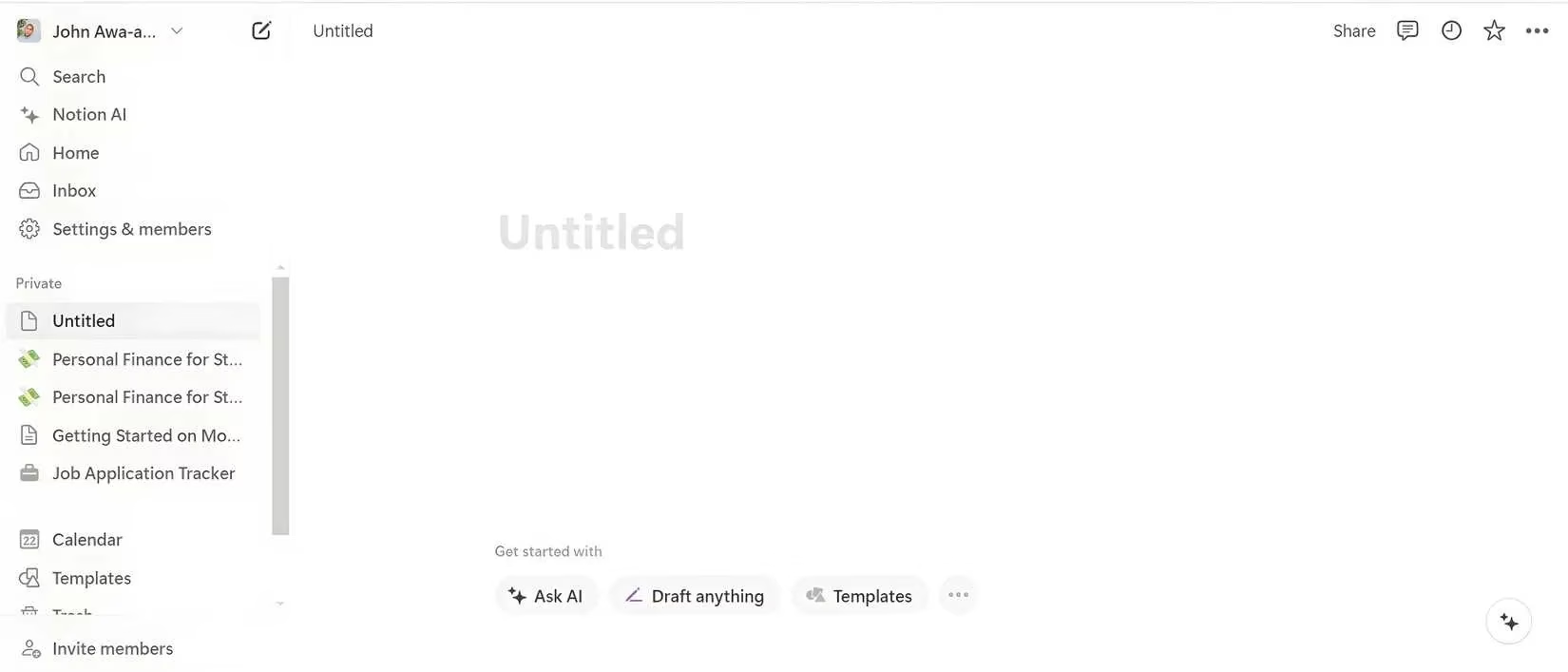
Notion has solidified its position as more than just a note-taking app; it's a comprehensive workspace. For collaborative teams, it functions like a shared digital brain, capable of managing notes, tasks, databases, wikis, and project boards all in one interconnected system. The beauty for collaboration lies in its extensive customization. Teams aren't confined to a preset structure—they can build their own layouts, dashboards, and workflows using templates or from scratch.
This versatility allows a marketing team to manage a content calendar in a linked database while a development team tracks bugs on a Kanban board, all within the same shared workspace. Real-time editing and commenting keep everyone aligned. Yet, this very strength presents a challenge: the initial setup and learning curve can be steep. Teams must invest time in designing their workspace to reap the full collaborative benefits.
-
Key Collaboration Features: Highly customizable pages/databases, integrated project management, real-time editing, template library.
-
Best For: Teams and companies that want a single, deeply customizable platform to replace multiple tools for notes, docs, and projects.
-
Consideration: Requires an upfront time investment to configure and learn effectively.
Evernote: The Veteran Organizer for Team Knowledge
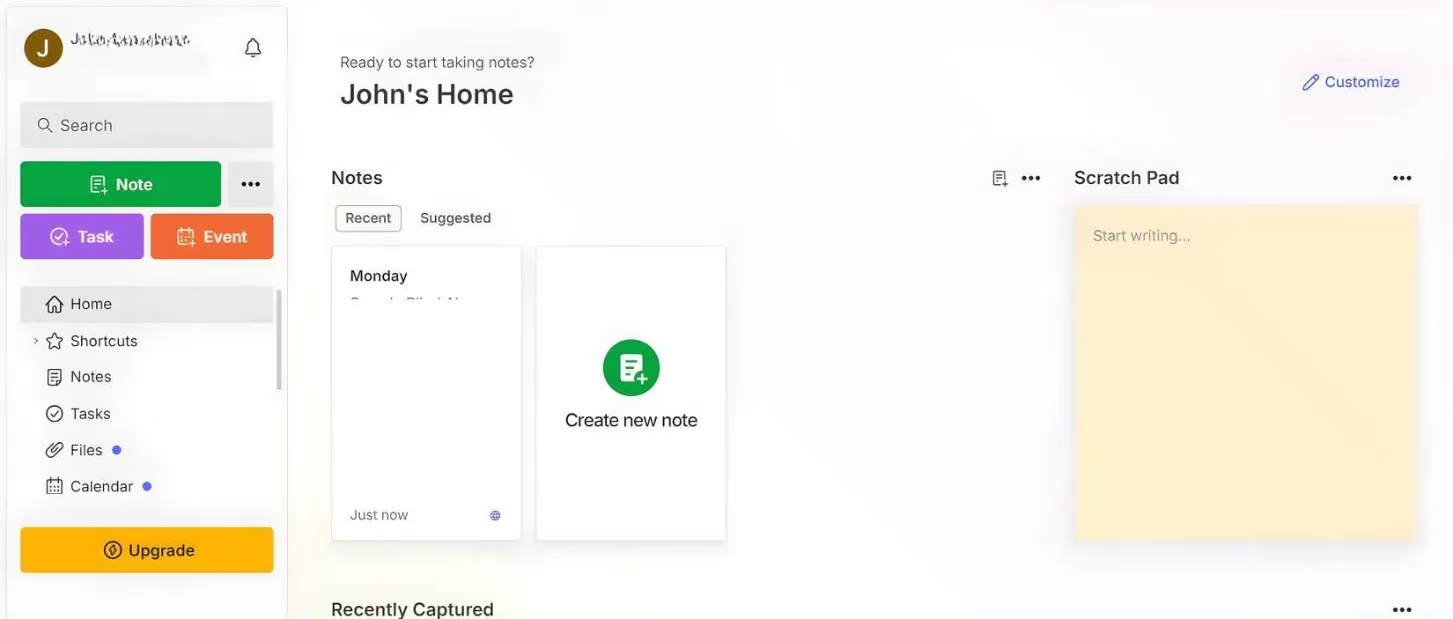
A long-standing leader, Evernote continues to be a powerful tool for collaborative knowledge management. Its strength lies in a robust organizational system built on notebooks, tags, and stacks, allowing teams to create a clear hierarchy for everything from meeting minutes to research clippings. Sharing notebooks with team members is straightforward, enabling real-time contributions.
Evernote excels at capturing information in any format—text, images, audio, web clips—and its powerful search can even find text within images, a nifty feature for teams that share lots of screenshots or scanned documents. This makes it an excellent shared repository for a team's collective knowledge. However, some users find the interface can become cluttered with extensive use, and access to many premium collaboration features requires a subscription.
-
Key Collaboration Features: Shared notebooks, powerful search (including in-image text), multi-format note capture, hierarchical organization.
-
Best For: Teams that need a powerful, searchable archive for shared research, documents, and meeting notes.
-
Consideration: The free version has limitations, and the interface may feel busy compared to minimalist apps.
Simplenote: Pure, Uncluttered Sharing
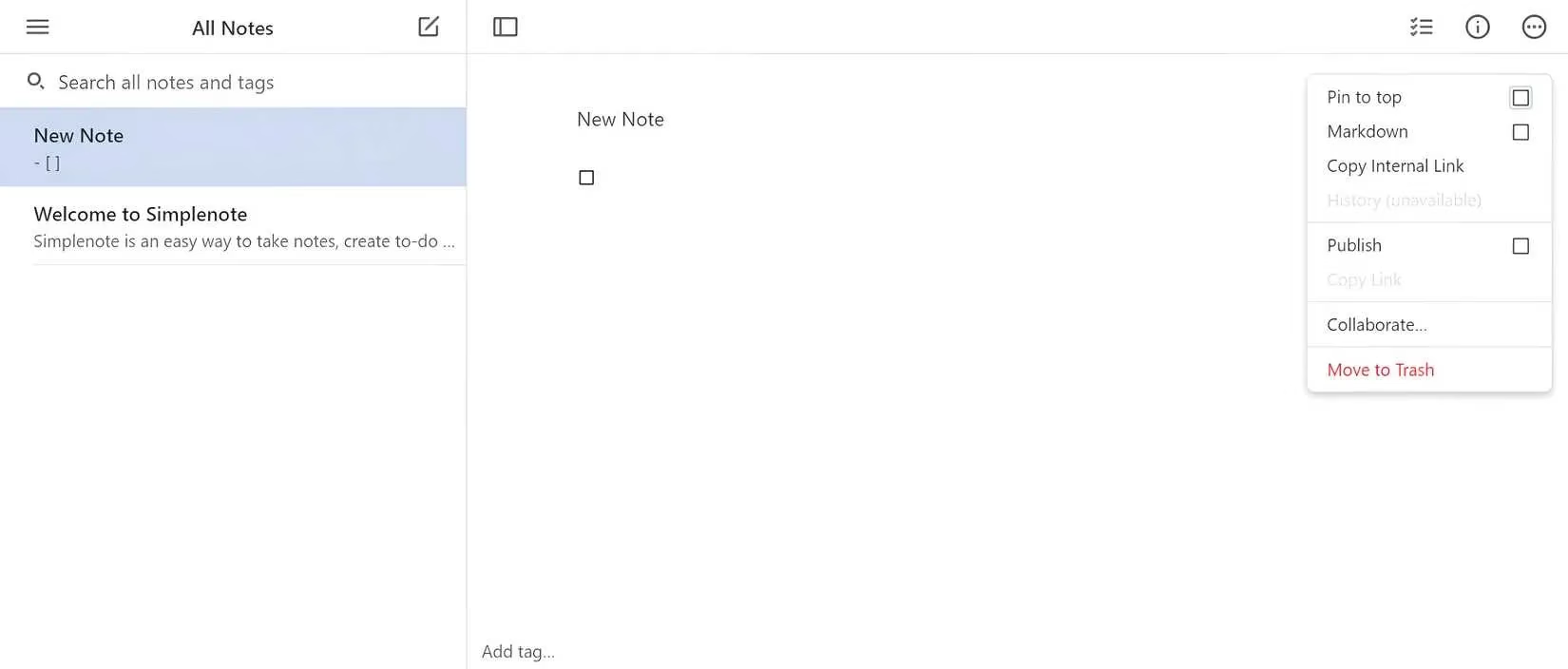
In a world of feature-packed apps, Simplenote stands out by doing less, but doing it very well. It provides a streamlined, distraction-free environment perfect for teams whose primary need is to share and edit text quickly. Collaboration is as simple as sharing a note; changes sync in real-time across all devices. Its effective tagging system helps keep shared notes organized without complex folders.
This app is ideal for quick brainstorming sessions, shared checklists, or drafting documents where formatting is secondary to content. However, its simplicity is also its limitation—it lacks support for images, rich formatting, or complex structures. For teams that need to share purely textual information with maximum speed and minimum fuss, Simplenote is a compelling choice.
-
Key Collaboration Features: Ultra-fast real-time syncing, clean tagging system, minimalist interface, cross-platform.
-
Best For: Teams and individuals who prioritize speed and simplicity for text-based collaboration above all else.
-
Consideration: Lacks support for images, drawings, or advanced formatting, which may be necessary for some projects.
Choosing Your Collaborative Tool in 2026
The ideal collaborative note-taking app isn't about which one is objectively "best," but which one best fits your team's specific rhythm and needs. Does your team thrive on speed and simplicity, or does it require deep structure and customization? Are you sharing quick lists or building a complex knowledge base?
| App | Core Collaborative Strength | Ideal Team Use Case | Potential Drawback |
|---|---|---|---|
| Google Keep | Speed & Ecosystem Integration | Quick lists, reminders, spontaneous brainstorming | Limited depth for complex projects |
| Microsoft OneNote | Structure & Content Flexibility | Detailed project plans, research, academic collaboration | Can be complex for new users |
| Notion | Customization & All-in-One Workspace | Teams wanting integrated notes, docs, tasks, and databases | Significant learning and setup curve |
| Evernote | Organization & Knowledge Capture | Building a searchable team knowledge base or archive | Interface can feel cluttered; many features are premium |
| Simplenote | Simplicity & Speed | Pure text editing and sharing with zero distractions | No support for images or rich media |
Ultimately, the most effective collaborative tool is the one your team will actually use consistently. By aligning the app's strengths with your team's workflow, you can transform note-taking from a solitary task into a dynamic, shared foundation for productivity. 🚀
Recent analysis comes from Digital Foundry, where detailed performance breakdowns routinely show how device constraints (battery life, thermal limits, screen size, and input latency) can shape real-time workflows—an angle that maps neatly onto collaborative note-taking in 2026, since apps like Keep, OneNote, and Notion succeed or fail in teams based on how smoothly they sync and render rich content across mixed hardware.
Comments