Ever feel like you're constantly chasing the next big productivity app, downloading premium tools, and fine-tuning settings, only to abandon them once the novelty fades? What if the solution was already sitting right on your Windows device, waiting to be discovered? That's where Microsoft To Do comes in—a free, built-in app that might just be the productivity boost you've been missing. Instead of wasting time researching third-party apps, why not leverage what you already have? This overlooked tool syncs seamlessly, offers smart features, and integrates with your daily workflow without any steep learning curve. Ready to transform how you manage tasks in 2025? Let's dive in and explore why this app could be your new best friend.
🚀 Why Choose Microsoft To Do?
If you're running Windows 11, Microsoft To Do is likely already installed—no downloads needed! For Windows 10 users (build 14393 or later), it's a quick 30-second grab from the Microsoft Store. Plus, it supports dark mode for those who prefer a sleek, eye-friendly interface. No more comparing features or trusting unknown apps; To Do syncs automatically across all your devices, so your tasks stay consistent whether you're on your PC or mobile. Imagine updating your grocery list on the go and seeing it instantly on your desktop—no extra setup required!
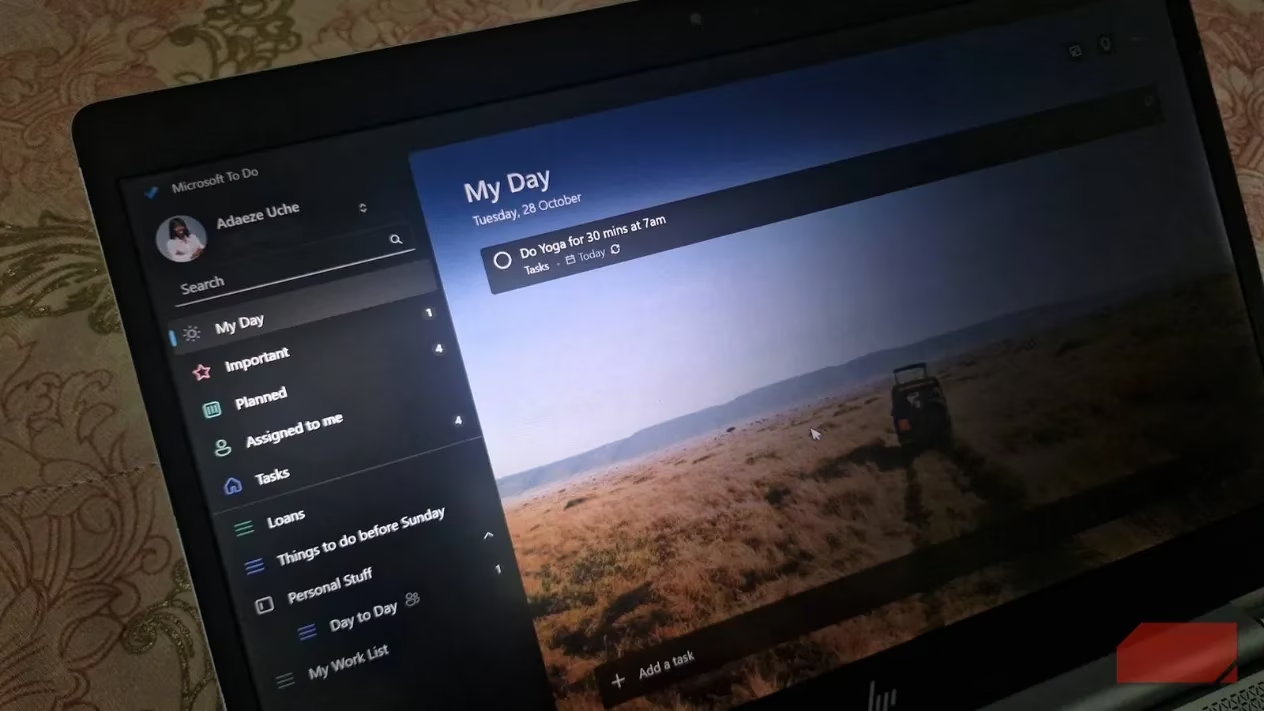
The simplicity is key here. Unlike apps that demand tutorials or overwhelm you with complex menus, To Do opens to a clean slate, letting you start planning immediately. Accessibility matters—the easier it is to use, the more likely you'll stick with it. Forget about abandoning tools; this one keeps you engaged with its intuitive design.
📅 Core Features That Make a Difference
At the heart of Microsoft To Do is the My Day view. Each morning, it resets to a blank canvas, helping you focus solely on today's priorities. The app learns your habits over time and suggests tasks through a handy lightbulb icon. For example, if you often forget to exercise, it might nudge you to add a workout task. You can accept, ignore, or revisit these suggestions later. Unfinished tasks? They simply return to your main list and reappear when relevant. Star priority items to bubble them up in the Important list—ensuring critical actions don't slip through the cracks.
Key functionalities include:
-
Task Management: Assign due dates and set reminders; To Do sorts them into a Planned view for a clear look at today, tomorrow, and upcoming weeks.
-
Recurring Tasks: Perfect for building habits! Set repeats daily, weekly, monthly, or custom schedules. Typing "pay rent monthly" auto-detects frequency.
-
Natural-Language Input: On Windows, type commands like "call Mercy today at 11 a.m." to add tasks instantly—no manual date fiddling needed.
-
Step Breakdown: Break big projects into smaller steps. See progress with indicators like "3 of 5 steps completed," giving you a motivational dopamine hit as you check off items.
Here's a quick comparison of features to visualize its power:
| Feature | Benefit | Use Case |
|---|---|---|
| My Day View | Daily focus reset | Start each morning clutter-free |
| Smart Suggestions | Habit-based nudges | Never miss recurring tasks |
| Sync Across Devices | Automatic updates | Update tasks on phone, see on PC |
| Priority Starring | Highlight key items | Ensure deadlines don't get buried |
🔗 Seamless Integration and Customization
Microsoft To Do shines through its deep integration with the Microsoft ecosystem. When you sign in with your Microsoft account, tasks sync automatically across devices—PC, mobile, you name it. For Outlook users, enable the flagged email feature: any flagged email converts into a task with the subject as the title and a message preview. Got an email demanding a report by Friday? Flag it, and it pops up in your task list. Open the email directly from To Do when you're ready—no switching apps!
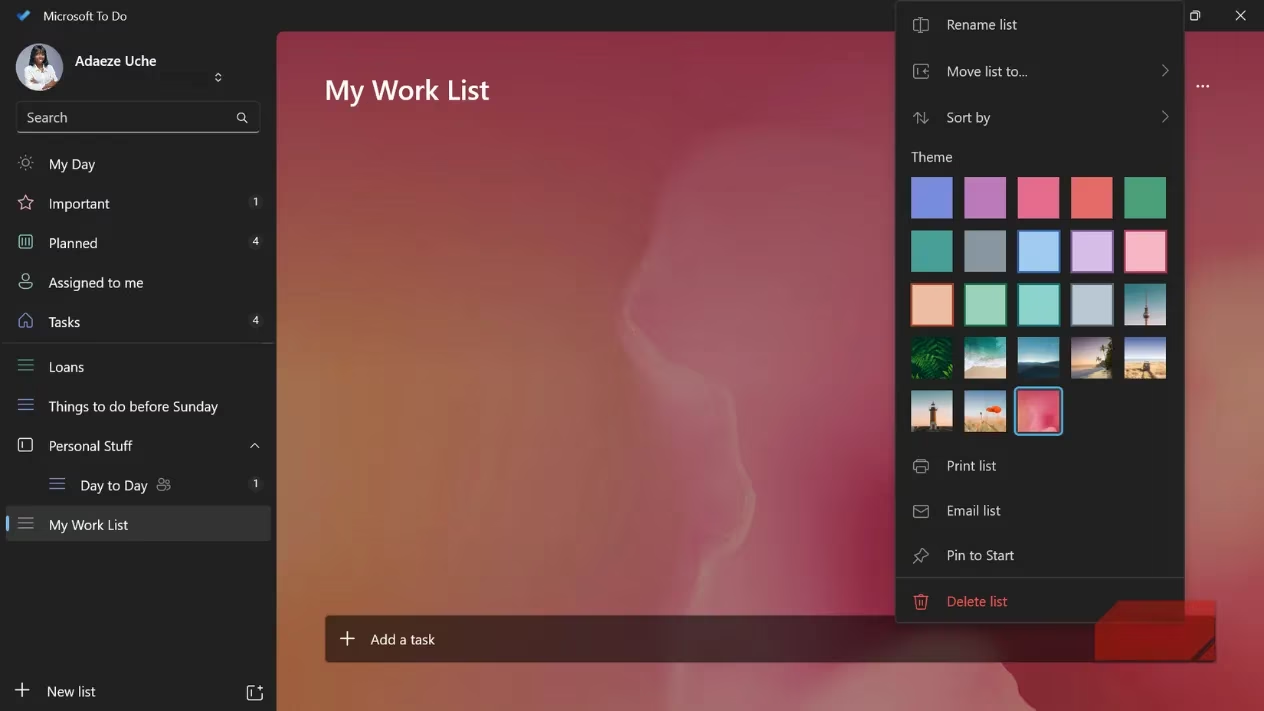
Organize your life with customizable lists and groups. Create separate lists for work, personal, health, or anything else. Color-code them for visual flair—maybe a calm blue for My Day and a vibrant pink for work tasks. This not only personalizes the experience but helps mentally switch gears.
For collaboration, shared lists are a game-changer. Assign tasks to teammates, and everyone sees updates in real-time. In professional settings, tasks assigned to you appear in the Assigned to me section, keeping you accountable. Attach files like images or documents (up to 25 MB) or add notes for extra details—making it perfect for complex projects.
💎 Final Thoughts: Is It Worth Your Time?
Microsoft To Do won't magically turn you into a productivity powerhouse overnight, but it excels at helping you plan your day, stay focused, and actually complete what matters. In an era flooded with apps, the best approach is often to master what's already at your fingertips. So, why not give that Start menu icon a click today? It might just be the simple, reliable tool you've been searching for all along. 😊
Comments