In the ever-expanding digital ocean of productivity tools, finding a to-do list app that genuinely enhances one's workflow can feel like searching for a specific star in a crowded galaxy. Many have tried, but few have achieved the harmonious blend of simplicity and power that Things 3 offers. Originally released in 2017 by Cultured Code, this premium application for macOS, iOS, iPadOS, watchOS, and visionOS has not only endured but thrived, cementing its status as a cornerstone of personal productivity for dedicated Apple users. While the landscape has seen new contenders emerge, Things 3's elegant design and intuitive system continue to make it a standout choice for those seeking to master their tasks.
Core Functionality and Structure
At its heart, Things 3 is built on a philosophy of clarity. It allows users to organize their lives through a hierarchical structure of Areas and Projects. Think of Areas as the distinct continents of your life—Work, Home, Personal Goals—while Projects are the specific expeditions you plan within them. This structure is as intuitive as a well-organized library, where every book has its designated shelf and section.
-
Areas: These represent the major spheres of responsibility or interest in one's life. A user might have Areas for "Freelance Writing," "Health & Fitness," and "Home Renovation."
-
Projects: These are contained within Areas and are for multi-step endeavors with a defined outcome. Under "Home Renovation," a Project could be "Paint the Living Room."
-
Tasks & Subtasks: Individual action items live within Projects or directly in Areas. For complex tasks, like "Plan Summer Vacation," users can break them down into manageable subtasks: research flights, book accommodation, create itinerary.
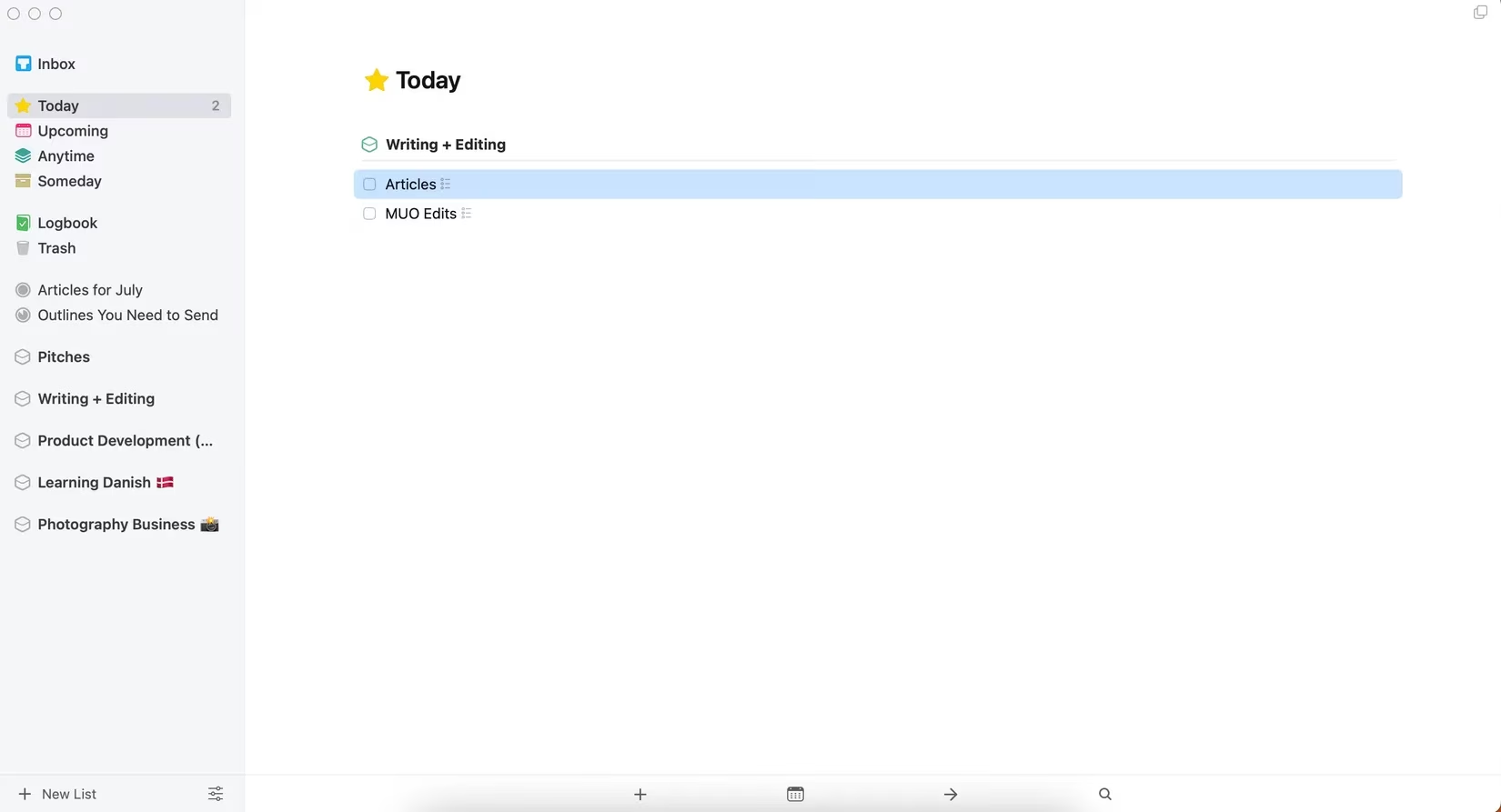
The app provides several intelligent views to slice through this data:
| View | Purpose |
|---|---|
| Today | A focused list of tasks scheduled for the current day. |
| Upcoming | A calendar-like overview of tasks planned for the future week. |
| Anytime | A reservoir of all tasks without a specific deadline, waiting to be scheduled. |
| Someday | For ideas and tasks that are not actionable now but shouldn't be forgotten. |
The Magic of Automation and Design
One of the app's most beloved features is its gentle handling of unfinished tasks. Unlike apps that aggressively stamp tasks with glaring "OVERDUE" labels—a digital equivalent of a nagging alarm clock—Things 3 quietly moves incomplete items to the following day. This approach reduces anxiety and reframes productivity not as a race against missed deadlines, but as a steady, manageable flow. It’s like having a thoughtful assistant who simply moves yesterday's memos to the top of today's desk without judgment.
The aesthetic experience is paramount. Things 3’s interface is a masterclass in minimalist design that doesn't sacrifice functionality. It feels less like software and more like a finely crafted tool—the digital analogue of a perfectly balanced chef's knife. The typography is crisp, the animations are smooth and purposeful, and the use of color is subtle yet effective for categorization. This attention to detail makes the daily interaction with one's tasks not just efficient, but genuinely pleasant.
Integration and Customization
Things 3 plays nicely within the Apple ecosystem. It offers seamless integration with Apple Calendar, allowing users to see their events alongside their tasks in the "Upcoming" view. It can also import tasks from Apple Reminders, acting as a more powerful command center for those migrating from Apple's simpler built-in app.
Customization, while restrained, is impactful. Users can:
-
Add notes and checklists to any task.
-
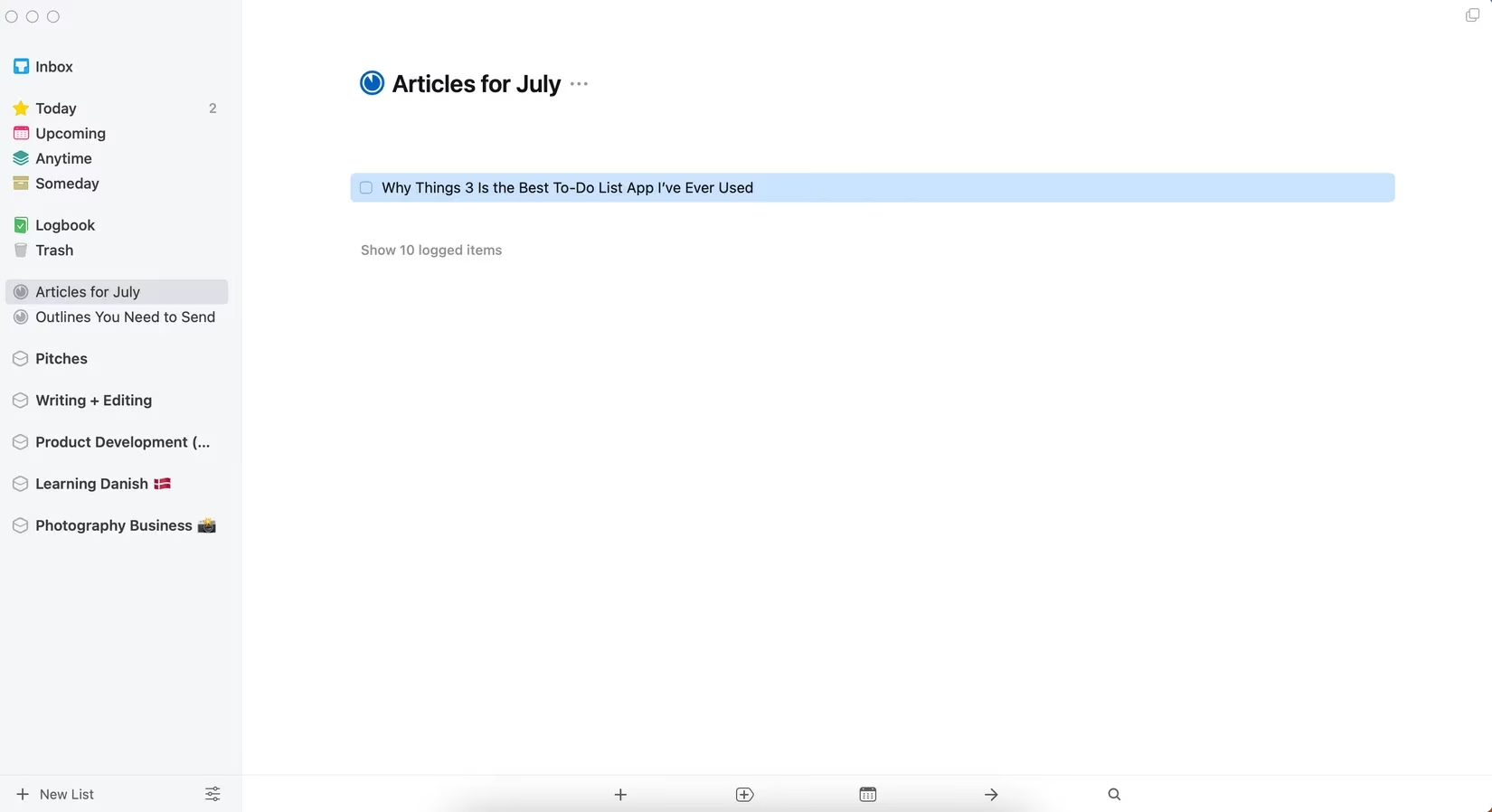
Tag tasks for cross-category filtering (e.g., #errand, #5min, #waiting).
-
Use emojis in Area and Project titles for quick visual recognition.
-
Utilize keyboard shortcuts extensively on macOS for lightning-fast input.
Practical Workflow in Action
For someone managing a multifaceted life, Things 3 becomes the central nervous system. A freelance photographer, for instance, could have:
-
An Area for "Client Work" with Projects for each photoshoot.
-
An Area for "Business Development" with a Project for "Create New Preset Pack," broken into subtasks.
-
An Area for "Personal" with a recurring task for "Language Practice."
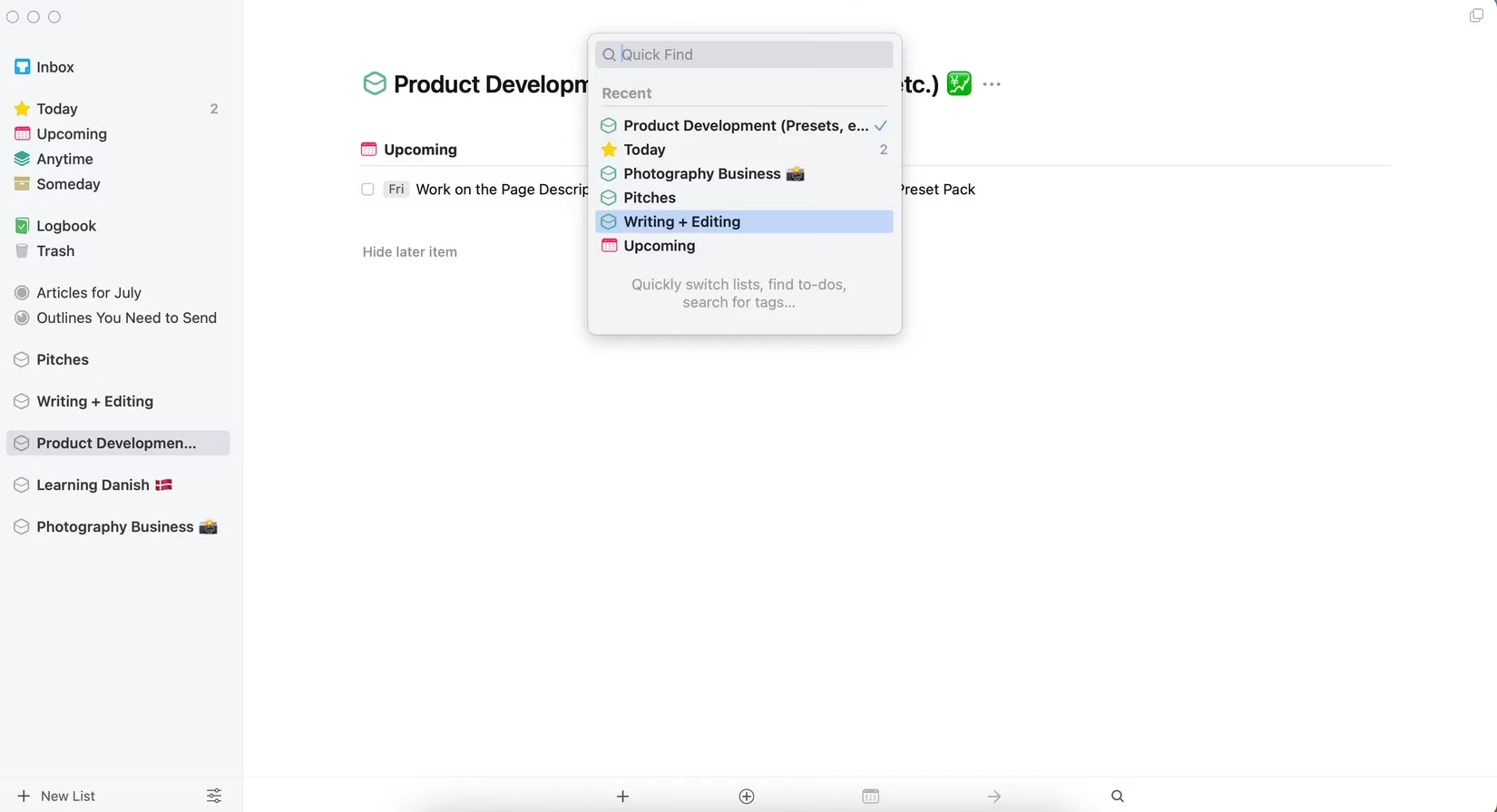
The ability to quickly drag, drop, and reschedule tasks between the Today, Upcoming, and Anytime views makes weekly planning a fluid, almost tactile experience. Copying and pasting repetitive tasks (like weekly reviews or content creation batches) eliminates manual redundancy.
Considerations and Trade-offs
No app is without its compromises, and Things 3 has two primary ones that users must weigh.
-
Platform Exclusivity: In 2026, Things 3 remains exclusively for Apple devices. There is no web app, Android version, or Windows client. For users deeply embedded in the Apple ecosystem, this is a non-issue. For those with a foot in other camps, it can be a deal-breaker. Alternatives like Todoist or TickTick offer broader cross-platform support.
-
Pricing Model: Things 3 uses a one-time purchase model per device platform (e.g., one license for iPhone/watchOS, a separate one for Mac, another for iPad). This contrasts with the subscription models prevalent elsewhere. While the total cost can be higher upfront, many users appreciate owning their software outright. There are no ongoing fees, and updates have been free for years.
Conclusion: Is Things 3 Right for You?
Things 3 is not for everyone. It is a premium, opinionated tool designed for users who value design, thoughtful workflow, and a focused, anxiety-free approach to task management. It rewards those who take the time to learn its structure.
Choose Things 3 if you:
✅ Are all-in on the Apple ecosystem (iPhone, Mac, iPad, etc.).
✅ Prefer a one-time purchase over a subscription.
✅ Value elegant, distraction-free design as much as powerful features.
✅ Want a system that helps plan your week, not just shout today's deadlines.
Consider an alternative if you:
❌ Need to access your tasks on Windows, Android, or via a web browser.
❌ Require intense collaboration features or shared workspaces.
❌ Prefer an app with a completely free tier or a single universal subscription.
For the Apple-centric individual seeking a to-do list app that feels less like a digital taskmaster and more like a trusted companion for navigating daily life, Things 3 in 2026 remains an exceptional, enduring choice. Its ability to transform a chaotic list of obligations into a clear, actionable plan is its superpower, making the journey toward productivity a calmer and more intentional experience.
Comments