Picture this: you're grinding away at your studies, your brain is firing on all cylinders, but your tools are holding you back. That was the reality for one dedicated student and gamer who, much like many of us, thought the iPad was the endgame for digital note-taking. For years, the iPad Air and Apple Pencil combo was their trusty sidekick, the go-to for scribbling down complex equations and lecture notes. But as any pro knows, sometimes you have to change your loadout to truly level up. What started as a simple mission to revive a reading habit with an e-ink tablet ended up being the ultimate power move, completely sidelining the iPad and revolutionizing their entire workflow. Talk about an unexpected plot twist!
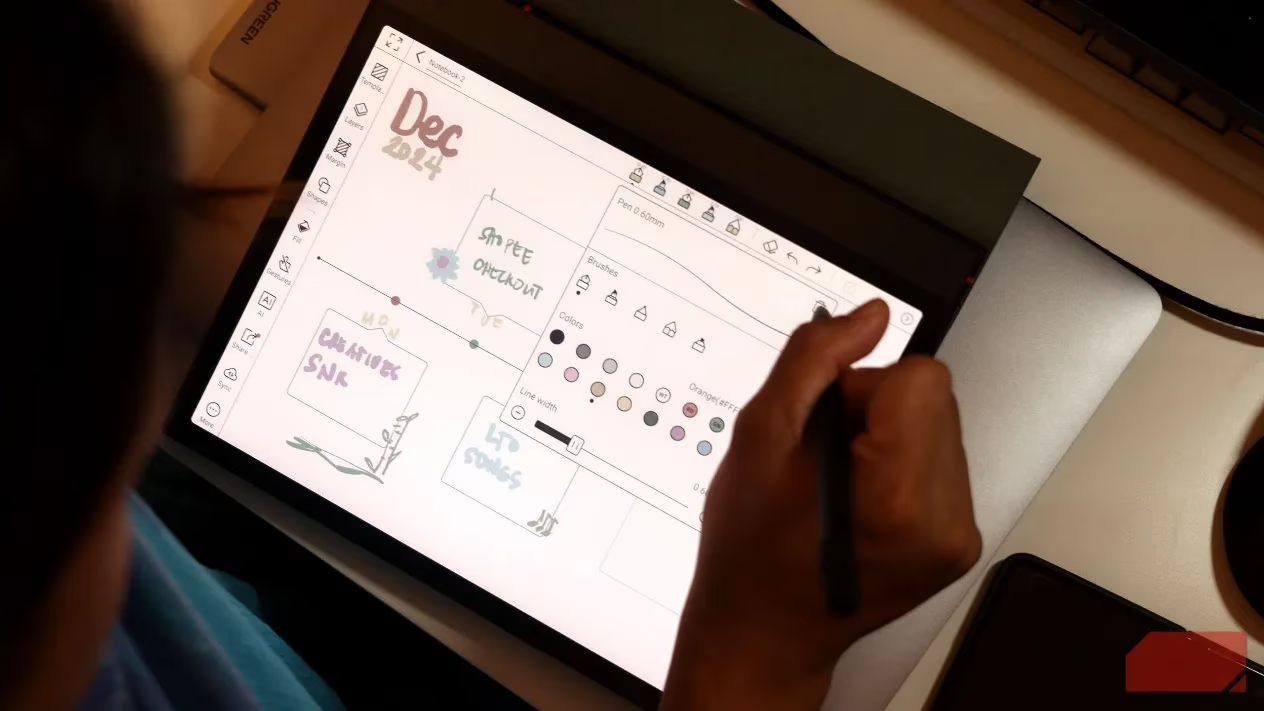
The Game-Changer: An e-Ink Display That's Easy on the Eyes
Let's be real, as gamers and students in 2026, we're practically glued to screens. Between coding marathons, lecture slides, and, of course, gaming sessions, our eyes are under constant assault from backlight glow. The writer, a full-time Computer Science major, found that piling iPad study sessions on top of an already screen-heavy day was a recipe for disaster—think raging headaches and serious eye strain. Enter the e-ink tablet. This bad boy doesn't have a traditional backlight. Instead, it works like real paper, reflecting ambient light. The result? Note-taking sessions that feel natural, not fatiguing. It's like swapping out a harsh, flickering monitor for a perfectly lit, high-end gaming setup. This single feature allowed for longer, more focused study grinds without the physical toll, making the switch a no-brainer.
Battery Life That's Simply Unreal 🚀
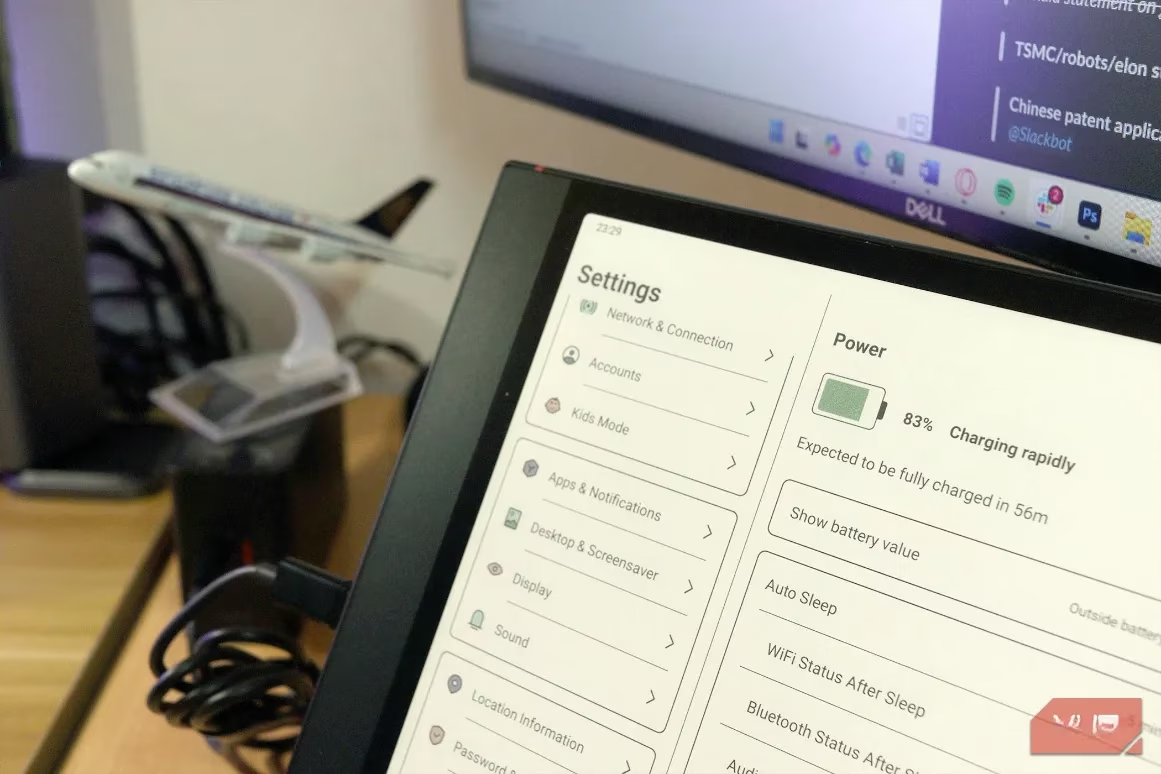
If there's one thing gamers hate, it's a dead battery mid-session. With the iPad Air, the daily charging ritual was a chore—plug in before class, plug in again at night, and still risk it dying during the final lecture. It was a constant source of anxiety. E-ink tablets operate on a whole different level. The Onyx Boox Note Air 4C, with its 3700 mAh battery, is a marathon runner in a world of sprinters. We're talking a charge every two weeks, even with daily use for classes and nighttime reading. And here's the kicker: you never, ever have to charge the stylus. While Apple Pencil users are awkwardly waiting for their tool to juice up every few hours, EMR (Electro-Magnetic Resonance) pens on e-ink tablets draw power wirelessly from the tablet itself. It's always on, always ready. No more "oh snap" moments when your pen dies.
The Ultimate Focus Machine: Bye-Bye, Distractions
Okay, let's talk about a universal struggle: focus. We've all been there. You open your iPad to study, and next thing you know, you're three levels deep in a mobile game or lost in a social media rabbit hole. Even with the best intentions, the iPad's vibrant, responsive screen is an invitation to distraction. The e-ink tablet flips the script entirely. Even though many, like the Onyx Boox, run on Android and could technically run those distracting apps, the experience is deliberately different. Scrolling and app-hopping on e-ink feels slow and clunky—it's just not enjoyable. This creates a beautiful, subtle friction that naturally guides you back to the device's core strengths: reading, writing, and focusing. It's like having a built-in focus mode that actually works. For someone who needs to concentrate on complex material, this has been a game-changer.
A Side-by-Side Comparison: iPad vs. e-Ink Tablet
Let's break down the key specs and experiences to see why this switch makes so much sense in 2026.
| Feature | iPad Air + Apple Pencil | e-Ink Tablet (e.g., Onyx Boox) | Verdict |
|---|---|---|---|
| Display | Glossy, backlit LCD/LED | Paper-like, reflective e-Ink | e-Ink wins for eye comfort during long sessions. |
| Battery Life | ~1 day with active use | Weeks on a single charge | e-Ink wins, no contest. A true set-and-forget device. |
| Stylus Charging | Requires frequent charging (hours) | Never needs charging (EMR tech) | e-Ink wins. Reliability is key. |
| Distraction Potential | Very High (full app ecosystem) | Very Low (frictionful UI) | e-Ink wins for focused, deep work. |
| Writing Feel | Smooth glass | Textured, paper-like | Subjective, but many prefer the e-ink feel for notes. |
| Multimedia/Apps | Excellent for videos, games, etc. | Poor for dynamic content | iPad wins for entertainment and versatility. |
The Bottom Line: Is It Worth the Switch?
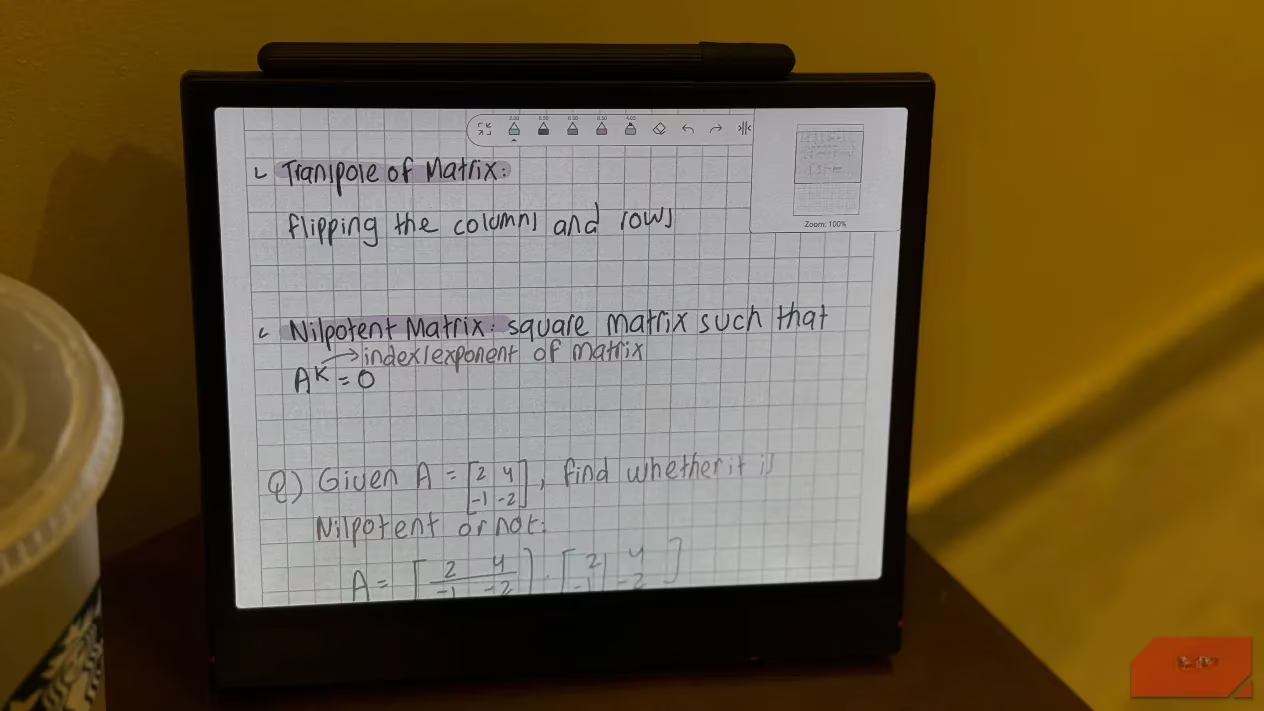
For the specific use case of serious note-taking, reading, and focused study, the e-ink tablet is a powerhouse. It's not trying to be everything to everyone. It excels at being a digital notebook and reader, and it does so while being incredibly kind to your eyes and your battery anxiety. The writer's sentiment says it all: given that a decent iPad setup and an e-ink tablet cost roughly the same, they genuinely wish they had gone straight for the e-ink option. The iPad has been effectively benched for study-related tasks. It's a classic case of using the right tool for the job. If your primary goals are distraction-free creation, marathon reading sessions, and a tool that gets out of your way, an e-ink tablet might just be the ultimate productivity hack you've been looking for. In the fast-paced world of 2026, sometimes the best upgrade is one that helps you slow down and focus. Game on.
Comments