I'll be honest: when my design studio went fully remote in late 2025, I thought I had it all figured out. Microsoft here, Google there, a rogue Trello board or two. But my productivity was a hot mess. Notifications pinged from every corner, files lived in three different clouds, and team communication felt like a game of telephone. That's when a colleague told me to stop sleeping on Zoho Workspace. Fast forward to 2026, and Zoho has become my remote work sidekick—the reliable, low-fuss friend who quietly keeps my whole work life from falling apart.
Communicating Without the Chaos
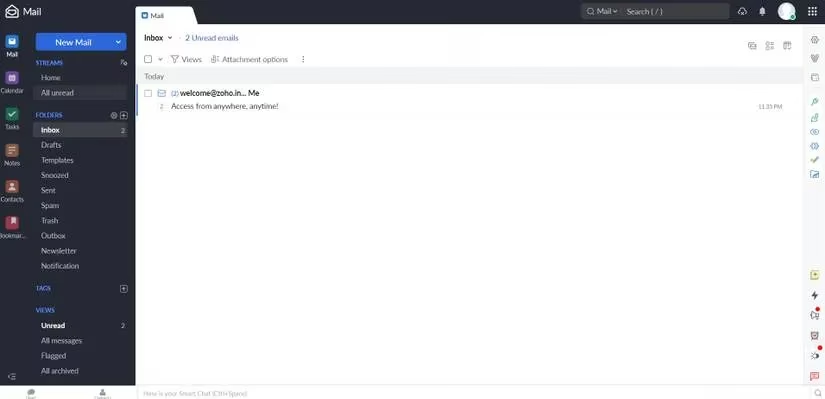
First up, Zoho Mail was the sleeper hit I did not see coming. I set up a custom email address on my own domain for free, which made my little studio look way more legit. It's ad-free, privacy-focused, and the drag-and-drop inbox organization is a total breath of fresh air. It plays nicely with the rest of the Zoho suite, so I'm not bouncing between tabs every five minutes.
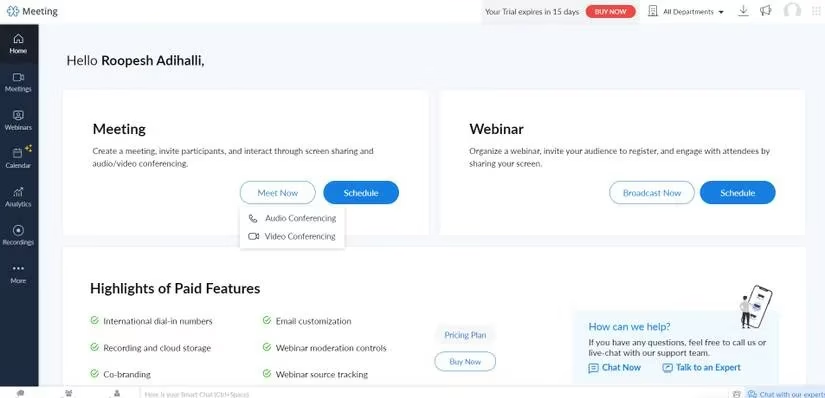
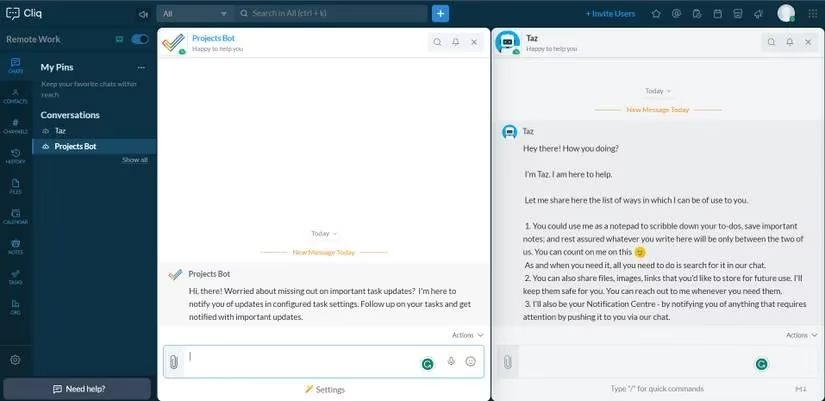
Then there's Zoho Meeting, which saved my bacon during client pitches. I can run secure online meetings and webinars with up to 100 participants for free for 60 minutes. It's intuitive, not bloated, and the security features keep nosy freeloaders out. For chatty daily stuff, Zoho Cliq is my jam. Threads, audio, video, file sharing—it all syncs across Windows, Mac, Linux, Android, and iOS. My team stopped emailing 'hey, did you see my message?' and started actually getting things done.
Docs and Spreadsheets That Don't Make Me Wanna Quit
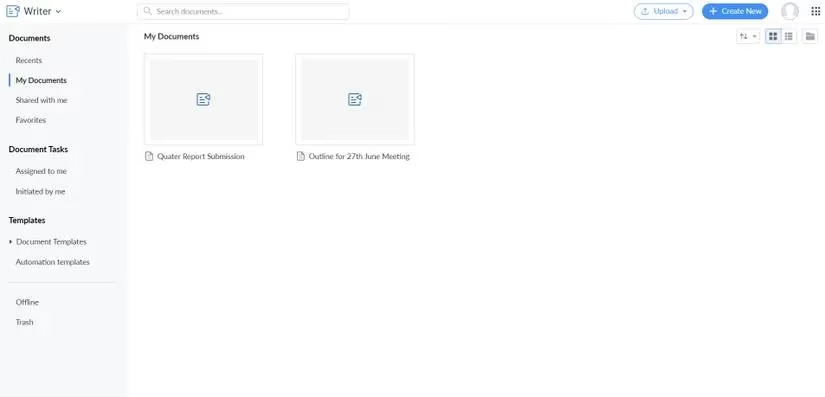
Word and Google Docs are fine, but Zoho Writer is my ride-or-die for collaborative writing. Real-time co-editing, offline mode, change-tracking, review and approval tools—it's the whole enchilada. Zia, the built-in writing assistant, catches my sloppy grammar before clients do. I can even send drafts straight to WordPress, which was a game changer for my blog workflow.
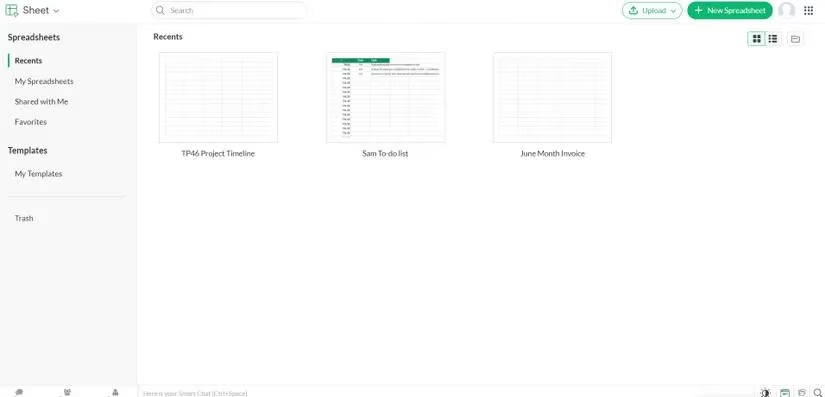
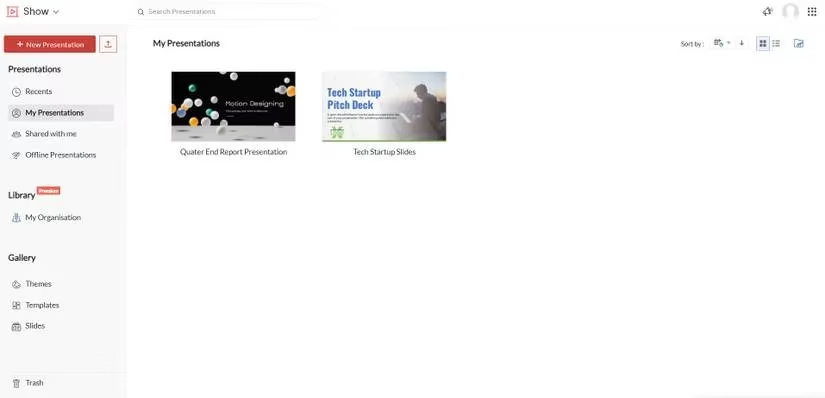
When I need to crunch numbers, Zoho Sheet gives me spreadsheets with real-time collaboration. I can set multiple permission levels, so freelancers see only what they need, and data flows automatically from Zoho Forms or Zoho CRM. No more copy-pasting myself into oblivion. If I'm pitching a new brand identity, Zoho Show has over 100 templates that make my slides look sharp without me fighting the UI. It's a solid PowerPoint alternative, and the minimalist interface is a godsend.
Staying Organized Without Losing My Mind
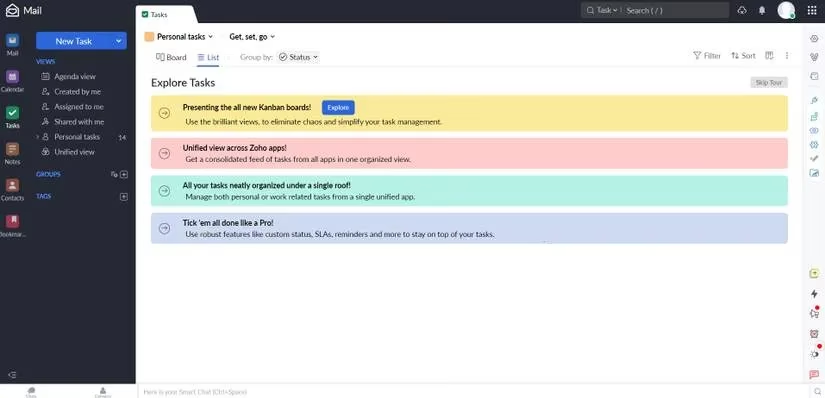
Task management used to be my personal circle of hell. Zoho ToDo changed that. I can add tasks from email in five different ways, split big projects into smaller sub-tasks, set priorities, and categorize everything. The reminders keep me honest, and the progress tracking means I can see exactly where a project stands without pestering anyone.
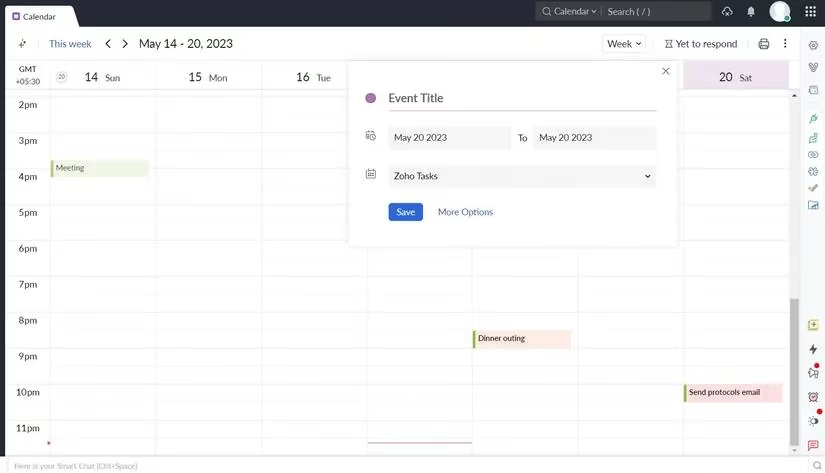
For scheduling, Zoho Calendar is the glue. I can create group calendars for my design team, sync events across all devices, and even import events from other calendars using a URL or ICS file. It might not be flashy, but it's fast and easy to navigate.
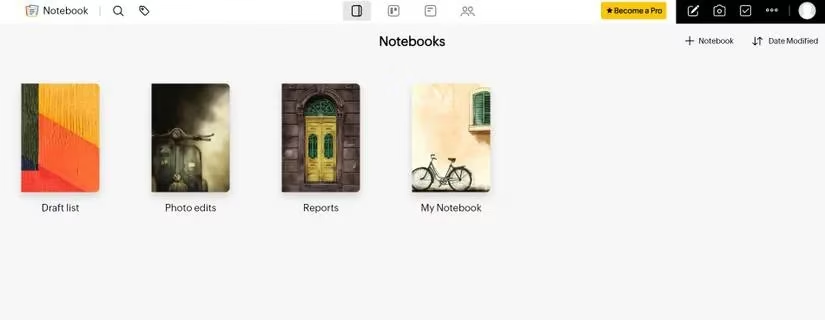
On the notes side, Zoho Notebook is a versatile little powerhouse. Text, checklists, audio, photo, file, sketch, and smart cards—it's like Evernote, but without the bloat. I jot something on my phone, and it syncs to my Mac before I've even sat down. Sharing notes with clients is painless, which is not something I say lightly.
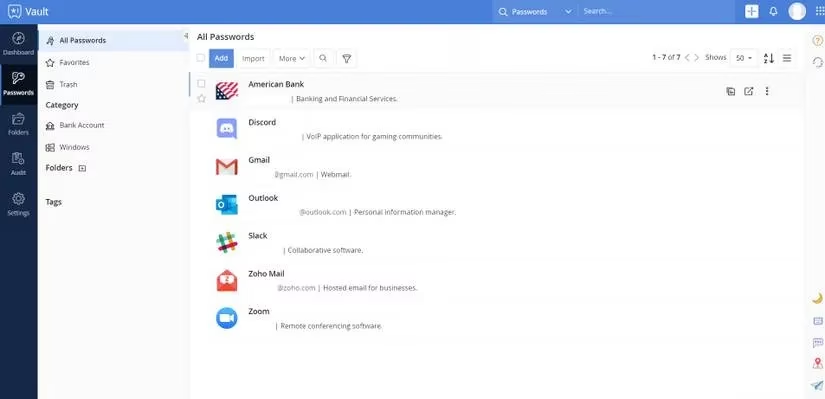
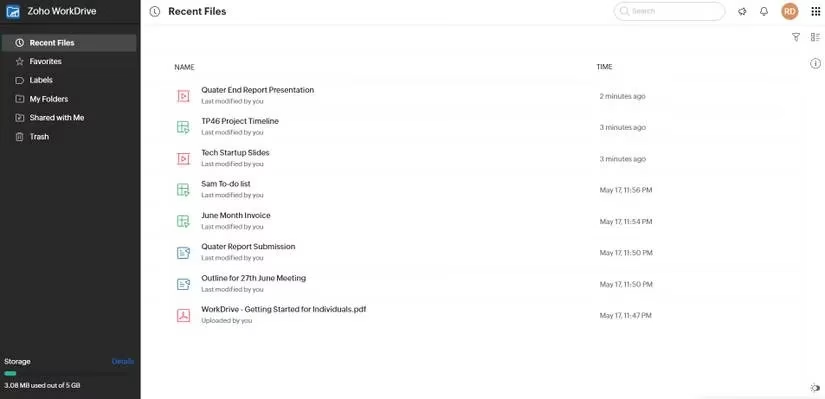
Now, let's talk safety and storage. Zoho Vault is my password manager of choice. It autofills logins, offers unlimited password storage, runs security audits, and even gives admins a dashboard to keep tabs on everything. It's a budget-friendly enterprise password manager that doesn't skimp on encryption. And Zoho WorkDrive is where all our files live. Secure cloud storage, syncing across desktop and mobile, and team collaboration under one roof. It's a no-brainer for small businesses like mine.
The Takeaway
At the end of the day, what sold me on Zoho Workspace is the integration. Every tool speaks the same language, so I spend less time shuffling between apps and more time doing the work that actually matters. Whether you're a solopreneur, a small team, or a growing organization, it's worth giving Zoho a look. For me, it turned a chaotic remote setup into a smooth, well-oiled machine—and honestly, that's worth its weight in gold.
Comments